Broward Powered by AI
Preparing students for a world that doesn't exist yet.
See how BCPS uses AI responsibly across teaching, learning, and operations: real governance, clear transparency, human oversight at every step, and strong protections for student data, all backed by public evidence you can check.
Human Intelligence First. Artificial Intelligence Second.An introduction from Broward County Public Schools to the Broward Powered by AI initiative: what it is, why it matters, and what families can expect.
Recent updates
Broward Powered by AI at the Council of the Great City Schools. Dr. Fabian Cone and Richard Baum shared Broward’s model with large urban districts at the 70th Annual Fall Conference in Boston: governance before scale, capacity before deployment, and honest evaluation.
Advancing Responsible AI Use Through School-Based Support. At their second meeting on October 14, AI Liaisons saw Copilot and MagicSchool demonstrations and reviewed steps for checking AI-assisted materials before sharing them.
Student Voices Help Shape AI in Broward Schools. The AI Student Task Force held its first meeting on October 15, where students discussed what would make AI a better learning experience.
BCPS Adopts New AI Policy that Puts Teachers and Parents in the Driver’s Seat. The School Board adopted the District’s Artificial Intelligence Policy on September 15, with guardrails for student and staff data, teacher control of classroom AI use, and real-time safety monitoring on every student-facing tool.
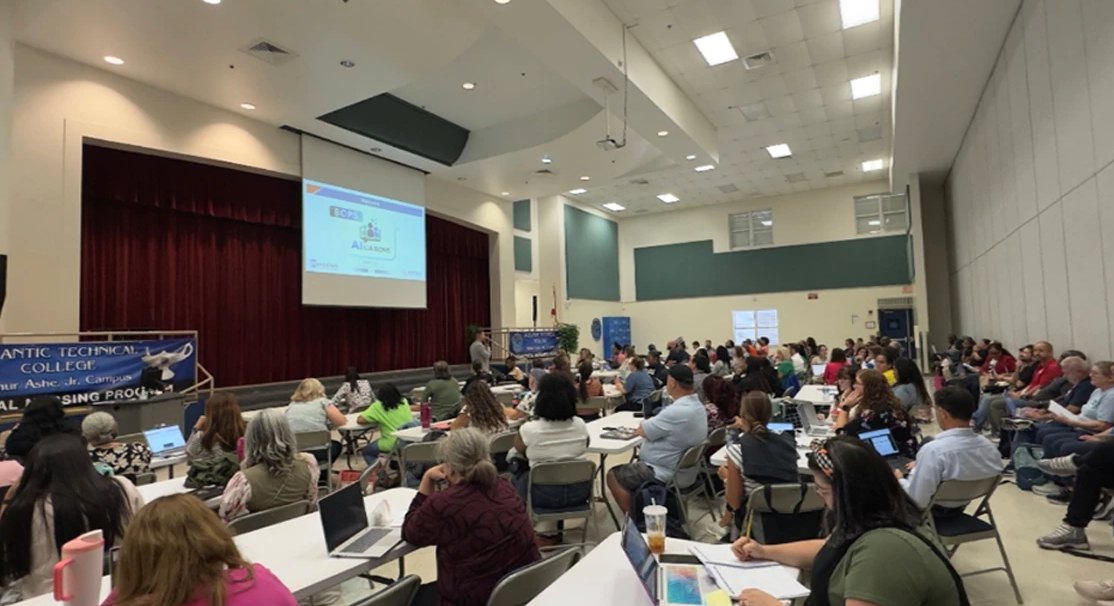
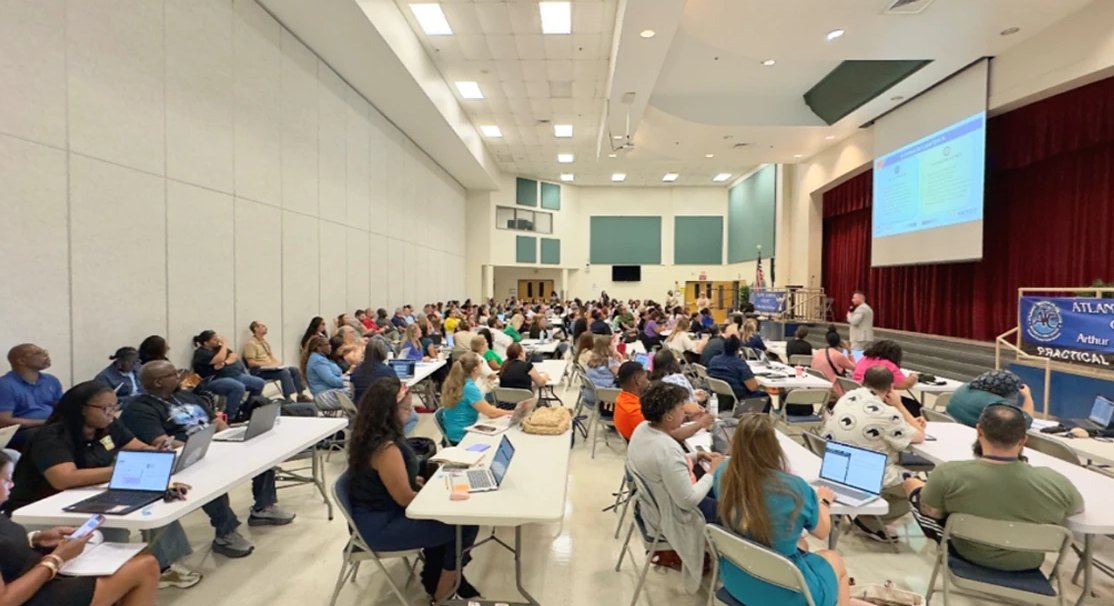
Building School-Based Leadership for Responsible AI. More than 200 AI Liaisons launched the 2026-2027 AI Liaison Program at the Arthur Ashe Campus on September 16, preparing to serve as trusted instructional champions at their schools.
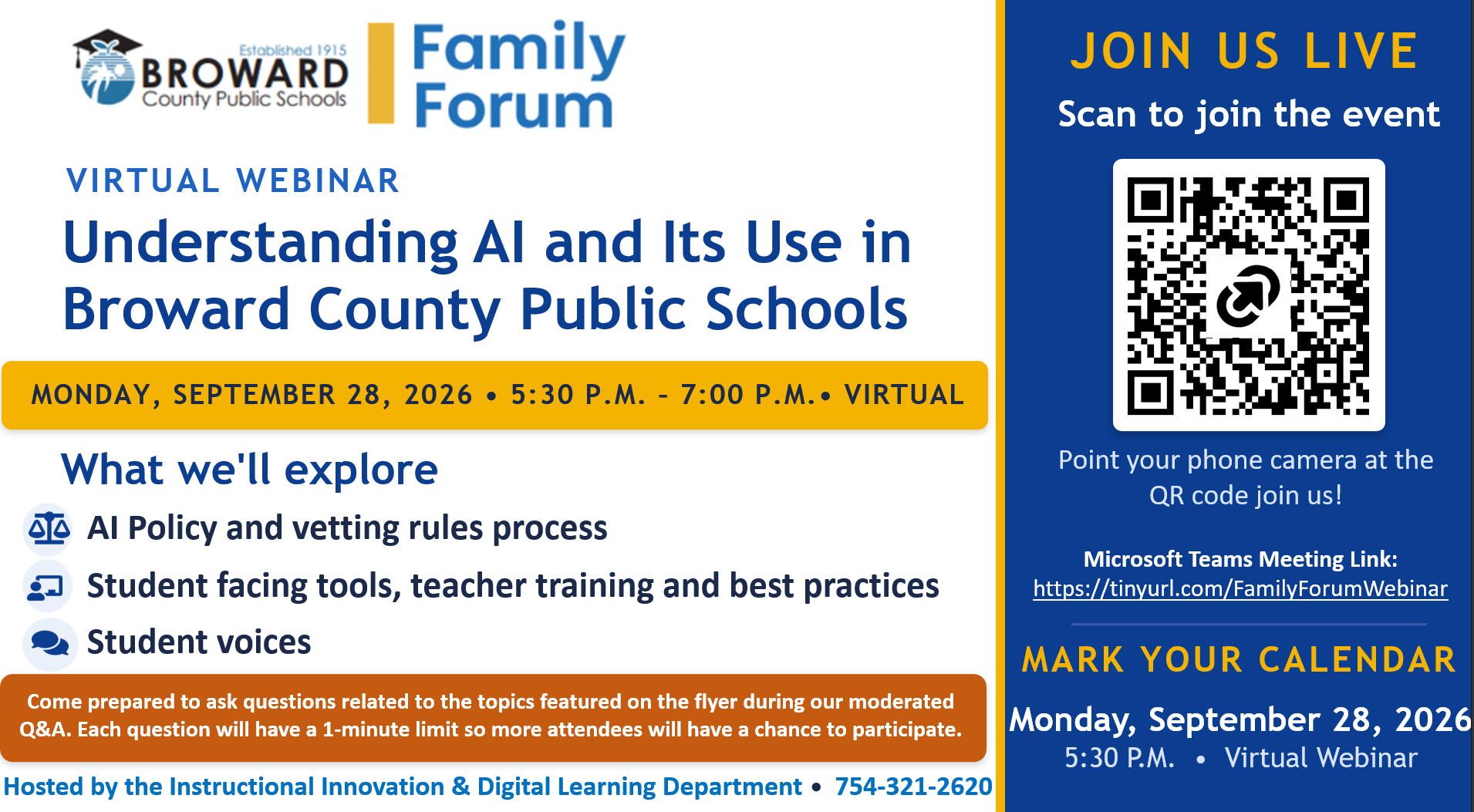
Family Forum #3: From Conversation to Responsible Implementation. Families heard how Policy 7540.08 guides AI use, how AI Liaisons and teacher training connect policy to classrooms, and how Nova High School students use AI as a guide, not a shortcut.
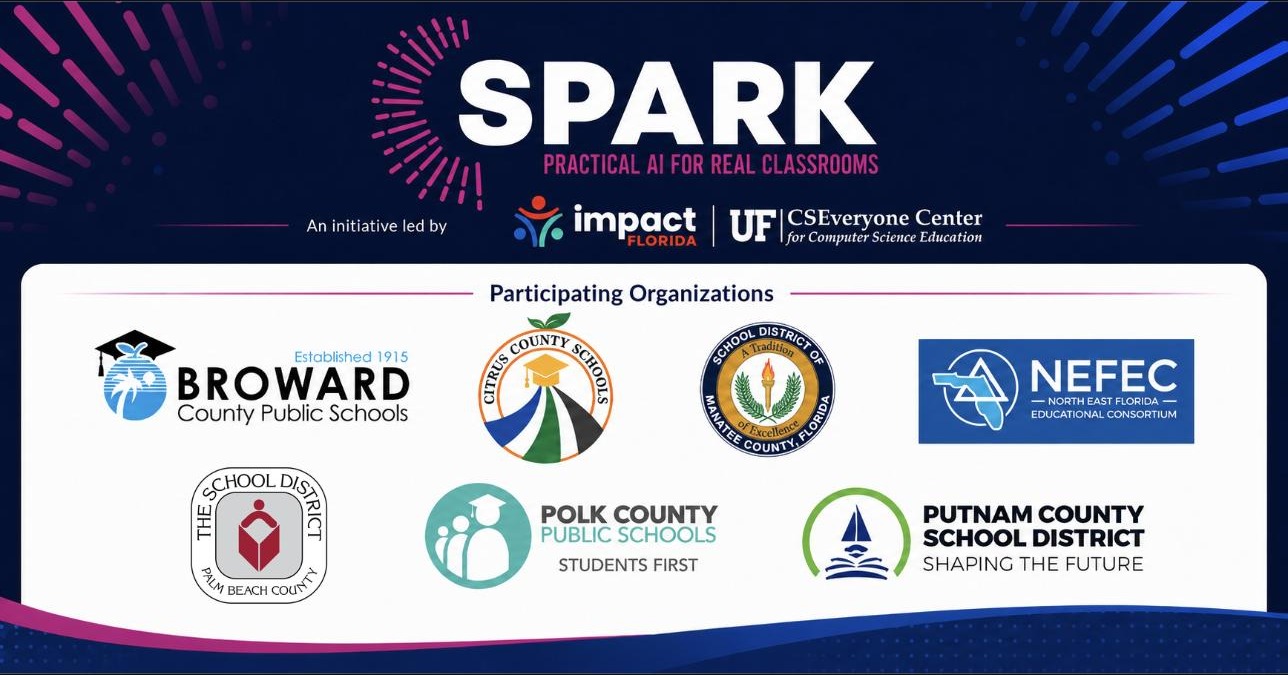
Broward selected for Impact Florida's SPARK cadre, an 18-month initiative supporting responsible AI use in education.
Back to School AI: What Parents Need to Know — District 4 parent event on approved AI tools, online safety, and supporting learning at home.

Parent AI Symposium 2026 sessions are underway, open to parents, educators, and community leaders.
School Board Resolution No. 26-132 was approved, formally adopting the districtwide AI approach.
Family Forum continues its AI-literacy sessions for families. Family Forums #1 (July 29), #2 (August 27), and #3 (September 28) are complete, with recaps and materials on this site.
Five commitments to every family
A districtwide approach to artificial intelligence built on transparency, trust, education, engagement, and accountability. Technology that supports the relationships and experiences essential to learning, never replaces them.
Transparency
Know exactly what AI is used, why, and how it is monitored.
Trust
Clear safeguards, governance, and ethical guardrails.
Education
Help families understand AI and the skills students need next.
Engagement
Ways for parents, students, and educators to take part.
Accountability
Public progress, metrics, reports, and continuous review.
Events and Initiatives
Parent AI Symposium 2026
Join us for an engaging conversation with district leaders, educators, and technology experts about AI in education. Learn how Broward Powered by AI is transforming classrooms while keeping students, families, and teachers at the center.
2026 - Multiple Sessions
Parents, Educators, Community Leaders
More events coming soon. Check back regularly for updates on community engagement opportunities.
Tell us what you think
Share your thoughts on Broward Powered by AI through our districtwide ThoughtExchange survey, open to every parent, student, educator, and community member.

Source: ThoughtExchange survey link and QR code, July 29, 2026.
A connected ecosystem of learning
AI, virtual reality, and extended reality are reshaping how students learn and the careers they will enter. Broward Powered by AI connects every level of the system so progress reaches the classroom and the future workforce.
Click any step to see its role in the ecosystem.
What AI is, and what it is not
What AI is
- Supports teaching
- Supports learning
- Supports accessibility
- Supports personalization
- Supports efficiency
What AI is not
- Replacing teachers
- Making educational decisions
- Grading students independently
- Replacing human relationships
- Replacing curriculum
The principle behind every decision
The U.S. Department of Education describes responsible AI in schools like an electric bike, not a robot vacuum: the human stays fully aware and fully in control, while their effort is multiplied. Every AI tool in Broward is meant to be inspectable, explainable, and able to be overridden by an educator.
Humans in the loop, always.Source: U.S. Department of Education, Office of Educational Technology, Artificial Intelligence and the Future of Teaching and Learning (2023).
The Artificial Intelligence Leadership Framework
Broward's own AILF replaces the generic industry principles previously shown here. It is a district-wide guide for leaders to use AI responsibly, ethically, and strategically, grounded in the Florida Educational Leadership Standards (FELS 1 through 8) and aligned with the district's Strategic Plan.
"Leading ethical, strategic AI integration to advance student success and excellence." The AILF is not a mandate to use AI tools, nor does it replace district policy, professional judgment, or evaluation frameworks. It outlines effective leadership practices for using AI purposefully to support teaching, learning, and organizational effectiveness.
AILF 1AI for Ethical and Responsible LeadershipFELS 1, Professional and Ethical Norms
Leadership focus: Leaders shall ensure that all AI use is ethical, responsible, and aligned with professional norms to promote the academic success and well-being of all students.
Safeguards: protect student and staff data privacy in all AI applications; identify and mitigate potential bias in AI tools and outputs; establish clear guidelines for responsible AI use; promote equitable access to AI resources and opportunities.
AILF 2AI for Vision, Strategy, and Change ManagementFELS 2, Vision and Mission
Leadership focus: Leaders shall establish, communicate, and sustain a shared vision for the strategic and ethical use of AI, aligned with the school and district mission, instructional priorities, and goals for student success.
Safeguards: support development and communication of AI expectations aligned to the School Improvement Plan and district strategic priorities; involve staff, students, and stakeholders; enhance teaching, learning, and student outcomes; monitor progress toward defined AI integration goals.
AILF 3AI for Organizational ManagementFELS 3, School Operations, Management, and Safety
Leadership focus: Leaders shall leverage AI to strengthen organizational systems, increase operational efficiency, and support strategic decision-making aligned to a safe school environment, supervision, emergency procedures, and student and staff well-being.
Safeguards: improve scheduling, communication, and resource allocation; integrate AI insights into school improvement planning and data review; streamline operational tasks to maximize time for instructional leadership; identify inefficiencies and data-informed improvements.
AILF 4AI for Student Learning and Continuous School ImprovementFELS 4
Leadership focus: Leaders shall strategically utilize AI to enhance data-informed decision-making, strengthen intervention systems, and improve measurable student outcomes for all student groups.
Safeguards: systematically analyze student performance, subgroup, and longitudinal data; inform intervention design and progress monitoring; conduct data analysis aligned to School Improvement Plan goals; support equitable access to rigorous learning for all students.
AILF 5AI for Inclusive and Supportive Learning EnvironmentsFELS 5, Learning Environment
Leadership focus: Leaders shall ensure that AI is used to cultivate a caring, inclusive, rigorous, and supportive learning environment that promotes student belonging, engagement, well-being, safety, and academic success for all students.
Safeguards: promote a positive, inclusive, student-centered culture; reinforce high expectations for behavior and engagement; monitor environments for rigor, safety, and respect; support staff in addressing social, emotional, behavioral, and academic needs.
AILF 6AI for Capacity Building and Talent DevelopmentFELS 6, Recruitment and Professional Learning
Leadership focus: Leaders shall ensure that AI is strategically used to strengthen recruitment, professional learning, instructional coaching, and staff support systems that build the capacity of instructional personnel to improve teaching, learning, and student outcomes.
Safeguards: differentiate professional learning based on teacher needs and experience; design job-embedded learning aligned to school goals; strengthen instructional coaching cycles; support recruitment, onboarding, and retention systems.
AILF 7AI for Leadership and InnovationFELS 7, Building Leadership Expertise
Leadership focus: Leaders shall ensure that AI is strategically used to strengthen leadership expertise, distributed leadership structures, succession planning, and organizational leadership capacity to support long-term school improvement and sustainability.
Safeguards: strengthen distributed leadership and clarify responsibilities; support assistant principal, coach, and teacher-leader growth; support succession planning and leadership continuity; analyze leadership challenges through multiple lenses.
AILF 8AI for Communication and PartnershipsFELS 8, Meaningful Parent, Family and Community Engagement
Leadership focus: Leaders shall ensure that AI is used to strengthen reciprocal communication, build trusting relationships, and promote meaningful collaboration with families and the community to support student success and well-being.
Safeguards: communicate clearly, consistently, and respectfully with families; differentiate communication to meet diverse family needs; analyze stakeholder feedback to inform decisions; establish systems for two-way communication and ongoing collaboration.
Human leadership, always
Across all eight domains, the AILF is explicit that AI tools, including Microsoft Copilot, are meant to enhance, not replace, human leadership, professional expertise, ethical judgment, and student-centered decision-making. Final decisions remain human.
Source: Artificial Intelligence Leadership Framework (AILF), Broward County Public Schools, Approved Documents / 2 Our Principles, BCPS SharePoint. Replaces the earlier generic nine-principle placeholder (adapted from U.S. Dept. of Education, TeachAI, UNESCO, OECD, and NIST), per Sean Russell's direction on July 16, 2026.
Only reviewed, district-approved tools
Broward uses an approved-tools-only model. Student and staff information is never entered into tools that have not been reviewed. Each approved tool clears privacy, security, and accessibility review first.
AI tools
Microsoft Copilot
ApprovedAn AI assistant inside the district's protected Microsoft environment, with enterprise data protection enabled.
- Largest Copilot Premium implementation in education in the world, verified by Microsoft
- Enterprise data protection enabled
- Not used to train public AI models on school data
- Student access is currently a limited pilot for AI-Academy students, with plans to expand to broader grade-based access
- Parent FAQ and demonstration video
For example: an AI-Academy student uses Copilot to help outline and revise a project write-up, with the teacher reviewing every step.
MagicSchool AI
ApprovedA purpose-built education platform that helps teachers plan, differentiate, and reach every learner, with human oversight at every step.
- Built for K-12 classroom instruction
- Teacher-led, with human oversight built into every tool
- Helps educators differentiate for ESE and ESOL learners
- Student data is never used to train AI models, and the district owns all of it
For example: a teacher uses MagicSchool to generate a differentiated reading passage for an ESE student, at a reading level suited to that student, in minutes instead of an hour.
Khan Academy / Khanmigo
Approved partnerAn AI tutor built on Khan Academy's platform, listed among BCPS's approved AI partners.
- Full tool details, safety features, and classroom guidance are being finalized with BCPS
For example: a student uses Khanmigo to get a hint on a math problem they’re stuck on, without simply being given the answer.
XR/VR tools
Extended and virtual reality tools, and more coming.
Prisms VR
ApprovedAn immersive virtual reality platform students use to explore math and science concepts hands-on, from ratios and graphing to phase changes, always teacher-directed.
- Used for standards-aligned math and science lessons
- Teacher-directed, tied to formative assessment data (Checks for Understanding, or CFUs)
- Real classroom videos and transcripts below
For example: a student uses Prisms VR to physically walk through a 3D graph of an equation, making an abstract math concept something they can see and move through.
How a tool gets approved
Every tool passes the same review before it reaches a classroom.
Privacy review
Signed data privacy agreement, FERPA check, and an independent privacy rating.
Security review
Independent security audit, encryption, and breach-notification terms.
Accessibility review
Tested against WCAG 2.1 AA, the standard accessibility rulebook, as required under ADA Title II, so students using screen readers or other assistive technology can use it too.
Approval & publish
Added to the approved inventory and listed here for families.
Student-facing tools are also stress-tested before students use them. The District's testing rubric scores how a tool refuses unsafe requests, redirects students to safe alternatives, keeps a conversation from being steered off course, protects privacy, and flags concerns for adult review.
Sources: U.S. Dept. of Education developer guidance (2024); Student Data Privacy Consortium National Data Privacy Agreement; Common Sense Privacy Program; ADA Title II web rule; WCAG 2.1 AA. Professional learning catalog and PRISM leader resources: BCPS Information Systems Division (ISD PMO Sections) and PRISM AI Principal Resource Handouts (Copilot, MagicSchool), Approved Documents / 3 Approved Tools, BCPS SharePoint.
Artificial Intelligence, technology, and student learning
Straight answers, in one place, developed in response to questions and concerns shared during recent Community and Family Forums about technology, artificial intelligence, approved tools, family notification, teacher training, vetting, safety alerts, accountability, and parent feedback.
No questions match your search. Try a different word or phrase.
Our Commitment
Broward County Public Schools is committed to a districtwide approach to Artificial Intelligence built on transparency, trust, education, engagement, and accountability. Student privacy, safety, transparency, and accountability remain district priorities. Teachers remain central to learning. Technology will support teaching and learning, not replace the relationships that make learning meaningful. Student-facing Artificial Intelligence tools used through the district must be teacher directed, teacher monitored, and connected to a clear instructional purpose. Our guiding principle is Human Intelligence First, Artificial Intelligence Second.
Our message to families
At Broward County Public Schools, teachers lead learning and play a central role in student development. The district is committed to using Artificial Intelligence thoughtfully, transparently, and responsibly. Our goal is to prepare students for the future while protecting safety, privacy, human relationships, and meaningful learning experiences. We understand that families have questions and concerns, and that input is welcome. The district’s responsibility is to listen, explain, monitor, and adjust as policy and practice develop. Technology will support learning, not replace it. As School Board policies are updated and technology continues to evolve, this guide will be revised to stay current and relevant.
What we know today
- Teachers remain central to learning.
- Artificial Intelligence will be used to support educators, not replace them. Teachers remain responsible for instruction, relationships, feedback, and educational decisions.
- Elementary students in kindergarten through grade 5 do not currently have access to district-approved student-facing Artificial Intelligence tools. Secondary students may have access only to approved tools in supported instructional settings, as explained in the grade-level chart below.
- Student privacy, safety, transparency, and accountability are district priorities.
- Families will continue to have opportunities to provide feedback and ask questions.
- Broward Powered by AI serves as the district information hub.
- Student-facing Artificial Intelligence tools, when used, must be teacher directed, teacher monitored, and connected to a clear instructional purpose.
- MagicStudent, the student-facing part of MagicSchool, is not currently available for Broward County Public Schools students. Teachers are completing training before any student-facing use may be considered.
- Approved district tools are different from open public tools such as ChatGPT or Google Artificial Intelligence features. Open public tools are not approved by the district for student-facing instructional use. Because students may still encounter public tools outside district-controlled settings, families should talk with their children about safe and responsible use.
- Based on current district requirements and practices, student information entered into approved tools must remain within the Broward County Public Schools environment; student information is not used to train district-approved Artificial Intelligence models.
What is still being reviewed
- Future student-facing Artificial Intelligence access
- Development of additional family resources
- Future grade-level implementation decisions
- Policy updates and governance processes
- Long-term evaluation and monitoring
- Guidance related to parent choice and procedures
- How families will be notified when a teacher opts in to use a student-facing Artificial Intelligence tool with a class
- Parent preview opportunities so families can see or try approved student-facing tools
- How success measures will be publicly shared and communicated, including usage, teacher workload impact, student engagement, student outcomes, and implementation adjustments
- How the district will communicate procedures related to opting out where available and applicable
- How Artificial Intelligence may affect energy use, district operations, and climate-related goals
Grade-level access overview
| Grade band | District-approved student-facing tools | Teacher-facing Artificial Intelligence tools | Important notes |
|---|---|---|---|
| Elementary school, kindergarten through grade 5 | None currently available through the district. | Teachers may have access to teacher-facing tools, based on district guidance and training. | Elementary students may receive age-appropriate instruction about Artificial Intelligence literacy and digital citizenship. This is different from giving students access to a student-facing Artificial Intelligence tool. No student-facing tool is currently offered to students through the district. |
| Middle school, grades 6 through 8 | Khanmigo through Khan Academy and HMH Writable are approved tools for supporting secondary instruction. MagicStudent is not currently available to Broward County Public Schools students. | Teachers may use approved teacher-facing tools as optional supports following training and district guidance. | Student use must be connected to instruction, teacher directed, and teacher monitored. |
| High school, grades 9 through 12 | Khanmigo through Khan Academy and HMH Writable are approved tools for supporting secondary instruction. MagicStudent is not currently available to Broward County Public Schools students. | Teachers may use approved teacher-facing tools as optional supports following training and district guidance. | Student use must be connected to instruction, teacher directed, and teacher monitored. |
Approved tool snapshot
The following summary is included to help families understand the difference between teacher-facing tools, student-facing tools, and open public tools.
| Tool | Who may use it | Purpose | How is it applied |
|---|---|---|---|
| MagicSchool | Teacher-facing use for teachers, instructional leaders, and educational administrators. | Teacher planning, instructional resources, differentiation, communication, and efficiency. | Can support planning, resource development, communication, and differentiated instruction. Educators remain responsible for reviewing and adapting all materials before use. |
| MagicStudent | MagicSchool’s student-facing feature. Not currently available to Broward County Public Schools students. | Provides student support serving as a resource that enhances student learning under teacher directed instruction. | If approved in the future, is teacher directed, teacher monitored, and used only by trained educators under district procedures. |
| Khanmigo through Khan Academy | Approved student-facing use for secondary students in supported settings. | Tutoring and guidance. | Acts as a guided tutoring support. It prompts students to think through problems instead of simply providing an answer. It does not replace student thinking. Teachers remain responsible for directing its instructional use. |
| HMH Writable / Revision Aid | Approved student-facing use for grades 6 through 12 in supported writing settings. | Writing feedback and revision support. | Provides feedback before teacher review. It is not a conversational tool and does not replace teacher grading. |
| Microsoft Copilot Premium | Staff-facing use. | Staff productivity, planning, workflow support, and operational use. | Supports staff work and is not a student-facing tool. |
| ChatGPT, Google Artificial Intelligence features, and other open AI tools | Not approved by Broward County Public Schools as student-facing instructional tools. | Public Artificial Intelligence tools outside the district-approved student tool set. | The district is reviewing controls for access to open public tools on school-issued devices, including devices used on non-school networks. Because students may still encounter public tools outside district-controlled settings, families should talk with their children about safe and responsible use. |
Frequently asked questions
93 questions and answers gathered from Community and Family Forums, organized into nine topics. Choose a topic to jump to it, or search above.
1Understanding Artificial Intelligence and the District’s Guiding Approach
1. What is Artificial Intelligence?
2. Why is the district talking about Artificial Intelligence?
3. What does “Human Intelligence First, Artificial Intelligence Second” mean?
4. Will Artificial Intelligence replace teachers?
5. What is the difference between teacher-facing and student-facing tools?
6. Do Broward County Public Schools approved tools create content for students?
7. How will Artificial Intelligence support reading, writing, and social skills?
8. Could Artificial Intelligence reduce critical thinking or creativity?
9. Will students be taught about the risks and limits of Artificial Intelligence?
10. How does Artificial Intelligence help teachers without replacing them?
11. Can Artificial Intelligence support teacher planning without creating the lesson for the teacher?
12. Will students learn how Artificial Intelligence works, including generative Artificial Intelligence and Artificial Intelligence agents, rather than only learning how to use it as a productivity tool?
13. How will the district help students and teachers understand that Artificial Intelligence is a tool, not a person that thinks or knows things the way people do?
14. How will students learn to recognize when an Artificial Intelligence tool agrees with or flatters the user instead of providing accurate information?
15. What does responsible and ethical Artificial Intelligence use look like for students?
16. Can Artificial Intelligence help students learn without doing the work for them?
2Student Access, Grade Levels, and Approved Tools
17. Are elementary students using district-approved Artificial Intelligence tools?
18. Will elementary students learn about Artificial Intelligence?
19. What is Khanmigo?
20. What is HMH Writable or Revision Aid?
21. What is MagicSchool?
22. What is MagicStudent?
23. Will there be additional training if MagicStudent is used in schools?
24. Will families be notified if a teacher uses MagicStudent with their child?
25. Are ChatGPT, Google AI, or other open tools used?
26. When will MagicStudent be available for students?
27. Do students use their own district login when accessing approved Artificial Intelligence tools?
28. Is Microsoft Copilot used by students in the classroom?
29. Can students open approved Artificial Intelligence programs on their own, such as HMH Writable?
30. Can students use Khanmigo when they need tutoring help?
31. When students use MagicStudent or another approved Artificial Intelligence tool, will it check whether their answers are accurate?
32. Will MagicStudent grade student work?
33. How does MagicStudent support students without doing the thinking for them?
34. Can teachers decide what MagicStudent should focus on during an activity?
35. How does Broward County Public Schools help ensure that Artificial Intelligence image-generation tools are safe for students?
36. What Artificial Intelligence applications are currently used by high school students?
37. Will advanced Artificial Intelligence coding tools become available to more students?
38. Is Nova High School the only school offering an Artificial Intelligence program?
3Teacher Use, Training, Grading, and Human Oversight
39. Are teachers required to use district Artificial Intelligence tools?
40. How are teachers trained?
41. Will Artificial Intelligence be used for grading?
42. Are teachers being trained to use Artificial Intelligence responsibly and effectively?
43. Does district approval of Artificial Intelligence change the rules for using Teachers Pay Teachers resources?
44. Are schools or employees rewarded for using Artificial Intelligence tools?
45. Can a teacher set limits or parameters when students use Khanmigo?
46. How does a teacher provide feedback when students use HMH Writable?
47. What should a family do if a teacher uses unapproved Artificial Intelligence material or does not review Artificial Intelligence-generated work?
48. What is the role of the Artificial Intelligence liaison at my child’s school?
4Student Safety, Privacy, Data Protection, and Vendor Oversight
49. How are Artificial Intelligence tools selected and approved?
50. What are real-time threat detection and real-time moderation?
51. Who receives student safety alerts?
52. How is student information protected?
53. Do student interactions train the Artificial Intelligence models?
54. Is a student’s work in MagicStudent private?
55. Are students’ Individualized Education Programs (IEP) entered into MagicSchool?
56. Do approved Artificial Intelligence tools allow adults to review what students enter, and who can see it?
57. Can parents review their child’s prompts and work in approved Artificial Intelligence tools?
58. Who trains the Artificial Intelligence systems used by Broward County Public Schools?
59. How does the district audit Artificial Intelligence vendors to help keep student and staff data safe?
60. Has the district already audited its Artificial Intelligence vendors?
61. How are students in advanced Artificial Intelligence programs kept from accessing other students’ information or district systems?
62. How will the district prevent students from being unfairly accused of using Artificial Intelligence?
5Family Information, Parent Choice, and Student Support
63. Can families preview or test approved tools?
64. How can families stay informed?
65. How can parents and guardians participate in future decisions?
66. What are the next Family Forum dates?
67. What if my family’s question was not answered during the forum?
68. How will the district respond if state law requires parent permission before students use Artificial Intelligence?
69. How will Artificial Intelligence tools support students with disabilities and other individual learning needs?
70. Will parents need to give permission before schools use Artificial Intelligence with their child?
71. Does Policy 7540.08 protect students who use accessibility supports?
72. When a parent elects to not permit Artificial Intelligence use, how will the school manage and provide the alternative instruction to the student?
6Evidence, Outcomes, Accountability, and Continuous Review
73. How will success be measured?
74. What would cause the district to stop using a tool?
75. How will data be used to make decisions about Artificial Intelligence tools, and who oversees those decisions?
76. What evidence will show whether Artificial Intelligence tools are helping students and teachers?
77. Will the district compare outcomes for students who use Artificial Intelligence tools with those who do not?
78. How will the district prevent students from being unfairly accused of using Artificial Intelligence?
79. What independent evidence shows that the district’s Artificial Intelligence tools improve student learning?
7Screen Time and Balanced Technology Use
80. Will Artificial Intelligence increase screen time?
81. How is Artificial Intelligence different from i-Ready and other education technology?
82. Does using more Artificial Intelligence conflict with the district’s goal of reducing screen time?
8Costs, Funding, Programs, and Environmental Impact
83. Are there costs for the district to use Khanmigo, Writable, or MagicSchool?
84. How does Artificial Intelligence affect the district’s climate goals?
85. What is the current cost of MagicSchool, Khanmigo, and HMH Writable?
86. How will the district pay for these tools if free access, grants, or donations end?
87. Are there additional requirements connected to the MagicSchool donation through the Community Foundation of Broward?
88. How many schools currently use Prisms Virtual Reality?
89. What is the environmental and financial impact of district Artificial Intelligence use?
90. Has the district identified any federal funding that could be affected by the use of Artificial Intelligence tools?
9Policy, Legal Requirements, and Future Changes
91. Was School Board Policy 7540.08 on Artificial Intelligence formally adopted?
92. How will the district respond to changes in state or federal Artificial Intelligence requirements?
93. Does student-facing generative Artificial Intelligence violate state law?
Myths vs. facts
Myth
Artificial Intelligence will replace teachers.
Fact
Teachers remain central to learning and decision making in Broward County Public Schools.
Myth
Elementary students are currently using district-approved Artificial Intelligence tools.
Fact
No district-approved student-facing Artificial Intelligence tools are currently available for elementary students in kindergarten through grade 5.
Myth
Artificial Intelligence will make human relationships less important.
Fact
Broward County Public Schools believes human connection and relationships are essential to student learning and development.
Myth
Students have unrestricted access to district Artificial Intelligence tools.
Fact
Under current district practice, approved student use is grade-based, teacher directed, teacher monitored, and limited to supported instructional settings. Because students may still encounter public tools outside district-controlled settings, families should talk with their children about safe and responsible use.
Myth
MagicStudent is currently open for Broward County Public Schools students.
Fact
MagicStudent is not currently available to Broward County Public Schools students. If it is approved in the future, notifications will be shared with families and trained teachers will direct and monitor its use under district oversight.
Myth
Artificial Intelligence will grade students without teacher input.
Fact
Broward County Public Schools does not use Artificial Intelligence in place of a teacher to assign a final grade. Artificial Intelligence may help support feedback. Teachers remain responsible for review, feedback, and grading decisions.
Myth
Student data is used to train district-approved Artificial Intelligence tools.
Fact
Under current district requirements, student information in approved tools must remain within the Broward County Public Schools environment and cannot be used to train Artificial Intelligence models.
Myth
The district is relying only on vendors to decide whether tools are safe.
Fact
The district reviews student-facing tools for instructional value, privacy, safety, and other requirements, and performs its own rigorous vetting process, including adversarial prompting, real-time threat detection, and real-time moderation for student-facing tools.
Myth
Artificial Intelligence automatically means more screen time.
Fact
The district supports balanced, purposeful, and developmentally appropriate technology use. Artificial Intelligence use must have a clear learning purpose and should not replace direct instruction, human interaction, or hands-on learning.
Myth
Families do not have a way to stay involved.
Fact
Families can participate through surveys, Family Forums, advisory meetings, Broward Powered by AI, and school and district communication channels.
Family resources and feedback
- Visit Broward Powered by AI: browardschools.ai
- Use the family feedback tools posted on Broward Powered by AI.
- Look for Community and Family Forum recordings, slide decks, approved tool information, policy updates, and future meeting dates.
- Share school-level questions through School Advisory Council meetings, School Advisory Forum meetings, school staff, or school leadership.
- Attend area advisory, district advisory meetings, or School Board Meetings to continue sharing feedback.
- Contact School Board members for policy questions or broader district concerns. Visit the Broward County School Board contact information page.
See for the full data privacy section, and for what is approved and why.
Microsoft Copilot
An AI assistant inside the district's protected Microsoft environment, with enterprise data protection enabled. Used for operational and administrative productivity: drafting, analysis, communication, and workflow efficiency.
District adoption, July 2026
Largest implementation in the world for educational staff
Broward County Public Schools is the largest implementation of Copilot Premium in education in the world. This claim is verified directly by Microsoft.
Source: Broward Powered by AI Monthly Board Implementation Report, July 2026 (rev. 7-23-2026), Executive Summary and Performance Dashboard. "Largest implementation" claim verified by Microsoft per Framework document, July 28, 2026.
Microsoft Challenge & partnership
Microsoft will provide $4,000 to one school per region per month for the most innovative and impactful use of Copilot AI, plus a $10,000 award at the end of the year to one school districtwide. Principals have been presented with the plan and a dashboard to track Copilot AI usage; an application will be released to schools so they can apply for the award before the school year opens.
Source: Broward Powered by AI Monthly Board Implementation Report, July 2026 (rev. 7-23-2026), Operational AI and Performance Dashboard.
Microsoft Copilot: professional learning
The real course catalog BCPS Information Systems Division offers staff, from first exposure through building custom AI agents. Course numbers and descriptions as provided by ISD PMO.
Introduction courses
39149799 · Context-Based Copilot AI Chat
Designed for non-instructional staff to understand the difference between web-grounded and work-grounded Copilot AI chat experiences, and when to use each for research, brainstorming, or work-specific tasks.
39149797 · Copilot AI in Excel: Simplify Your Data
Use Copilot AI in Microsoft Excel to analyze data, generate formulas, create summaries, and automate repetitive tasks.
39149801 · Copilot AI in Outlook Calendar & Email
Explore how Copilot AI enhances email and calendar workflows in Outlook, from drafting to scheduling.
39150579 · Copilot Create: Visual Design Made Easy
Design visually appealing, professional materials using smart prompts, layout suggestions, and visual refinements.
39149796 · Copilot in PowerPoint: Design with Ease
Quickly generate presentations, refine slide content, visualize data, and tailor messaging.
39149800 · Copilot in Teams, Work Better Together
Catch up on missed discussions, summarize conversations, draft chat responses, and organize tasks in Microsoft Teams.
39149798 · Copilot in Word: Write Smarter, Faster
Draft, edit, summarize, and refine documents more efficiently in Microsoft Word.
Intermediate courses
39150127 · Copilot AI For Admins
Hands-on workflows and prompt techniques for school and department admins across Outlook, Excel, PowerPoint, Word, Forms, and Teams.
39150102 · Copilot AI Skills For Non-Instructional: Practical Workflows
Practical, hands-on workflows and prompting techniques to streamline daily tasks across Microsoft 365.
39150277 · Intermediate Copilot AI Chat Skills
Structure prompts, use multi-turn refinement, and apply real-work workflows for meetings, document analysis, and weekly planning.
Advanced courses
39150052 · Advanced Copilot AI: Pre-built Agents
Leverage prebuilt agents to automate repetitive processes, surface instant insights, and simplify complex workflows.
39150103 · Advanced Copilot AI: Building Agents
Explore real-world use cases and build a first AI agent to automate tasks and streamline workflows.
Course completions to date
Attendance across Microsoft Copilot professional learning sessions, as reported by BCPS ISD PMO. Confirmed by BCPS ISD PMO, July 29, 2026.
| Course | # Attended |
|---|---|
| Advanced Copilot AI, Prebuilt Agents (Admin) | 38 |
| Advanced Copilot AI, Pre-built Agents for Non-Instructional Staff | 100 |
| Copilot AI Chat, Context-Based | 216 |
| Copilot AI For Admins, Workflows | 68 |
| Copilot AI For Non-Instructional Workflows | 100 |
| Copilot AI in Excel: Simplify Your Data | 381 |
| Copilot AI in Outlook Calendar & Email | 331 |
| Copilot in PowerPoint, Design with Ease | 277 |
| Copilot in Teams, Work Better Together | 213 |
| Copilot in Word: Write Smarter, Faster | 306 |
| Copilot Intermediate AI Chat | 50 |
| Total | 2,080 |
Leader resources
Short, ready-to-use prompt guides for principals and school leaders using this tool.
MagicSchool AI
A purpose-built education platform that helps teachers plan, differentiate, and reach every learner, with human oversight at every step. Built for K-12 classroom instruction, teacher-led, and helps educators differentiate for ESE and ESOL learners. Student data is never used to train AI models, and the district owns all of it.
MagicSchool AI: adoption metrics
Professional learning progress for MagicSchool AI, as reported through the July 21-22, 2026 webpage review.
Source: BCPS webpage-review Framework document, update through July 21-22, 2026.
Leader resources
Short, ready-to-use prompt guides for principals and school leaders using this tool.
Prisms VR
An immersive virtual reality platform students use to explore math and science concepts hands-on, from ratios and graphing to phase changes, always teacher-directed and tied to formative assessment data (CFUs).
Prisms VR: classroom videos
Real classroom footage of Prisms VR in use, provided by BCPS, with a transcript available under each video.
Prisms VR: Implementation · Read the transcript ↗
Prisms VR: Outcomes · Read the transcript ↗
Prisms VR: district impact, 2025-26
“During the 2025-2026 school year, Algebra 1 EOC proficiency increased to 93% from the mid-80s. With Prisms, I incorporated inquiry-based learning strategies that encouraged students to explain their thinking, analyze multiple problem-solving approaches, and engage in collaborative discussions to deepen conceptual understanding.”
Ms. Anuradha Arun · 8th Grade Math (Algebra 1), Silver Trail Middle School
Source: Prisms VR District Impact Summary, 2025-26 school year, provided by BCPS, updated July 28, 2026.
Khan Academy / Khanmigo
Khan Academy and its AI tutor, Khanmigo, are listed among BCPS's approved AI partners.
Educator training video
This training video is also housed inside Khan Academy under Khan for Educators, alongside additional asynchronous professional learning videos that break the platform down into best practices. Any stakeholder is welcome to check out any part of that course, whether or not they have a Khan Academy account (khanacademy.org → Explore → Khan for Educators). Students and teachers do not access these videos on YouTube; inside the platform, the videos are housed internally.
How student data is protected
The protections behind every AI decision. Read the plain-language answer first, then open the full document. The School Board of Broward County adopted the District’s Artificial Intelligence Policy, Policy 7540.08, at its September 15, 2026 meeting.
BCPS Adopts New AI Policy that Puts Teachers and Parents in the Driver’s Seat
The School Board of Broward County adopted a new Artificial Intelligence Policy at its September 15th meeting. The policy is a culmination of a year-long process that included input from teachers, parents, students, and community members. It ensures AI is used responsibly and ethically, with guardrails in place to protect student and staff data, and includes provisions to ensure teachers control how AI is used in their classrooms and that parents are informed and given agency in how their children learn and use AI. Of particular note is the guarantee that all student-facing generative AI tools need to provide real-time threat detection, escalation, and moderation, which is one of the highest bars set for student generative AI use in the country.
Read Policy 7540.08 (PDF) ↗What information is collected, and why?
Where is data stored, and who has access?
Can AI train on my child's information?
What are my rights as a parent?
How are tools checked before students use them?
Are AI detectors used to accuse students?
The laws that protect your child
FERPA
Federal law giving parents rights over education records and control of personal information.
COPPA
Federal rule protecting the online data of children under 13. Vendors must comply.
PPRA
Requires notice and opt-out for certain surveys on sensitive topics.
State privacy law
Limits how education vendors use student data, including a ban on selling it.
Your choices
Questions and opt-out
Families can ask how AI is used in their child's classroom and learn about available choices. Email AIFeedback@browardschools.com with questions or to request an opt-out.
Report a concern
A direct channel for families to raise a question or concern about an AI tool, routed to the responsible office. Email AIFeedback@browardschools.com.
Featured documents
Read the School Board Resolution (No. 26-132, adopted March 10, 2026)
RESOLUTION IN SUPPORT OF BROWARD COUNTY PUBLIC SCHOOLS ADVANCING EDUCATION POWERED BY ARTIFICIAL INTELLIGENCE (AI)
March 10, 2026 · No. 26-132
WHEREAS, The School Board of Broward County, Florida (SBBC) recognizes the transformative potential of Artificial Intelligence (AI) to enhance teaching, learning, and operational efficiency across the district; and
WHEREAS, SBBC is committed to leveraging AI to personalize instruction, streamline educational practices, and prepare students for the demands of a technology-driven world, while safeguarding privacy, closing the digital divide, promoting digital citizenship, and expanding opportunities for critical thinking and innovation; and
WHEREAS, SBBC has established the AI Task Force and partnered with Microsoft to implement AI tools districtwide, including the largest K-12 deployment of Microsoft Copilot in the world, setting a new global standard for AI integration in public education; and
WHEREAS, SBBC will provide universal access to AI tools and resources for all students, regardless of background or ability, and ongoing professional learning for educators, staff, and administrators to build AI literacy; and
WHEREAS, SBBC is committed to ensuring that AI technologies are implemented with appropriate human oversight and in accordance with ethical guidelines to safeguard against plagiarism, bias, and misuse of AI in academic work, and to protect students' and educators' data privacy; and
WHEREAS, SBBC believes that AI should be leveraged to enrich instruction and support student learning, not to replace or diminish the expertise of education professionals; and
WHEREAS, SBBC has established an AI Liaison Cohort to serve as school-based leaders to support staff and administrators with integrating AI tools and practices responsibly into teaching, learning, and operations district-wide, while guiding students to use AI safely and effectively to enhance their learning; and
WHEREAS, SBBC is dedicated to regularly evaluating the ethical use and implementation of AI technologies, with educators and community stakeholders at the decision-making table.
NOW, THEREFORE, BE IT RESOLVED, that The School Board of Broward County, Florida, hereby declares the foregoing principles and actions in alignment with Florida Standards and Broward County Public Schools' (BCPS) Strategic Plan for High-Quality Instruction and College, Career, and Life Readiness for the ethical and effective implementation of AI in BCPS.
Given at Fort Lauderdale, Florida, this 10th day of March 2026.
THE SCHOOL BOARD OF BROWARD COUNTY, FLORIDA
Approve: Sarah Leonardi, Chair
Attest: Dr. Howard Hepburn, Superintendent of Schools
Note: Full text of Resolution No. 26-132 shown above. A direct link to the official Board Docs/Granicus record will be added once BCPS provides the exact record URL. The Ethical Implementation Guide and Standard Operating Procedures documents have been removed from this list at BCPS's request pending finalization; they will be restored here if and when BCPS is ready to publish them.
Sources: U.S. Dept. of Education Student Privacy Policy Office (FERPA, PPRA); FTC COPPA guidance; state student data privacy statutes; Peninsula School District and TeachAI on AI detector reliability.
Understanding AI, for students and families
Broward teaches students not just to use AI, but to understand it, question it, and use it responsibly. The approach is built on the AI4K12 Five Big Ideas, the leading K-12 AI literacy framework.
The Five Big Ideas in AI
Perception
AI senses the world through cameras and microphones and turns signals into meaning.
Representation & Reasoning
AI builds models of the world to work through problems, but does not think like a person.
Learning
Computers learn by finding patterns in large amounts of data supplied by people.
Natural Interaction
Interacting naturally with people takes many kinds of knowledge that AI still lacks.
Societal Impact
AI can help and harm. Biased data can leave some people worse served, so ethics matter.
What students learn, by grade band
Elementary
- Recognize where AI shows up in everyday life and that it is a human-made tool.
- Understand computers learn differently from people, by finding patterns in data.
- Begin reasoning about fairness, and that altered photos and videos exist.
Middle
- Train and test a simple model and examine its data for bias.
- Understand how recommendation algorithms shape what they see online.
- Define AI and generative AI and weigh benefits and drawbacks.
High
- Carry out a full machine-learning process and evaluate the data critically.
- Judge AI against fairness, transparency, accountability, and privacy.
- Evaluate AI-generated content for accuracy, bias, origin, and citation ethics.
Core topics across all grades
Family AI Toolkit
Co-learn
You don't need to be an expert. Explore AI alongside your child.
Always verify
AI can sound confident and still be wrong. Check answers against a trusted source.
Protect privacy
No names, addresses, or photos go into AI tools.
Talk about it
Ask what your child uses and what their school allows.
Professional learning for educators
Teachers move through a clear pathway, from foundations to leadership.
AI Foundations
What AI is, how it works, and responsible use.
Hands-on practice
Guided practice with approved tools like Copilot and MagicSchool.
Classroom integration
Applying AI in literacy, math, science, ESE, and ESOL settings.
Leadership
AI liaisons and leaders coach others and guide responsible use.
How AI supports learning by content area
Leading with the strongest evidence. AI is a force multiplier for practice, feedback, and access. It does not replace teachers, and it does not match one-to-one human tutoring.
Special Education (ESE)
Text-to-speech and other supports remove barriers, aligned with Universal Design for Learning. This is the strongest-evidence area.
Mathematics
Adaptive practice gives students targeted problems and feedback, with the teacher guiding instruction.
Literacy
AI reading tutors give real-time feedback that multiplies guided oral-reading practice.
English Learners (ESOL)
Speech-feedback tools support private pronunciation practice. Translation helps, with accuracy limits noted.
Science
Automated formative feedback on how students investigate, supporting inquiry.
All subjects
Teachers save time on planning and differentiation, with every output reviewed by a human.
Sources: AI4K12 (AAAI and CSTA, NSF-funded) Five Big Ideas; CSTA and AI4K12 AI Learning Priorities; ISTE Standards; Common Sense Education; UNESCO AI Competency Framework; CAST Universal Design for Learning; U.S. Dept. of Education AI report (2023).
AI Liaisons and AI Student Leaders
A structured, districtwide leadership program, not just a directory. AI Liaisons and AI Student Leaders work together at each school to build responsible AI use, student voice, and digital citizenship.
Every Broward student is part of the Student AI Council, a School Board directive giving students a direct voice in how AI is used across the district.
A message from the Department of Instructional Innovation & Digital Learning
"Our mission is simple: to ensure that innovation reaches every classroom, every educator, and every student. Through the leadership of our Instructional Innovation and Digital Learning Department and the dedication of our AI Liaisons, we are creating a network of support that turns emerging technologies into opportunities for student success."
Thomas J. Correll, Director, Instructional Innovation and Digital Learning
AI Student Task Force: first meeting
Students met in the KCW Boardroom to share how AI helps them learn and what would make it a better learning experience.
AI Liaison Meeting #2
A virtual session with Copilot and MagicSchool demonstrations and clear steps for reviewing AI-assisted materials before sharing them.
2026-2027 AI Liaison Program kickoff
More than 200 school-based AI Liaisons gathered at the Arthur Ashe Campus to launch the year: role, guardrails, tools, and the monthly learning network.
Program structure and timeline
School-based engagement
Roughly one meeting per month with a school-based facilitator, during or after school. Schools may fold this into leadership, media, innovation, or advisory structures.
District-level engagement
Students may be invited periodically, not routinely, to student-voice conversations, innovation showcases, and feedback sessions tied to district initiatives.
Time commitment
Designed to be manageable and inclusive. No weekly requirement. Students typically serve one school year, with flexibility to rotate.
Student selection guidance
Selection is about curiosity and digital citizenship, not credentials.
What selection looks for
- Curiosity and willingness to engage with new ideas
- Responsible digital citizenship and respectful communication
- Reflects the diversity of the school community
What selection does not require
- GPA or standardized test scores
- Prior AI or technology experience
- An existing formal leadership title
AI Liaison training, 2025-2026
Program-wide training completed by AI Liaisons across the district, as reported to the School Board.
AI Liaisons completed a structured training series from August 2025 through May 2026, progressing through Microsoft Copilot, MagicSchool AI, Promethean, Adobe, and NCCE Copilot Agent sessions, complemented by district-wide Hot Lab sessions and department- and region-specific trainings for Elementary, Secondary, BTU, CTACE/PMO, ESE, and ESOL teams. Asynchronous training options remain available through summer 2026.
Source: Broward Powered by AI Monthly Board Implementation Report, July 2026 (rev. 7-23-2026), Professional Learning & Adoption Dashboard.
AI in the Classroom: for teachers and students
Ethical AI Use: Remember the 3 Principles.
Fairness
Treat all voices and perspectives with respect.
Accuracy
Always fact check AI-generated information for accuracy and bias.
Transparency
Be clear when and how AI is used.
Four domains of AI literacy
Recognize when AI is being used, then assess the accuracy and relevance of the output.
Brainstorm responsibly in partnership with an AI system to develop ideas, solve problems, or generate content.
Make intentional choices about how AI can assist and improve human work.
Grasp how AI functions and its social and ethical effects by influencing how the AI system operates.
For parents and guardians
Your rights
- Transparency in how AI is used in instruction
- Plain-language explanations of tools and safeguards
- Opportunities to opt in or out where applicable
- Ongoing communication when tools or policies change
Your responsibilities
- Reinforce ethical, learning-focused AI use at home
- Protect privacy: don't share personal information with AI tools
- Understand AI can be wrong ("hallucinations") or biased
- Raise questions or concerns through established channels
Program contacts
Sources: AI Liaison and AI Student Leader Handbook, Department of Innovative Learning, Approved Documents / 5 Learning, BCPS SharePoint. BCPS Policy 5306: School and District Technology Usage; BCPS Code of Student Conduct.
Building School-Based Leadership for Responsible AI
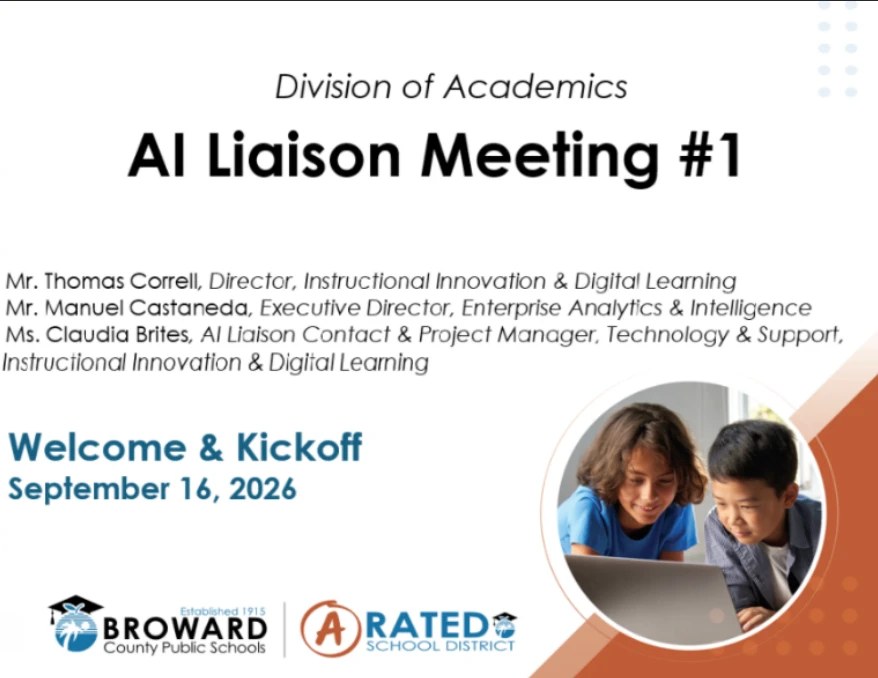
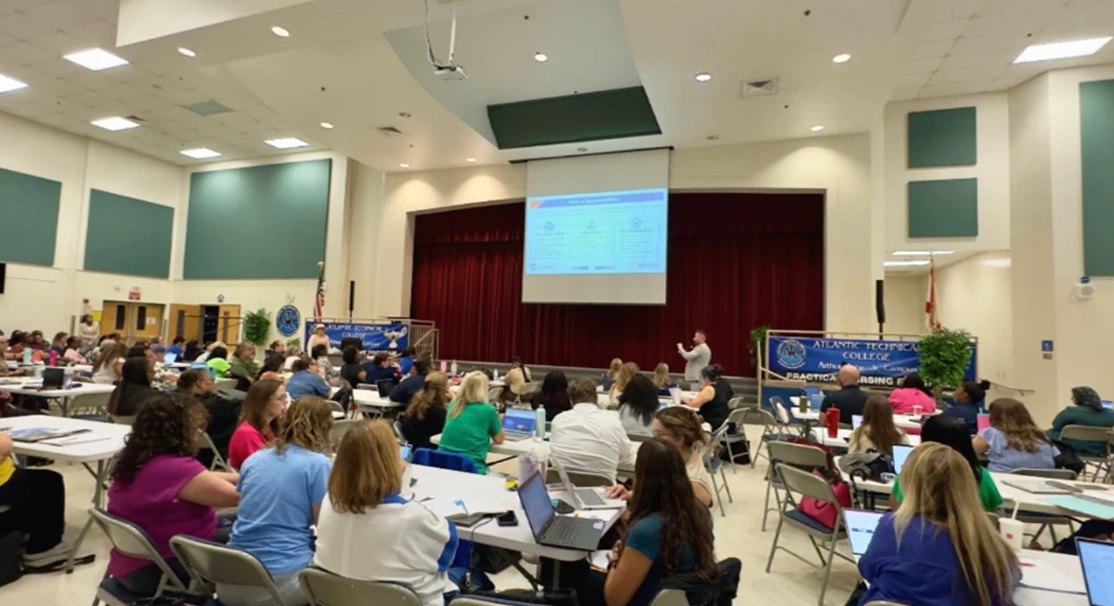
Broward County Public Schools launches a districtwide network of school-based AI leaders. Broward County Public Schools welcomed more than 200 school-based AI Liaisons for the 2026-2027 program kickoff at the Arthur Ashe Campus. Led by Mr. Thomas Correll, Director of Instructional Innovation & Digital Learning, the event introduced the program’s purpose, expectations, supports, and shared commitment to responsible, standards-aligned, teacher-reviewed use of District-approved artificial intelligence tools.
The kickoff was designed to prepare AI Liaisons to serve as trusted instructional champions at their schools. Liaisons will provide peer support, model practical classroom and productivity applications, connect colleagues and families with approved resources, and help strengthen consistent, safe, and human-centered AI implementation across the District.
Event highlights and overview
The session connected the AI Liaison Program to Broward Powered by AI, the District’s public-facing initiative for responsible, transparent, and human-centered AI use. Presenters reinforced that AI supports teaching, learning, efficiency, personalization, and accessibility, while teachers, curriculum, professional judgment, educational decisions, and human relationships remain central.
AI Liaisons received a detailed overview of their role, including responsibilities, boundaries, training, measurable deliverables, documentation requirements, micro-credentials, and stipend eligibility. The presentation emphasized that liaisons complement school and District support teams rather than replace coaches, administrators, curriculum staff, or technology technicians. Survey feedback also informed the year’s approach, with a focus on practical resources, clear expectations, demonstrations, classroom examples, and accessible support.
The kickoff also moved from program orientation into tools and application. Participants explored MagicSchool for instructional planning, differentiation, assessment support, and available professional learning; Microsoft Copilot for operational and administrative productivity; the Microsoft Copilot/AI School Challenge; and the AI Resource Hub. The meeting concluded with resources, support contacts, the monthly learning schedule, and the next steps for quarterly evidence and reflection.
Photo gallery

The AI Liaison role
The vision
Build teacher confidence, support families, and expand meaningful use of District-approved AI tools through a sustainable school-based support network.
The role
Provide day-to-day peer support, model practical strategies, answer questions, share resources, and guide teachers, staff, students, and families toward responsible use.
The partnership
Work alongside coaches, administrators, technology staff, curriculum teams, and District leadership. The liaison role complements these partners and does not replace them.
Key takeaways
Human intelligence and teacher judgment come first
AI is used as a support for teaching, learning, accessibility, personalization, and efficiency. Educators remain responsible for reviewing outputs, making instructional decisions, and maintaining the relationships at the center of learning.
Every school has a trusted AI champion
AI Liaisons provide practical, school-based support that helps colleagues move from questions to responsible application. The network is designed to build local capacity while connecting schools to District-approved guidance and resources.
Responsible use requires clear guardrails
Liaisons model ethical, safe, transparent, and teacher-reviewed use of approved tools. They do not approve unvetted tools, override policy, provide legal guidance, or independently authorize student-facing access.
Support should be practical and easy to use
The yearlong learning plan prioritizes ready-to-use resources, demonstrations, classroom examples, facilitator materials, and clear role expectations. Liaisons will learn through application, reflection, evidence of practice, and ongoing feedback.
MagicSchool and Copilot serve different purposes
MagicSchool supports instructional work such as standards-aligned planning, differentiation, assessment, and feedback. Microsoft Copilot supports administrative and productivity tasks such as drafting, summarizing, analysis, communication, and workflow coordination.
Families and communities are part of the work
AI Liaisons help explain AI in parent-friendly language and support school-based family engagement. This connection reinforces transparency, safety, trust, and consistent communication across the school community.
A districtwide learning network begins
Monthly meetings and role-specific resources create a continuing structure for learning, collaboration, and problem solving. The network allows schools to share effective practices and strengthen responsible AI implementation across Broward County Public Schools.
Evidence documents the work and its impact
AI Liaisons will maintain evidence of support activities, resources, reflections, and implementation. Quarterly documentation helps verify program requirements and provides the District with information about needs, questions, promising practices, and impact.
Learn more
Source: AI Liaison Kickoff Meeting Web Page Content (Instructional Innovation & Digital Learning), approved for posting by Thomas J. Correll, September 22, 2026.
Advancing Responsible AI Use Through School-Based Support
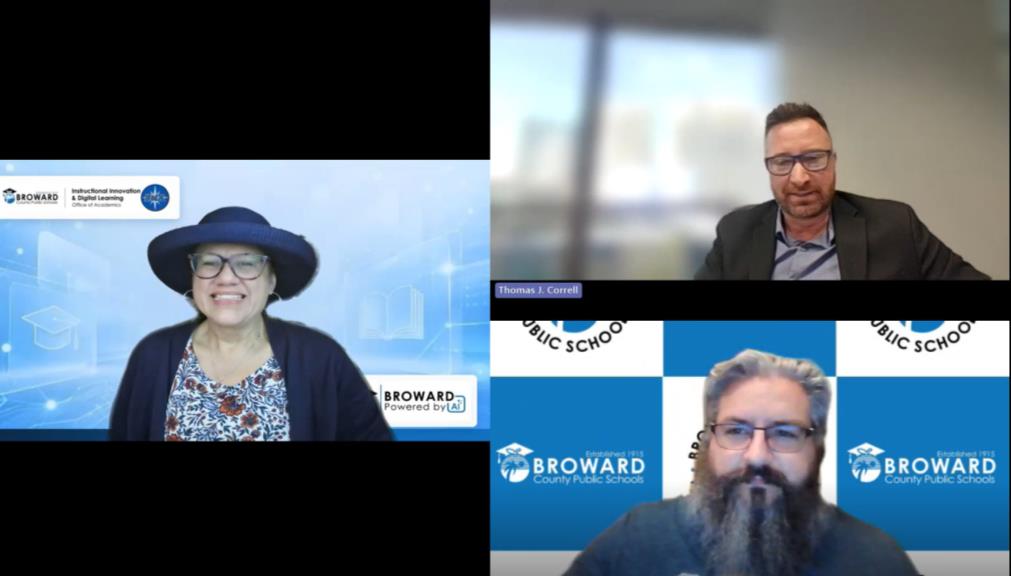
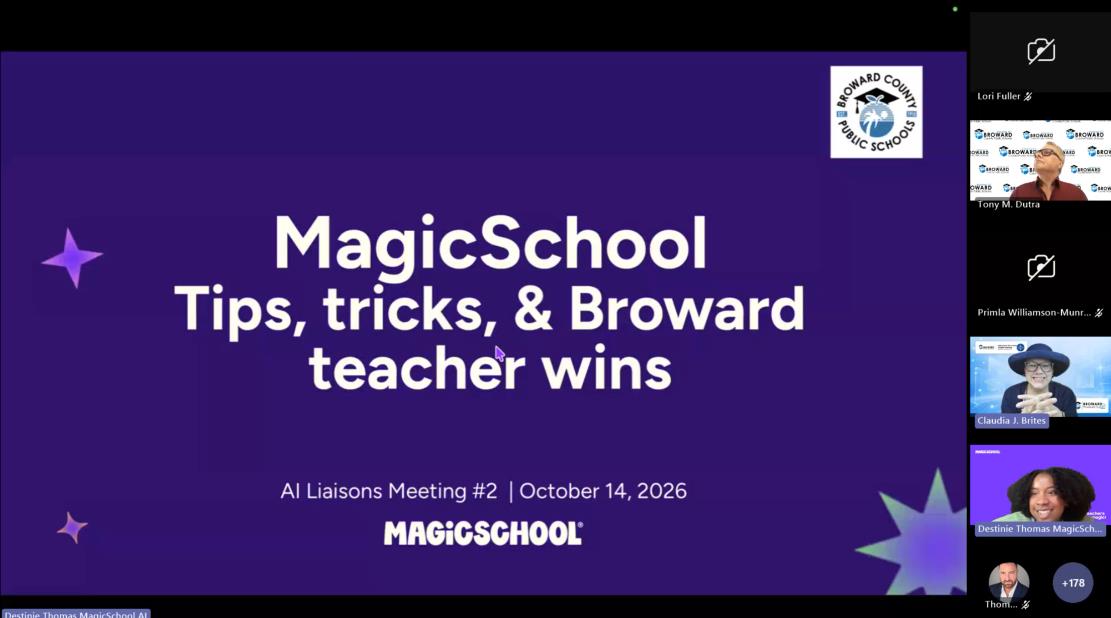
Broward County Public Schools held its second AI Liaison meeting of the school year virtually on October 14, 2026. The session featured district updates and demonstrations of Microsoft Copilot and MagicSchool. Liaisons explored classroom applications and ways to streamline daily tasks to support responsible AI use in their schools.
The meeting helped liaisons prepare to answer colleagues’ questions about approved AI tools and share district guidance and resources. To support this work, presenters emphasized educator review of AI-generated materials and clear communication with families. They also clarified professional learning opportunities, micro-credentials, and quarterly documentation requirements to help AI Liaisons meet program expectations.
Event highlights and overview
AI Liaisons were encouraged to share the responsible-use handout with principals and staff to support a common understanding of district expectations for AI use and refer questions needing further clarification to the district team. The Broward Powered by AI website was highlighted as a source of information for school communities. Its growing Q&A provides additional guidance for conversations with colleagues and families.
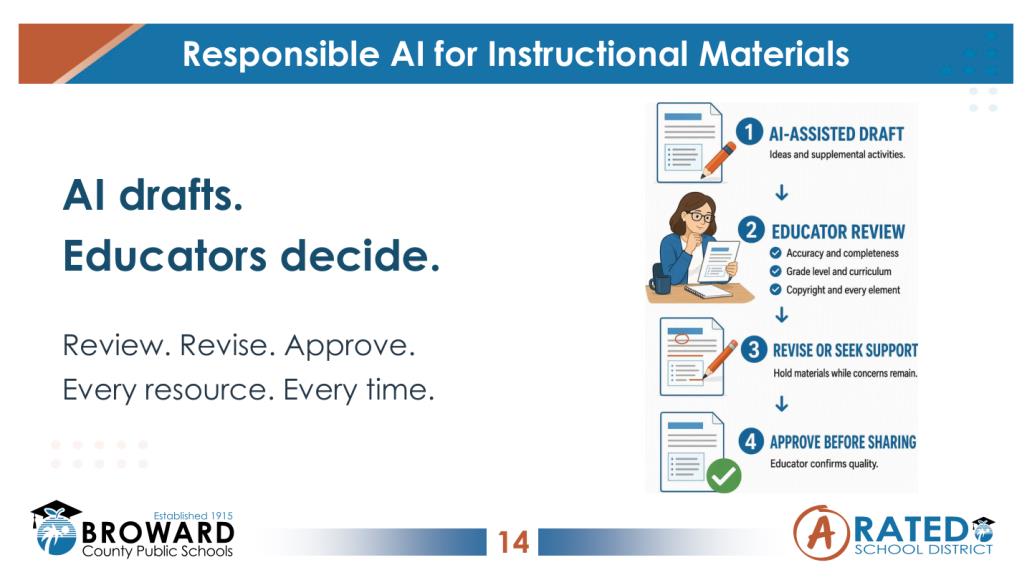
Presenters outlined specific steps for reviewing AI-assisted resources before sharing them. Staff should verify accuracy, standards alignment, age appropriateness, copyright, and details such as images, answers, and links. Materials intended for the school community should also receive a colleague’s review and follow any established principal approval process.
The Microsoft Copilot demonstration featured prompting techniques, scheduled prompts, personalization, and specialized agents. MagicSchool examples included a fifth-grade reading worksheet with supports for English language learners, an exit ticket, and tools for creating images and presentations. As a follow-up, AI Liaisons were encouraged to lead a short demonstration and highlight a teacher success story to help colleagues use these tools in their daily work.
Photo gallery

Key takeaways
Human intelligence and teacher judgment come first
Educators remain responsible for deciding how AI supports instruction. Their knowledge of students and learning goals guides which suggestions to use, adapt, or set aside. AI can assist with the work, while professional judgment determines the final result.
Support should be practical and easy to use
School-based support is most useful when it connects to colleagues’ everyday needs. Familiar examples can help staff understand where an approved AI tool may fit into their work. Starting with a manageable task gives colleagues an opportunity to build confidence and ask questions.
MagicSchool and Copilot serve different purposes
MagicSchool supports instructional tasks such as planning lessons and differentiating materials. Copilot assists with work such as drafting communications, summarizing information, and analyzing data. Understanding these differences helps staff choose the tool that best fits the task.
Families and communities need clear information
Clear communication helps families understand how approved AI tools support teaching and learning. Explaining the purpose of their use and the educator’s role in reviewing materials can address questions and concerns. Consistent information supports transparency across the school community.
Learn more
Source: AI Liaison Meeting #2 Recap (Instructional Innovation & Digital Learning), approved for posting by Thomas J. Correll, October 21, 2026.
Student Voices Help Shape AI in Broward Schools
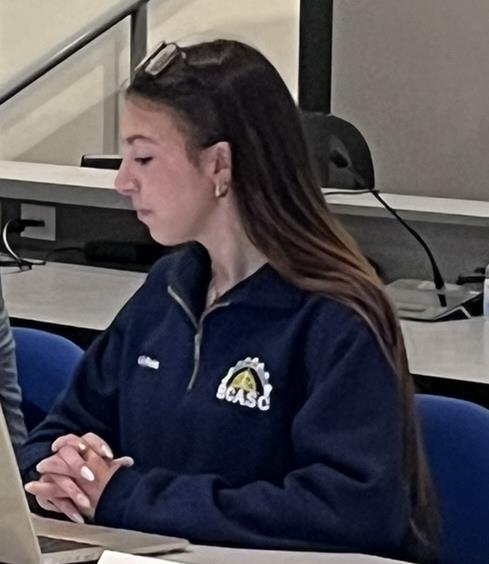
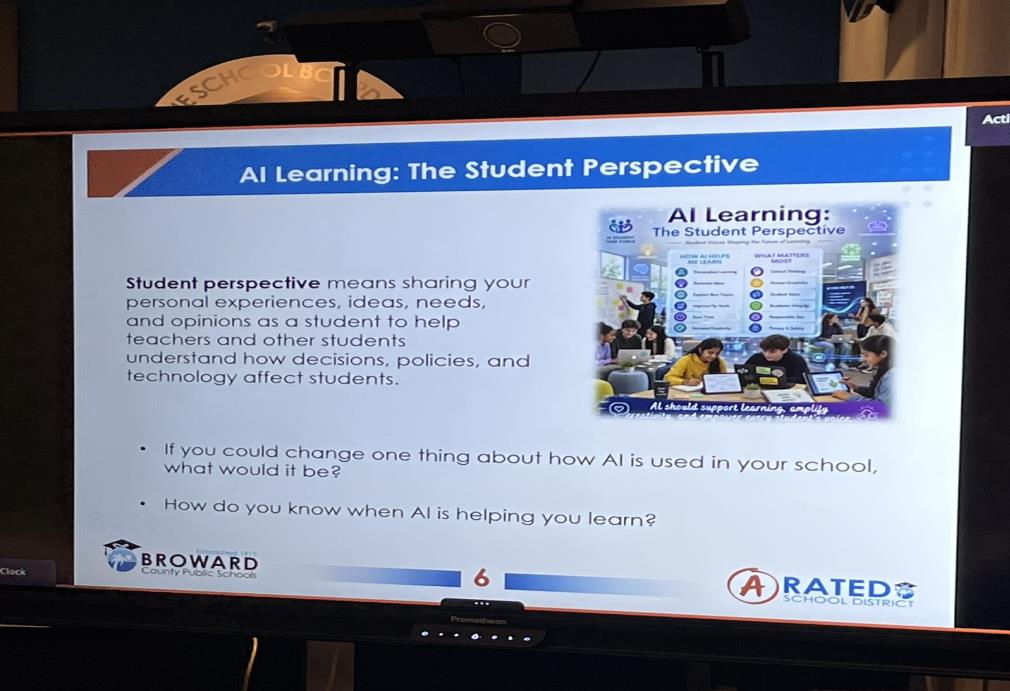
Broward County Public Schools held its first AI Student Task Force meeting on October 15, 2026, in the Kathleen C. Wright (KCW) Boardroom. The meeting provided an opportunity for students to explore the role of artificial intelligence in their education and consider how it can support learning in schools. It also established a space for student input in the District’s ongoing conversations about AI use.
The conversation centered on students’ experiences with AI and their ideas for improving its use in schools. Students were invited to reflect on when AI helps them learn and what changes would make it more useful. Their feedback offered district leaders insight into students’ needs, questions, and expectations, helping identify where clearer guidance and additional support may be needed.
Event highlights and overview
The meeting began with an introductory activity in which students shared their school level, grade, and one word describing how they felt about AI. This opening helped participants get to know one another. Their responses provided a starting point for the discussion.
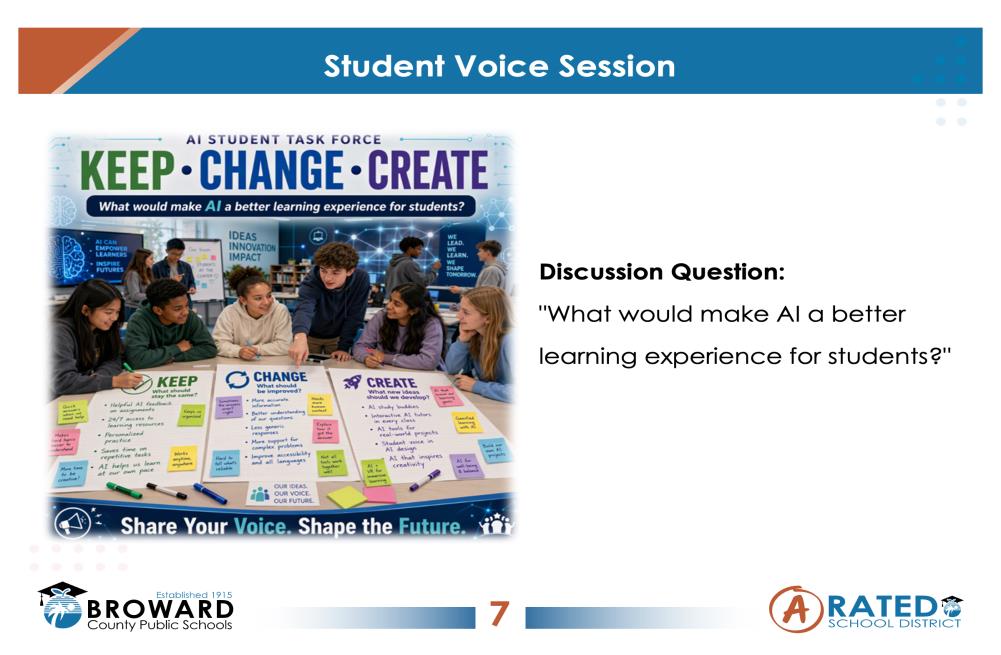
A central question guided the discussion: “What would make AI a better learning experience for students?” Students were asked to consider what they would keep, change, or create to improve how AI supports learning in their schools. This approach invited them to move beyond describing current practices and suggest new approaches.
Students were encouraged to build on one another’s ideas as they explored possible improvements. Considering different perspectives helped students explore how AI could better support their peers’ learning as well as their own. This collaborative approach provided a foundation for the task force’s ongoing work.
Photo gallery

Key takeaways
Personal experiences give context to AI decisions
AI may support students differently depending on the task and their learning needs. Firsthand examples help explain why an approach may be useful in one situation and less helpful in another. Considering this context supports more informed decisions about AI use.
Questions help identify what needs clarification
Students do not need extensive technical knowledge to contribute to the task force. Questions about AI can reveal topics that need clearer explanations. Recognizing these uncertainties provides a starting point for building understanding.
AI use invites critical reflection
Considering when AI helps learning encourages students to look beyond completing a task. It asks them to examine whether the assistance supports their understanding. This distinction offers a useful focus for evaluating AI’s place in schoolwork.
Students can contribute ideas for improvement
Taking part in conversations about AI gives students an opportunity to consider how its use affects others. They can weigh their own preferences alongside the needs of their peers. This broader perspective supports informed participation in decisions about educational technology.
Learn more
Source: AI Student Task Force Meeting Recap (Instructional Innovation & Digital Learning), approved for posting by Thomas J. Correll, October 21, 2026.
Community Engagement
Broward Powered by AI is built with families, not just for them. Explore what's happened, what to expect next, and how to get involved.
Events
Each event gets its own page: the full story, quotes, photos where we have them, and every material families or staff can download.
Family Forum #3
CompletedVirtual. From Conversation to Responsible Implementation: Policy 7540.08, AI Liaisons and teacher training, and student voices from Nova High School’s AI Academy.
- Forum highlights and quotes
- Policy 7540.08 and feedback survey
Family Forum #2
CompletedVirtual. AI literacy in PreK-5 and an introduction to MagicStudent, with a live parent Q&A.
- Full session recording
- Session materials & activity guides
South Area Advisory Meeting
CompletedPines Collegiate Academy 6-12. The Broward Powered by AI update was shared with the South Area Advisory Council, covering approved AI tools, safeguards, and program milestones.
- Presentation deck
- Approved-tools & milestone summary
Back to School AI: District 4
CompletedEl Mariachi Restaurant, Coral Springs. A parent event on approved AI tools, online safety, and supporting learning at home.
- Presentation deck
- Approved-tools & milestone summary
Family Forum #1
CompletedVirtual. First of three Family Forum sessions: what AI is, approved tools, privacy safeguards, and a live parent Q&A.
- Full session recording
- Leader quotes & Q&A themes
Parent AI Symposium 2026
CompletedNova High School, Davie. Parents, students, educators, and school leaders learned how AI is shaping education, with a main session, breakouts, and networking.
- Event photo gallery
- Superintendent & Board quotes
District presentations
Council of the Great City Schools · 70th Annual Fall Conference
Dr. Fabian Cone and Richard Baum present Broward Powered by AI to large urban districts in Boston: governance before scale, capacity before deployment, and honest evaluation.
Community feedback
Broward Powered by AI uses a curated feedback model: positive feedback and resolved items gathered from Family Forums, symposiums, and school-based sessions are shared here for families. This is not an open-ended suggestion form for commenting on a specific tool or vendor.
Source: ThoughtExchange survey link and QR code, July 29, 2026. Additional curated feedback content is still being compiled and will be added here.
Presentations
Broward Powered by AI presentations delivered by District leaders at national and state conferences, shared here so families, staff, and peer districts can see the same story.
Council of the Great City Schools · 70th Annual Fall Conference
Broward Powered by AI: Leading Responsible Innovation, Evaluation, and Student Growth in a Large Urban District
Dr. Fabian Cone, Chief Academic Officer & CIO (TA), and Richard Baum, Director, Educational Analysis & Research, presented how Broward built AI as districtwide infrastructure from day one, aligning governance, educator capacity, and evaluation so innovation reaches every classroom responsibly.
The session covered the Artificial Intelligence Leadership Framework and its eight domains, the approved-tools-only model, educator and student capacity at scale, the Microsoft Challenge partnership model, and an Educational Analysis & Research case study of AI-supported reading in ESE settings, reported honestly, including results that were not statistically significant.

A replicable model for large urban districts
Governance before scale
A leadership framework and approved-tools review, in place before classroom deployment.
Capacity before deployment
Phased, role-based professional learning sequenced ahead of tool rollout.
Honest evaluation
Reporting null findings alongside gains, with causal-language discipline throughout.
Distributed leadership
A named liaison in every school builds capacity peer-to-peer, not top-down.
Presentation materials
Source: “Broward Powered by AI: Leading Responsible Innovation, Evaluation, and Student Growth in a Large Urban District,” Council of the Great City Schools 70th Annual Fall Conference presentation, October 2026.
Parent AI Symposium 2026
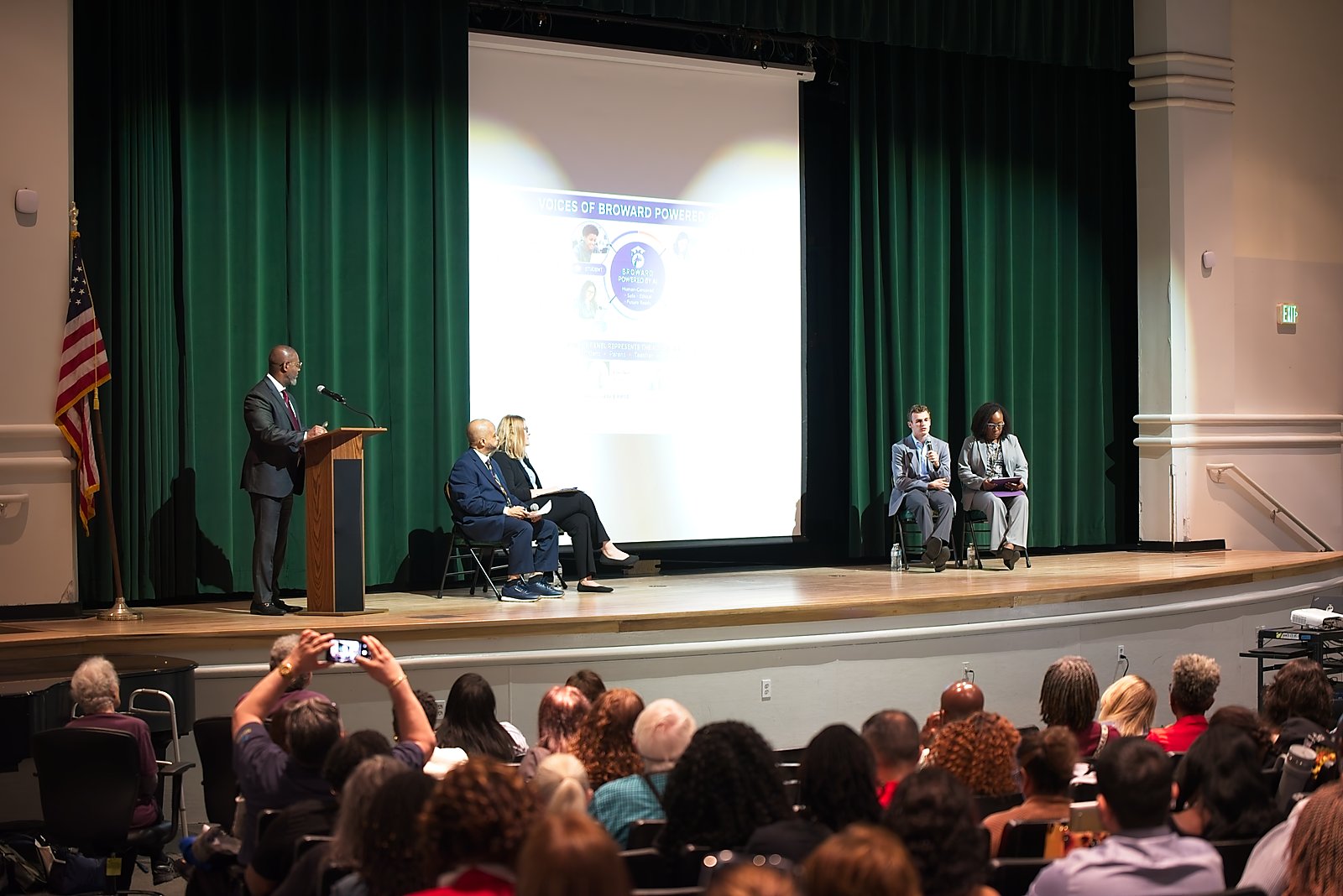
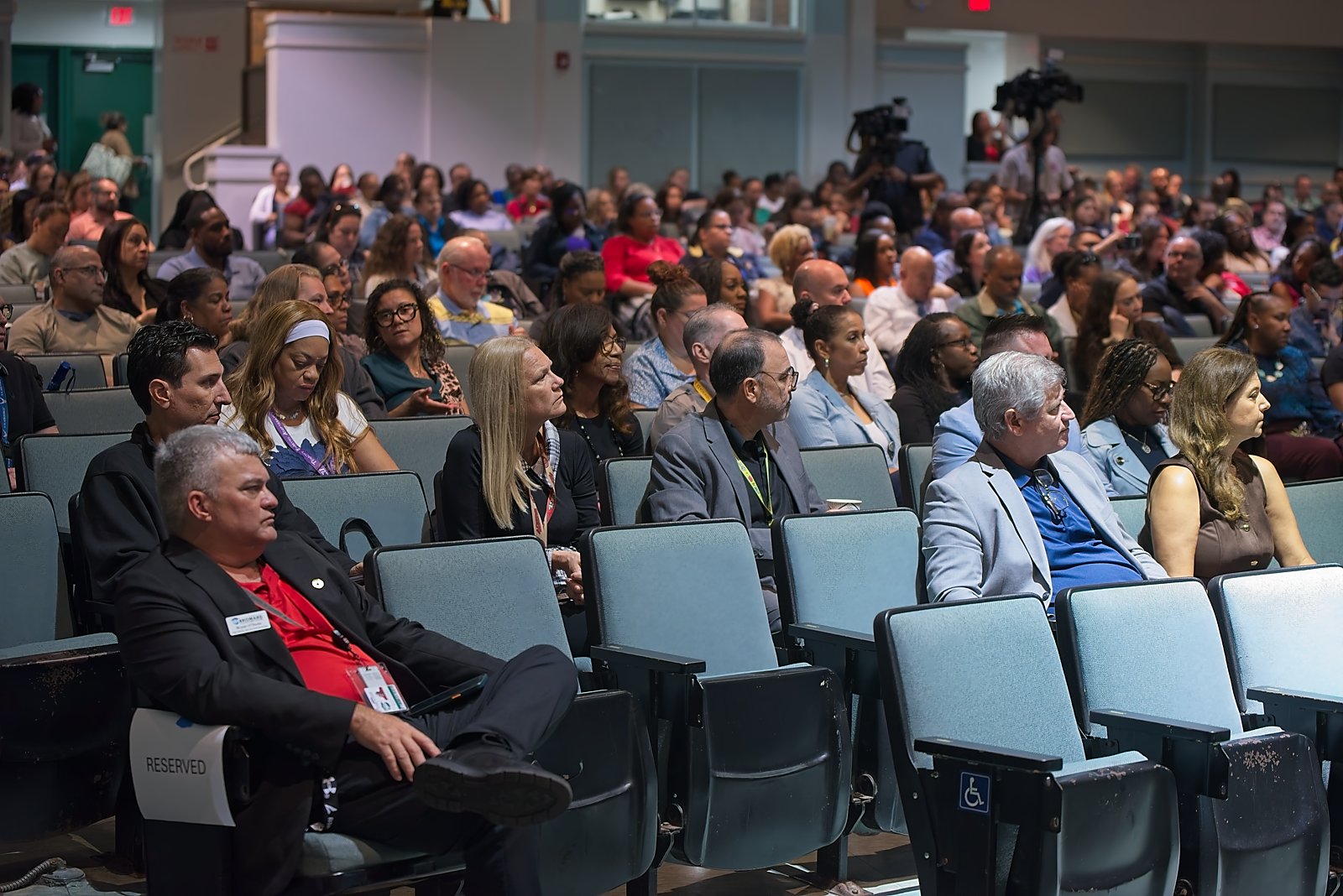
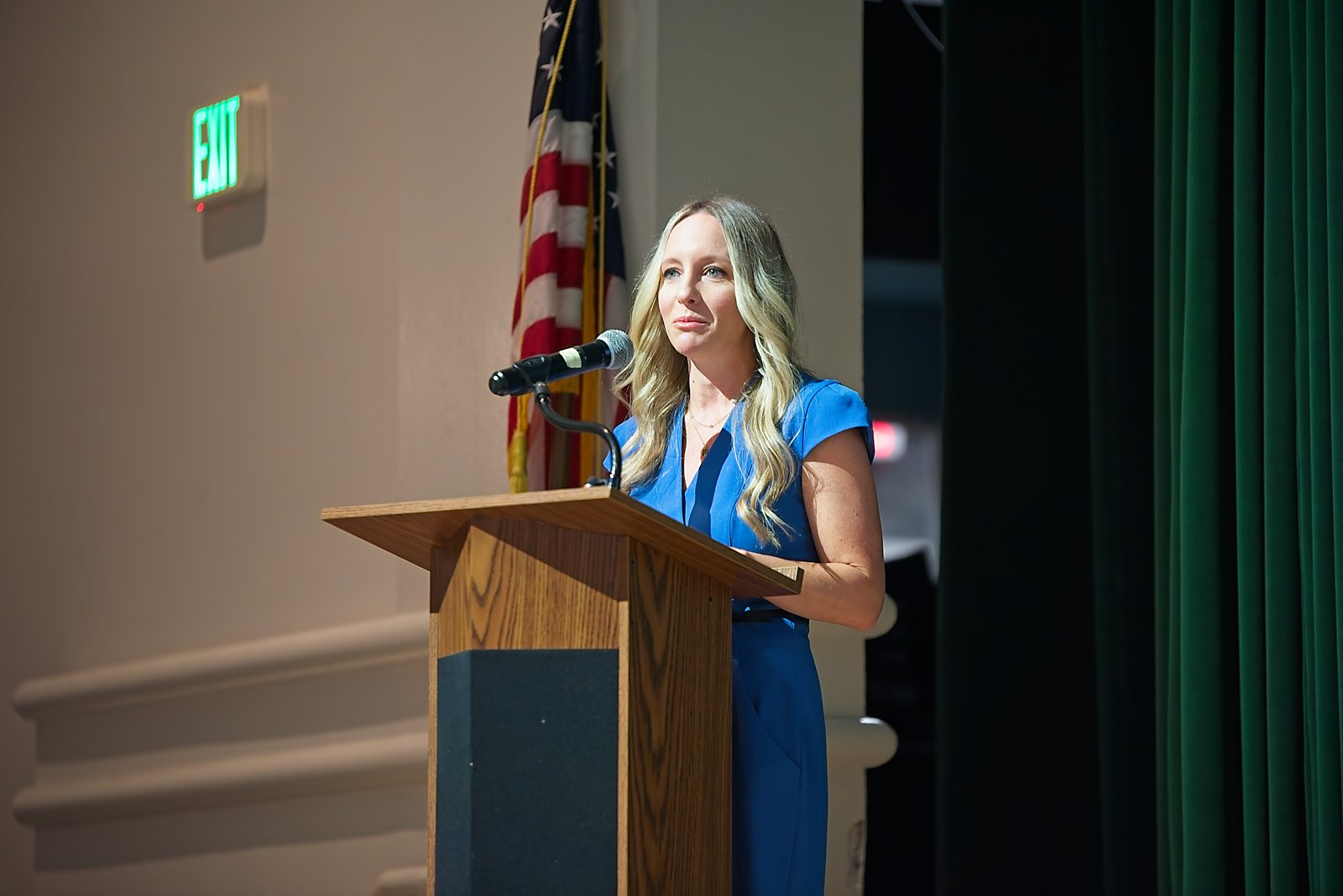
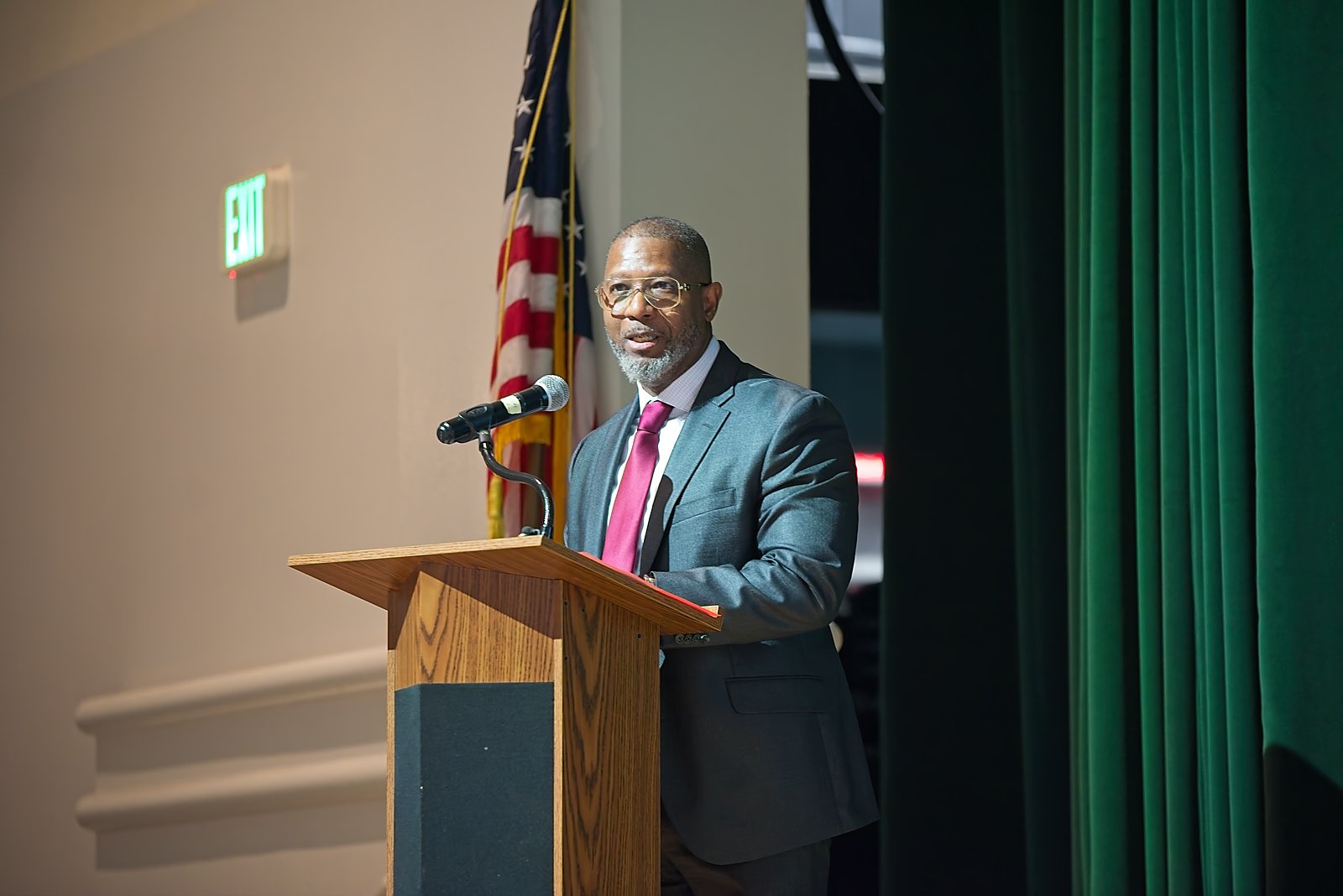
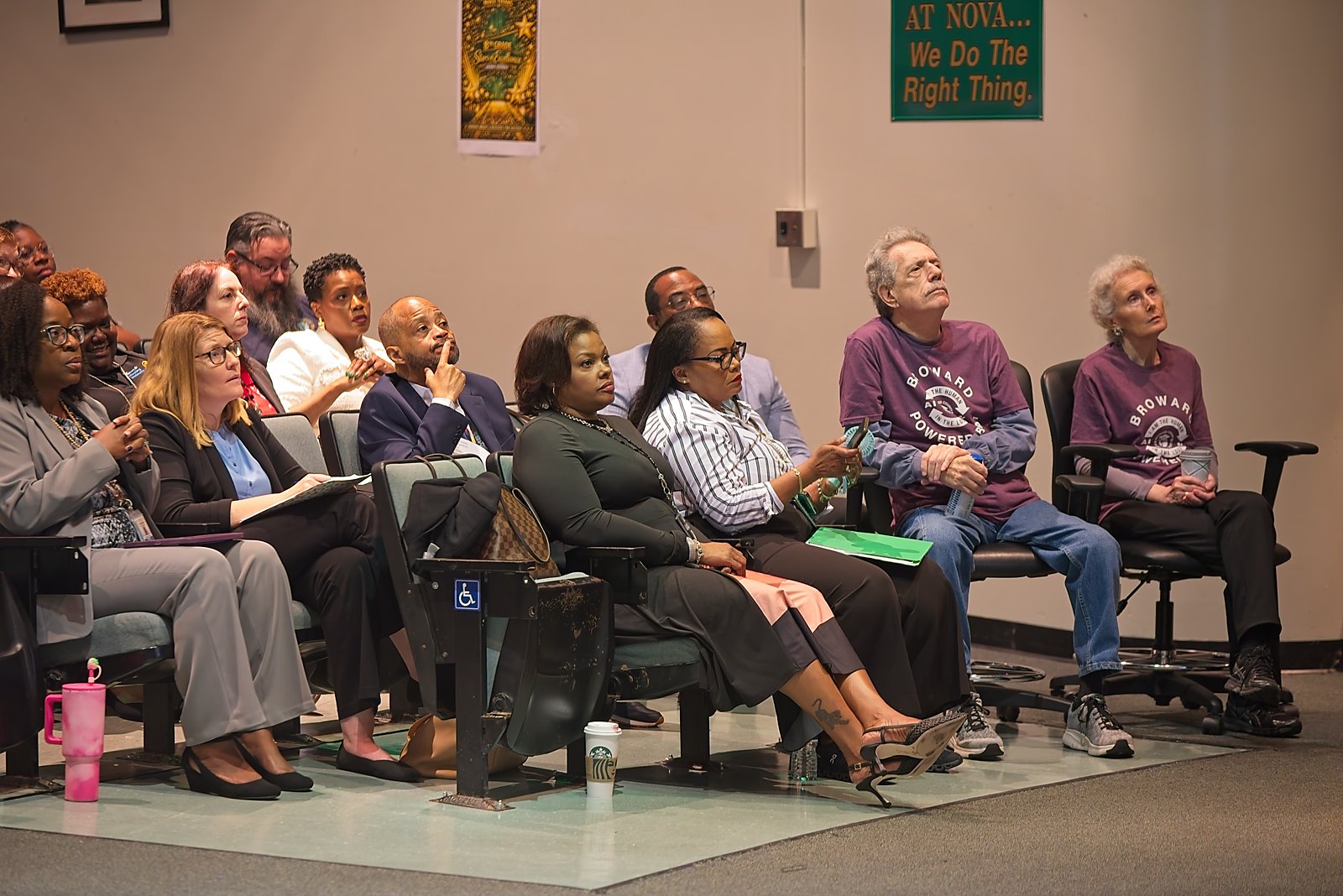
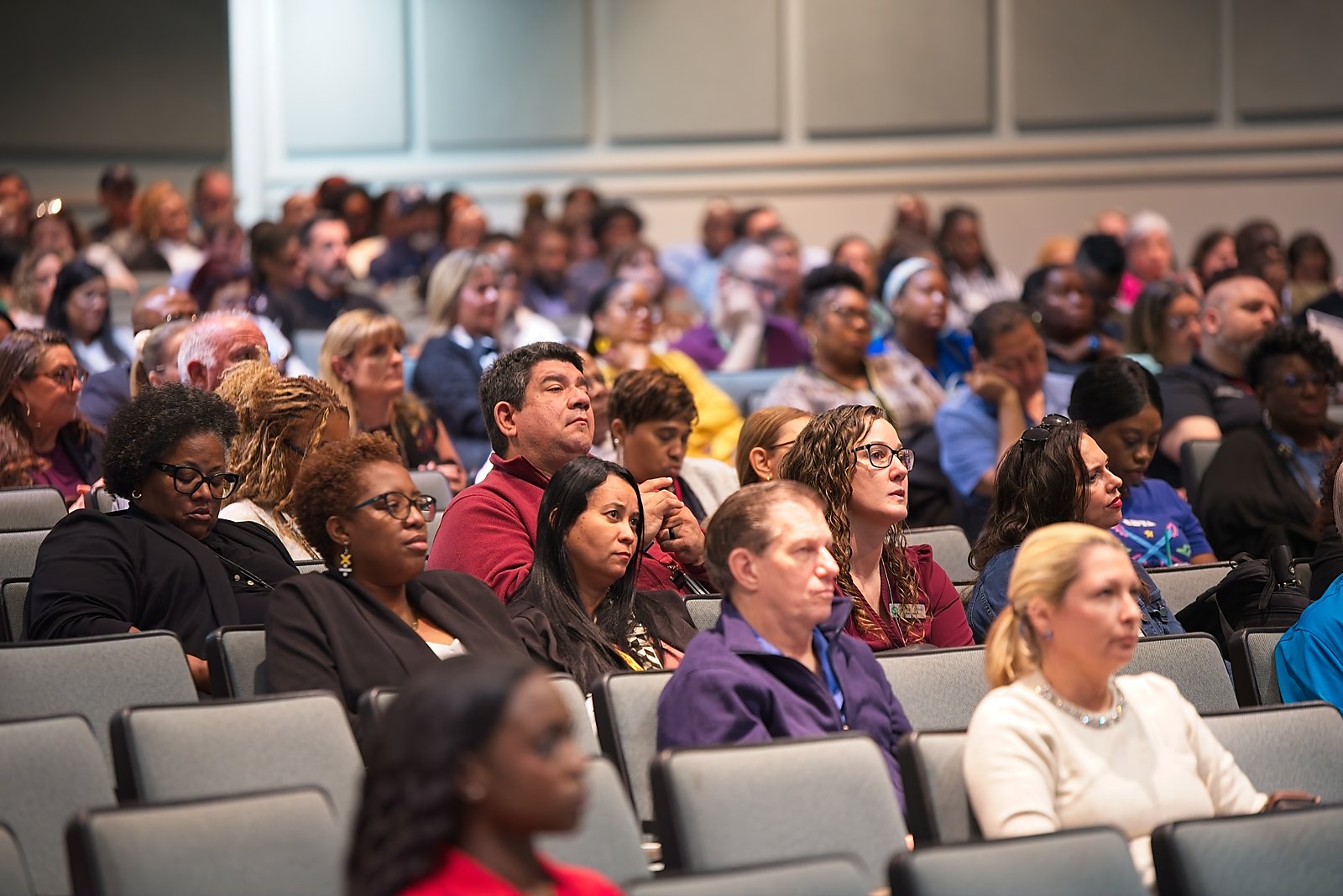
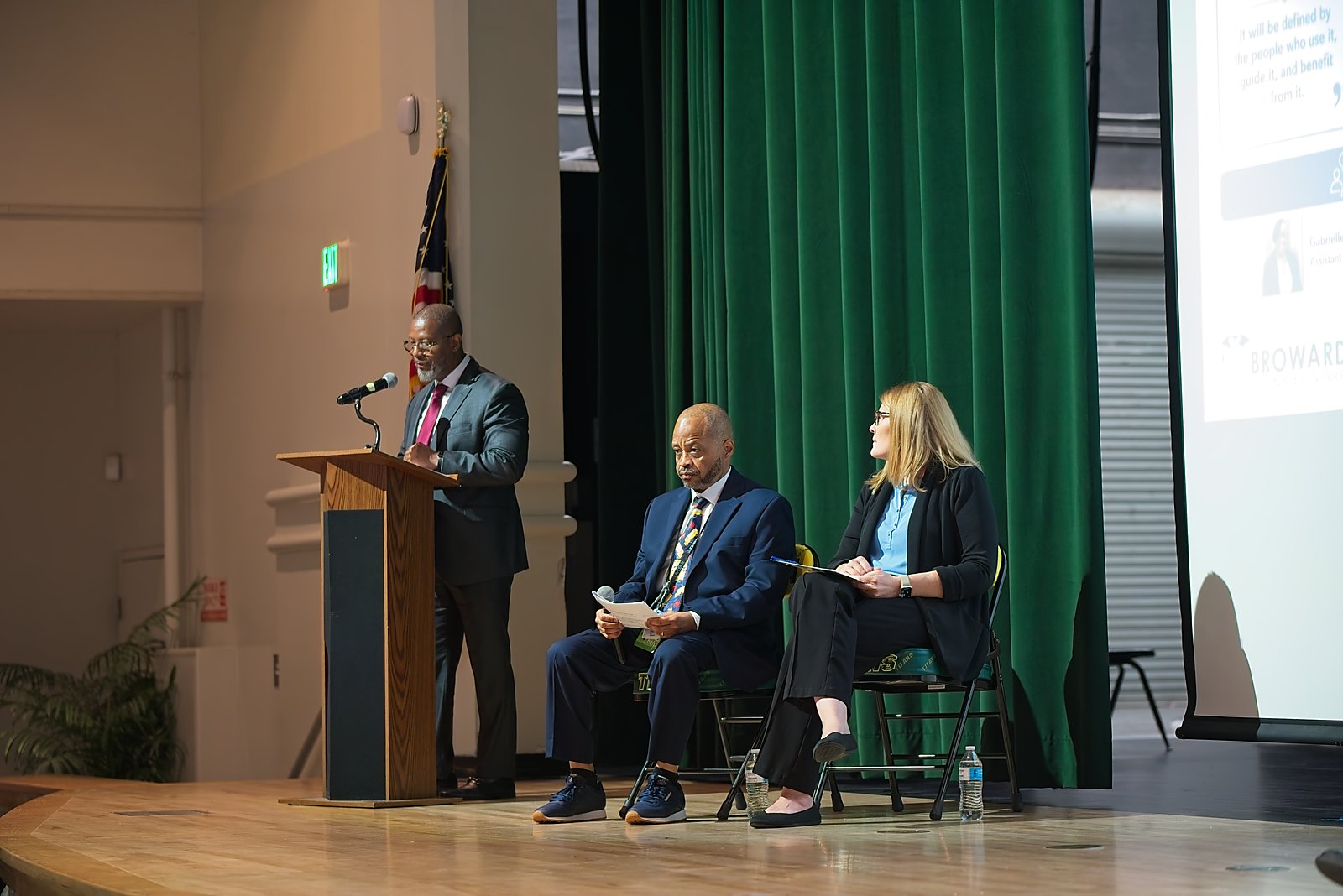
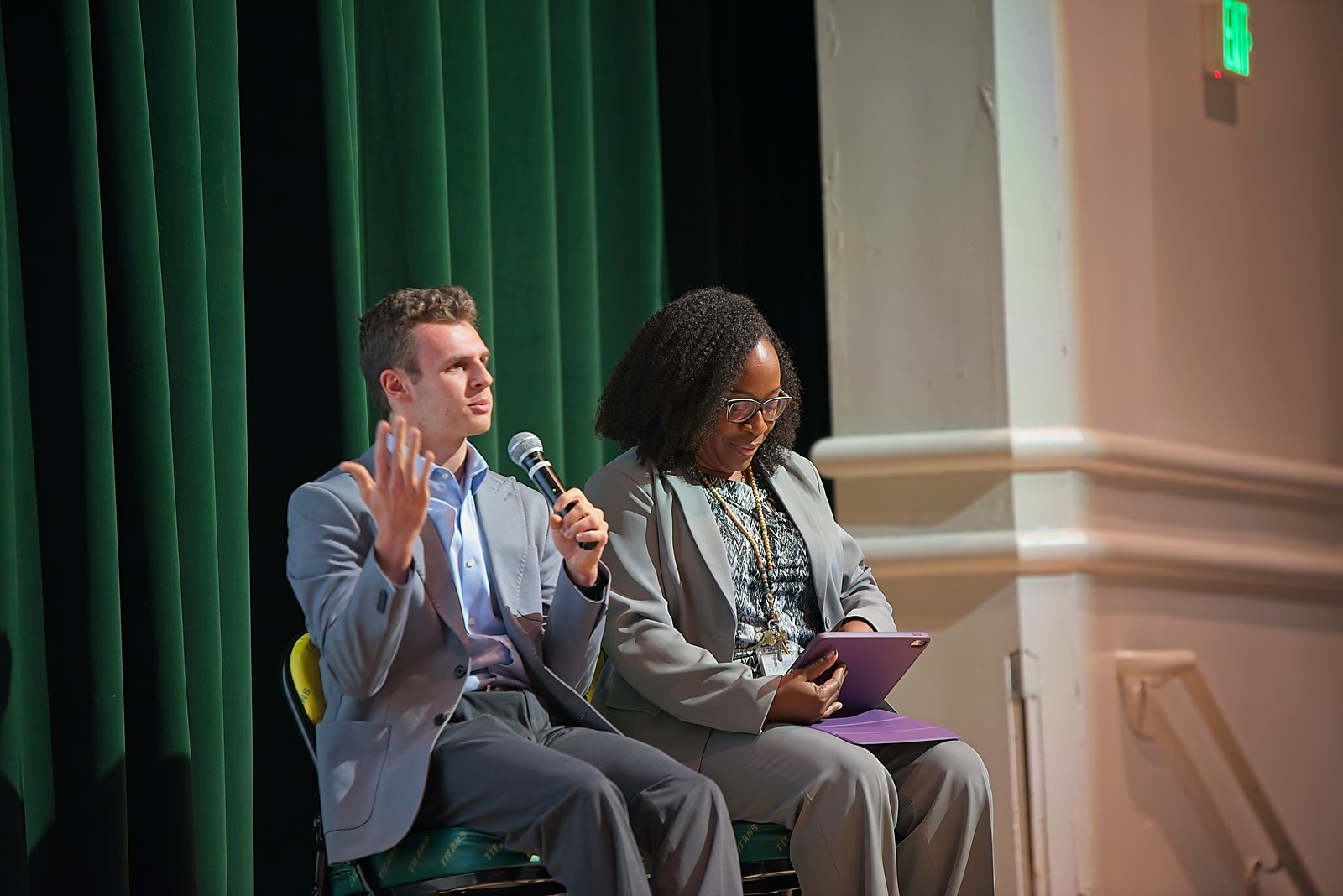
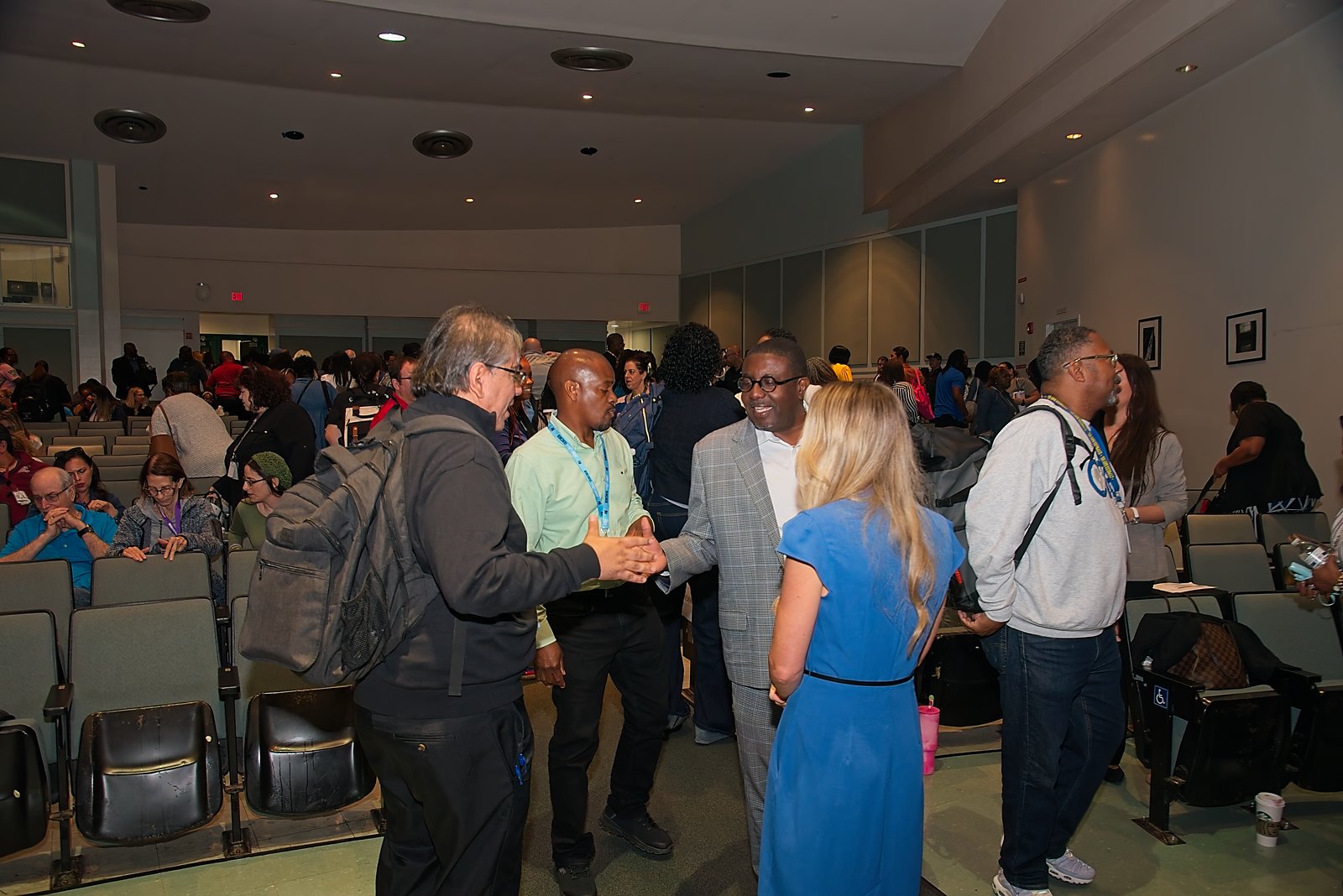
On June 5, 2026, the District brought parents, students, educators, and school leaders together to learn how AI is shaping education and how Broward is using it responsibly.
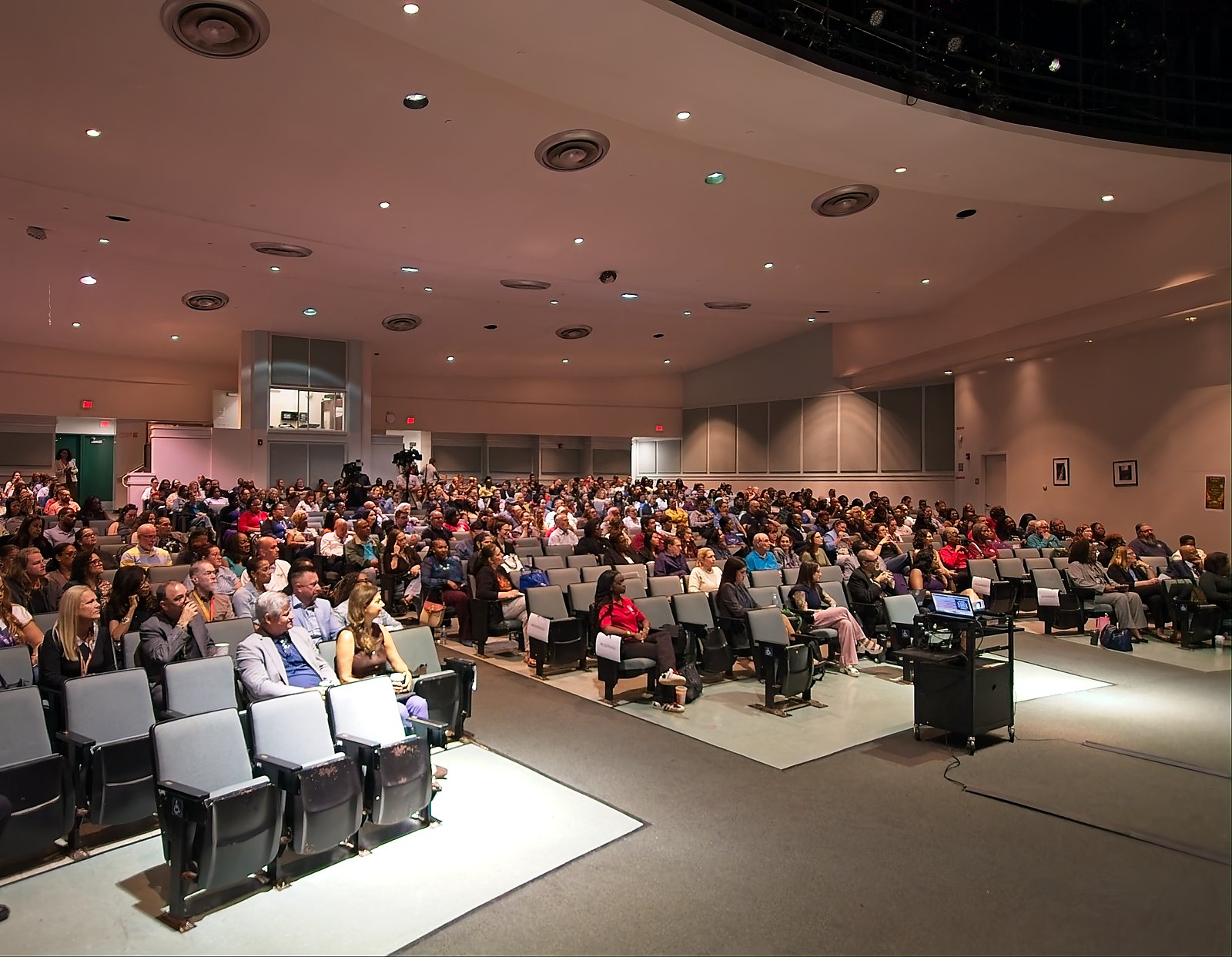
Hosted at Nova High School in Davie, the Parent AI Symposium was an in-person event designed to help families understand how artificial intelligence is transforming the classroom and how to support their students in an increasingly technology-driven world. Attendees explored both the benefits and the concerns around AI, with a main session focused on what families need to know.
A highlight of the day was students themselves demonstrating how they use AI in their learning, alongside district leaders answering questions directly from parents.
Photo gallery



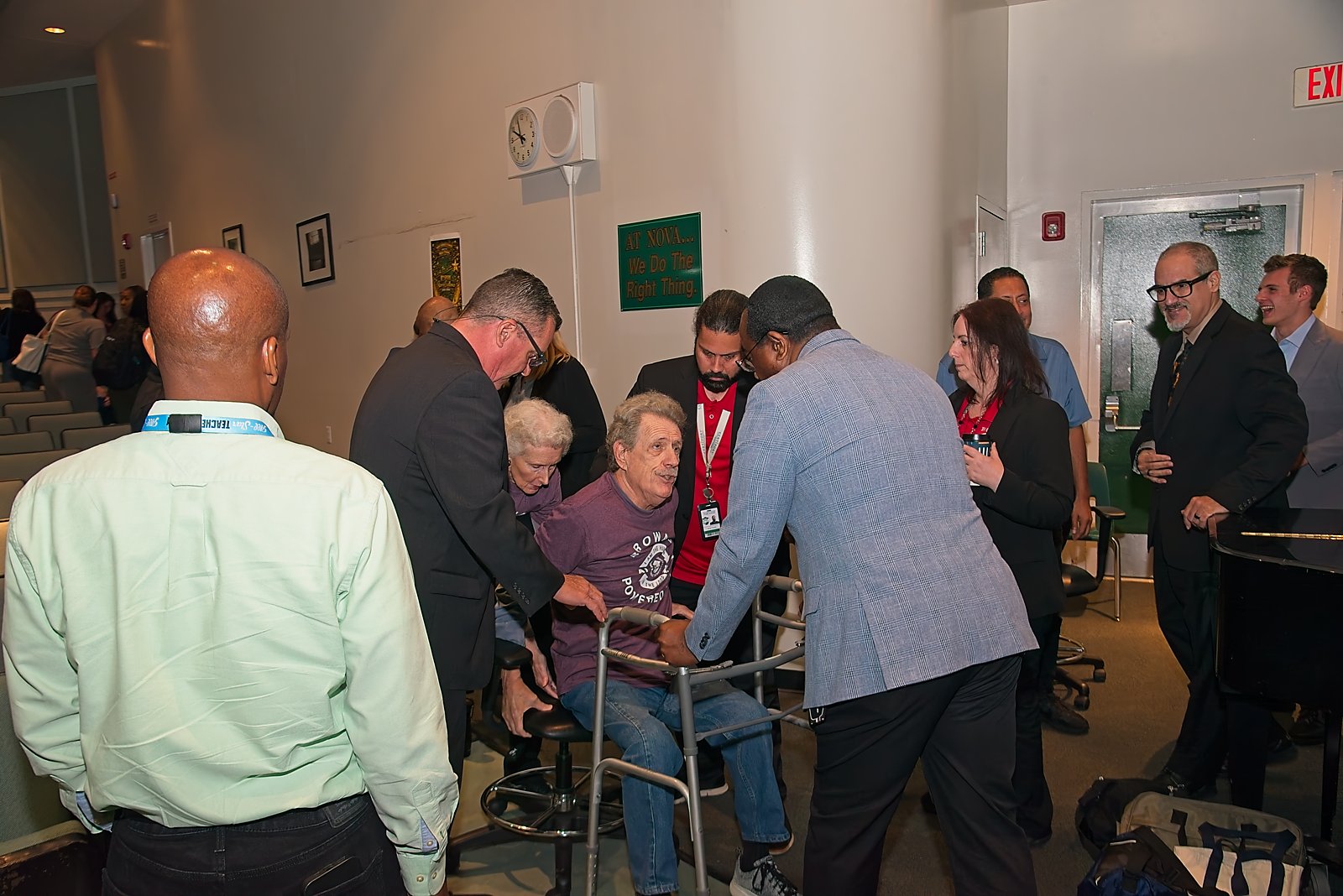
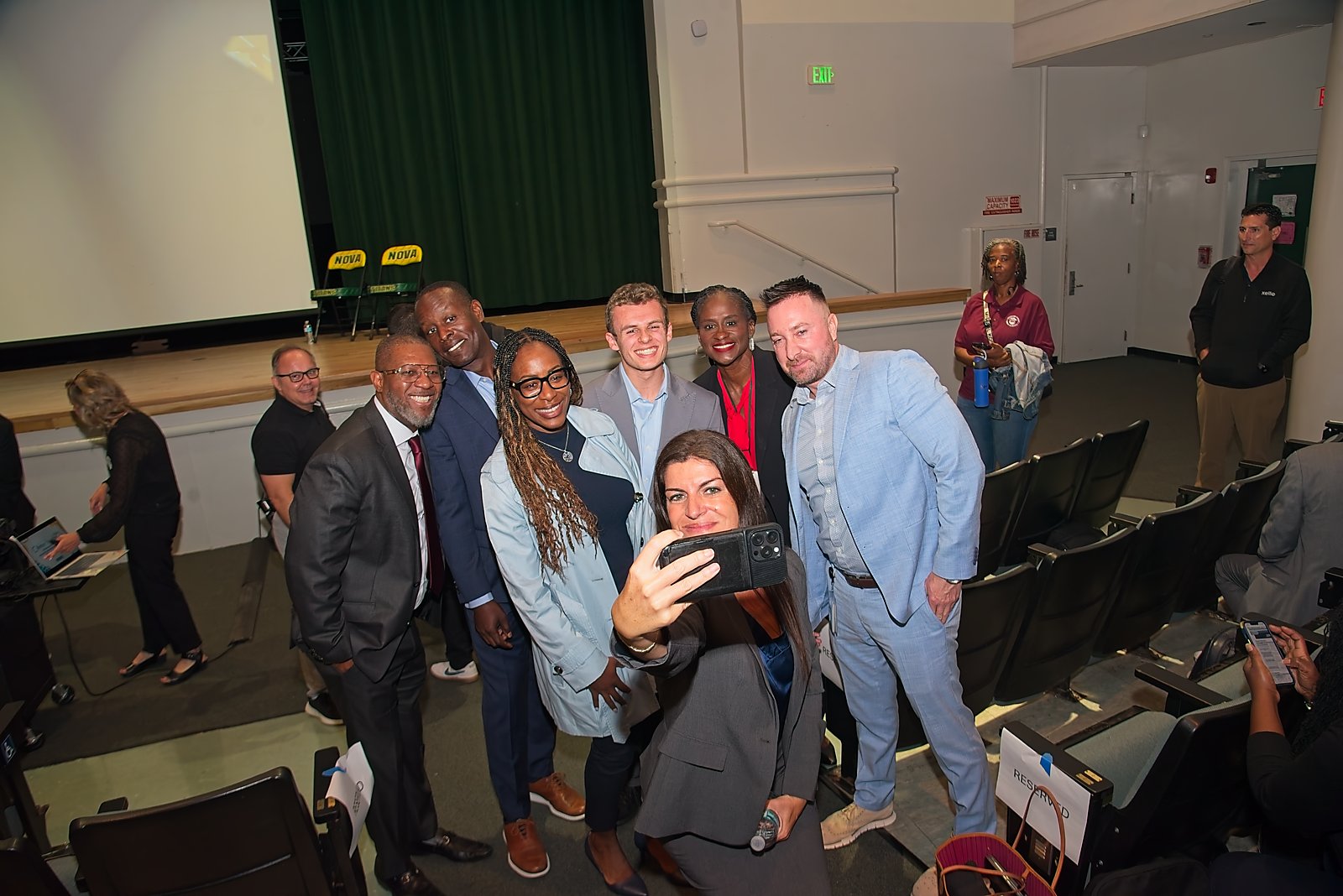
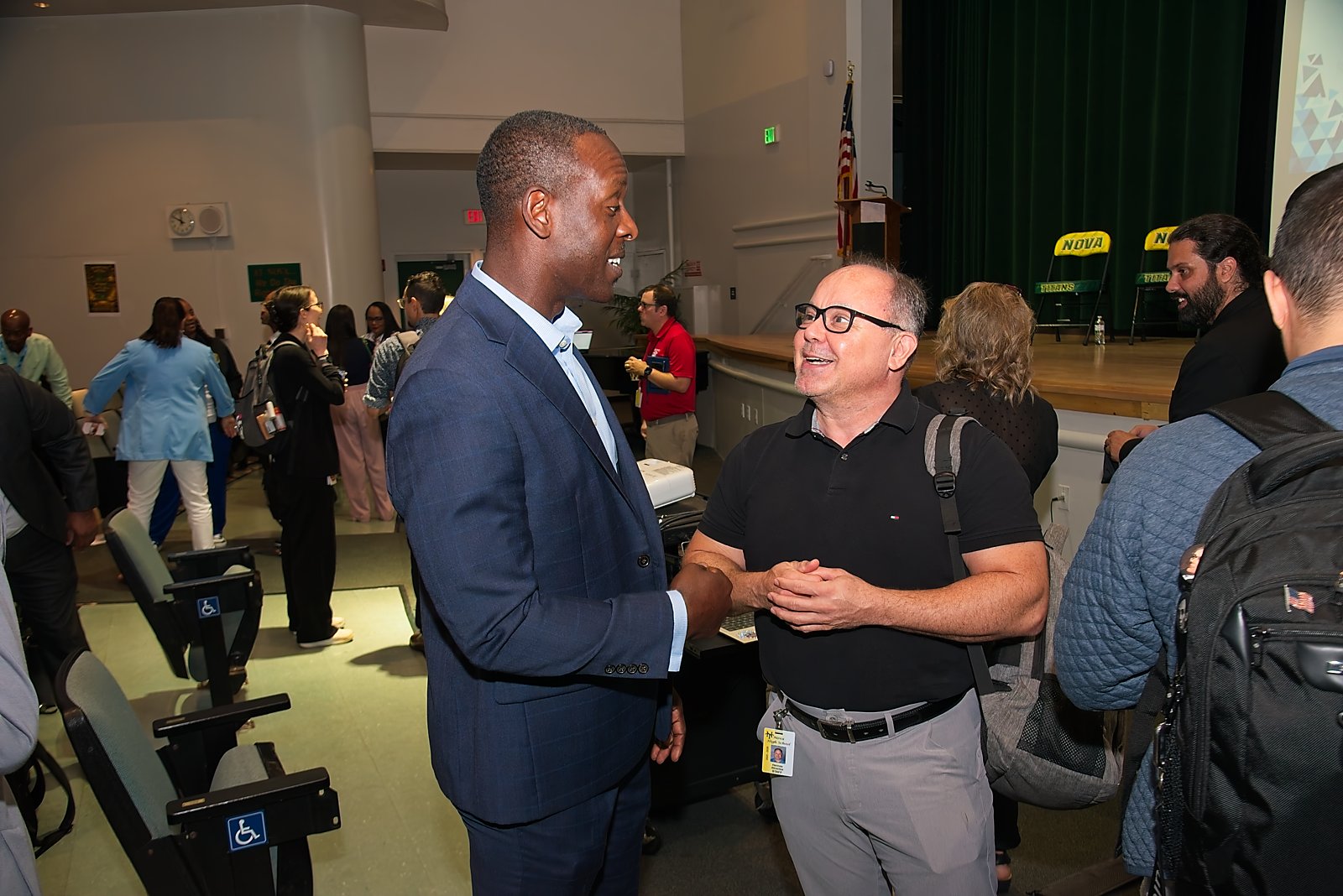
AI infrastructure and training, by the numbers
As presented by Dr. Fabian Cone, Chief Academic Officer, and Manuel Castaneda, Executive Director of Analytics & Intelligence, at the June 5, 2026 symposium.
Governance and infrastructure
AI Task Force convened November 2024. 20,000+ Microsoft 365 Copilot licenses deployed districtwide. Ethical Implementation Framework board-adopted; AI Resolution passed March 10, 2026. Copilot and MagicSchool integrated across district systems.
Training and readiness
Five-phase rollout: districtwide training and awareness, tool-specific learning through the AI Liaison Cohort, live and asynchronous Canvas-integrated sessions, site-based implementation support, and ongoing monitoring with usage data and stakeholder feedback to refine training.
Presentations & session materials
Real session materials from the Parent AI Symposium, provided by BCPS.
Sources: WSVN 7News coverage of the BCPS Parent AI Symposium (June 2026); browardschools.com. Quotes verbatim from WSVN reporting. Infrastructure figures: AI Symposium Main Session (6.5.26), Approved Documents / 6 Community, BCPS SharePoint.
Family Forum #1 — July 29, 2026
The first of three parent-facing Family Forum sessions, recorded for families who could not attend live. Broward County Public Schools hosted its first Family Forum on Artificial Intelligence to share clear information with families about how AI may support teaching and learning, while addressing community questions and concerns.
Recording of the July 29, 2026 Family Forum: Understanding AI and Its Use in Broward Schools, hosted by Thomas Correll.
Held July 29, 2026, the forum brought together parents, families, community representatives, educators, and school leaders to discuss how Broward County Public Schools is using AI responsibly. It was created in response to parent feedback and designed as the first in a series of community conversations focused on AI, screen time, student safety, instructional technology, and responsible innovation.
District staff introduced families to the fundamentals of artificial intelligence — what AI is, how it works, and how approved instructional tools differ from publicly available AI platforms — and covered district-approved tools such as Khanmigo and HMH Writable, student-privacy safeguards, and the vetting process required before any student-facing AI tool reaches a classroom. Parents took part in an extended question-and-answer session on AI and grading, opt-out opportunities, monitoring, teacher training, approved versus non-approved tools, and how the district measures success.
What the forum covered
Student safety drives every decision
Before an AI tool can be used with students, it must pass extensive privacy, security, moderation, and safety reviews. District leaders shared that approved tools such as MagicSchool and MagicStudent have monitoring features, real-time safeguards, and meet student-privacy compliance requirements.
AI supports teaching, not replaces it
Teachers remain responsible for instruction, grading, and relationships with students. AI tools are designed to help educators save time on administrative tasks, personalize learning, and spend more time supporting students.
A thoughtful, age-appropriate approach
Elementary students currently do not have access to district-approved student-facing AI tools. Student access, when available, is tied to grade level, teacher training, instructional purpose, and ongoing oversight.
Continuous improvement through monitoring
The district plans to monitor implementation, review usage data, gather community feedback, and evaluate outcomes to ensure AI tools continue to support student achievement and district goals.
Presentations & session materials
Session materials from the July 29 Family Forum, provided by BCPS.
Family Forum sessions
Planning process
Family Forum content and format were shaped through parent-driven planning meetings held July 8, 15, and 22, 2026 via Microsoft Teams, in partnership with:
- Linda Ferrara, Chair, Technology Advisory Committee
- Erin Gohl, Chair, Broward Parent and Community Involvement Task Force
- Lisa Reas, DEAC Subcommittee
- Jacqui Luscombe, ESE Advisory Council Chair
Sources: DRAFT July 29 Family Forum Web Page Content (rev. 8-10-2026); Broward Powered by AI Monthly Board Implementation Report, July 2026 (rev. 7-23-2026), Parent & Community Engagement.
Family Forum #2 — August 27, 2026
The second of three parent-facing Family Forum sessions, each recorded for families who could not attend live. Broward County Public Schools hosted its second Broward Powered by AI Family Forum to continue an open, transparent conversation with families about artificial intelligence and its role in education. The virtual session provided an overview of the District's human-centered approach, responded to questions raised through earlier community engagements, and shared how families can remain involved as the work moves forward.
Recording of the August 27, 2026 Family Forum: AI Literacy in PreK-5 and Exploring MagicStudent.
The forum focused on two areas: what AI literacy looks like for students in PreK through Grade 5, and an introduction to MagicStudent, a teacher-guided student learning environment that is not currently available to BCPS students. Presenters emphasized critical thinking, safety, privacy, age-appropriate learning, teacher oversight, and the importance of checking technology-generated information.
What the forum covered
Human thinking remains central
The session began with a review of Broward Powered by AI as the District's centralized, public-facing approach to responsible, transparent, and human-centered AI use. Families were reminded that AI may support teaching, learning, accessibility, personalization, and efficiency, but it does not replace teachers, curriculum, professional judgment, educational decisions, grading, or human relationships. District leaders also reviewed five commitments to families: transparency, trust, education, engagement, and accountability.
AI literacy is not the same as using AI tools
The first presentation segment explained that elementary AI literacy is about learning how AI works, not using AI tools. Families saw a grade-by-grade progression from recognizing people-made tools and sensors to exploring patterns, data, predictions, verification, and community impact. Activities shared were unplugged and use familiar experiences such as sorting objects, collecting simple data, checking answers, and discussing privacy, fairness, accuracy, and respect.
Exploring MagicStudent
The second segment introduced MagicStudent and included a live demonstration of a teacher-created learning room. The presentation showed how a teacher can select tools aligned to a lesson, monitor student activity, provide practice and review, and ways to offer additional support or enrichment. Although MagicStudent is not currently available to BCPS students, if used in the future, it would function as a teacher-guided support tool rather than a replacement for instruction.
Safety and digital citizenship begin early
Students learn to protect personal information, ask an adult before using unfamiliar technology, communicate respectfully, and check information before sharing it. Families can reinforce these habits through simple conversations at home.
Technology-generated answers must be checked
AI can be useful and still be wrong because responses depend on the information used. Students and families are encouraged to compare answers with reliable sources and consider privacy, fairness, accuracy, and context.
Family voice continues to shape the work
The Family Forum series gives families opportunities to ask questions, provide feedback, and learn about the district's direction. Broward Powered by AI serves as a central location for resources, updates, FAQs, and future engagement opportunities.
Presentations & session materials
Session materials from the August 27 Family Forum, provided by BCPS.
Sources: August 27 Family Forum Web Page Content (rev. 8-31-2026); Broward Powered by AI Monthly Board Implementation Report, August 2026 (rev. 8-27-2026), Parent & Community Engagement.
Family Forum sessions
Family Forum #3 — September 28, 2026
From Conversation to Responsible Implementation. The third of three parent-facing live sessions, each recorded for families who could not attend live.
Broward County Public Schools hosted Family Forum #3 to continue an open and transparent conversation with parents, family members, students, and community representatives about artificial intelligence in education. Led by Mr. Thomas Correll, Director of Instructional Innovation & Digital Learning, the webinar focused on how the district is moving from foundational conversations about Artificial Intelligence toward intentional implementation supported by policy, governance, training, school-based leadership, and student voice.
Session recording: being posted by BCPS. This page will link it as soon as it is available.
The session gave families an overview of newly adopted Policy 7540.08, Artificial Intelligence, the safeguards required for Artificial Intelligence tools, the Artificial Intelligence Liaison network, educator training, student-facing tools, and responsible classroom practices. Student representatives from the Artificial Intelligence Academy at Nova High School also shared how they use Artificial Intelligence to study, problem-solve, create, and deepen understanding while continuing to think critically and complete their own work.
Forum highlights
The first segment introduced Broward County Public Schools’ Policy 7540.08, Artificial Intelligence, adopted September 15, 2026. Presenters explained that the policy follows a balanced, people-centered approach in which Artificial Intelligence complements rather than replaces human judgment. The discussion highlighted transparency, teacher autonomy, parental rights, meaningful human review, and accountability, along with the approved Artificial Intelligence tools in use and how they are reviewed for accuracy, fairness, privacy, and impact.
Families also learned that student-facing Artificial Intelligence tools must meet a higher standard. The district described formal risk assessment, contracted privacy protections, real-time threat detection and moderation, restrictions on counseling or emotional dependency, protection of student data, and developmentally appropriate access. The policy restricts stand-alone conversational Artificial Intelligence for PreK–5, provides guided use for Grades 6–8, and permits broader integration in Grades 9–12 while preserving independent thinking and authentic learning.
The second segment connected policy to practice through the Artificial Intelligence Liaison Program and professional learning. Presenters shared how trained school-based liaisons provide consistent guidance, support teachers and families, and reinforce District expectations. The session also reviewed educator training for MagicSchool and Microsoft Copilot, including the prerequisite training and teacher-controlled access required before secondary teachers can use MagicStudent with students.
The final segment centered on student voice. Students and their teacher from the Artificial Intelligence Academy at Nova High School discussed using Artificial Intelligence for tutoring, studying, coding, research, project development, and explanation of difficult concepts. Students emphasized that responsible use means checking information, evaluating arguments and sources, explaining their reasoning, and using Artificial Intelligence as a guide rather than a substitute for learning.
What the forum covered
A people-centered policy sets the direction
Policy 7540.08, Artificial Intelligence (AI), establishes a balanced approach in which artificial intelligence complements human judgment and professional expertise. Artificial Intelligence-assisted recommendations require meaningful human review and final approval by an authorized District employee.
Stakeholder voice became policy guardrails
Parents, students, teachers, and community members helped inform the district’s approach. The policy provides ongoing channels for stakeholder involvement, student feedback, transparency, audits, and continued review.
Student-facing AI must meet a higher bar
Before a student-facing tool is used, it must undergo formal evaluation and include privacy, security, moderation, and contractual safeguards. Approved tools must protect District data, prohibit its use for model training, and provide developmentally appropriate access.
AI Liaisons connect policy to school practice
The school-based Artificial Intelligence Liaison network provides trusted, practical support for teachers and families. Liaisons share District-approved guidance, model responsible use, and connect each school to ongoing professional learning and resources.
Training supports purposeful use
Professional learning helps educators understand both the opportunities and responsibilities associated with Artificial Intelligence. Training emphasizes standards alignment, classroom application, ethical use, verification, and teacher-controlled access to student-facing tools.
Student voice shows AI as a learning support
Students described using Artificial Intelligence to study, ask questions, organize ideas, code, research, and understand difficult concepts. Their examples reinforced that responsible use still requires critical thinking, source review, explanation, and ownership of the final work.
Presentations & session materials
Session materials from the September 28 Family Forum, provided by BCPS.
Sources: September 28 Family Forum #3 Web Page Content (rev. 9-30-2026), approved by the Department of Instructional Innovation & Digital Learning; BCPS Policy 7540.08, Artificial Intelligence.
Family Forum sessions
Back to School AI: What Parents Need to Know
On August 17, 2026, District 4 hosted a Back to School AI parent event at El Mariachi Restaurant in Coral Springs, walking families through how AI is shaping education at BCPS, how to keep kids safe online, and practical ways to support learning and creativity at home.
Presented by Dr. Fabian Cone (Chief Academic Officer), Thomas Correll (Director, Instructional Innovation & Digital Learning), Jaclyn Sherman (Professional Development Specialist), and Nathan Clock (Instructional & Digital Materials Analyst) from the Division of Academics, the session (titled "Broward Powered by AI: From Vision to System Readiness") walked families through why AI matters now, the five commitments to every family, which AI tools are approved and for which grade bands, and what has been completed so far — from the AI Task Force and School Board Resolution No. 26-132 to the June 5 Symposium and Family Forum sessions.
Approved AI tools and current access
Staff and teacher tools
Microsoft Copilot Premium (staff productivity and operations), MagicSchool (teacher planning, differentiation, communication, efficiency).
Student-facing tools, by grade band
Khanmigo through Khan Academy: grades 6-12. HMH Writable revision support: grades 6-12. Prisms VR: teacher-directed immersive math and science. Elementary: no student-facing AI tool access at this time.
What has been done so far
- AI Executive Steering Committee and AI Task Force established, with an AI Liaison network across schools
- School Board AI Resolution No. 26-132 approved
- Microsoft Copilot and MagicSchool rolled out districtwide
- June 5 Parent AI Symposium and June 8-9 Leadership Week sessions held
- Family Forum sessions and browardschools.ai hub development underway
Ways to share feedback
Straight from the closing slide: the Artificial Intelligence in Education survey, SAC/SAF meetings, district advisory/committee meetings, School Board meetings, and emailing Board members directly.
Presentation materials
Source: Broward Powered by AI Slidedeck, 8.17.26, Division of Academics, Approved Documents / 6 Community, BCPS SharePoint; District 4 Back to School AI event flyer.
South Area Advisory Meeting
On August 19, 2026, the Broward Powered by AI team shared a districtwide program update with the South Area Advisory Council at Pines Collegiate Academy 6-12, covering how AI is being used across BCPS, safeguards for students, and what has been completed so far.
The session reused the "Broward Powered by AI: From Vision to System Readiness" presentation, the same materials shared with families at the District 4 Back to School AI event on August 17, walking the South Area Advisory Council through why AI matters now, the five commitments to every family, which AI tools are approved and for which grade bands, and program milestones to date — from the AI Task Force and School Board Resolution No. 26-132 to the June 5 Symposium and Family Forum sessions.
Approved AI tools and current access
Staff and teacher tools
Microsoft Copilot Premium (staff productivity and operations), MagicSchool (teacher planning, differentiation, communication, efficiency).
Student-facing tools, by grade band
Khanmigo through Khan Academy: grades 6-12. HMH Writable revision support: grades 6-12. Prisms VR: teacher-directed immersive math and science. Elementary: no student-facing AI tool access at this time.
What has been done so far
- AI Executive Steering Committee and AI Task Force established, with an AI Liaison network across schools
- School Board AI Resolution No. 26-132 approved
- Microsoft Copilot and MagicSchool rolled out districtwide
- June 5 Parent AI Symposium, Family Forum, and District 4 Back to School AI sessions held
Ways to share feedback
Straight from the closing slide: the Artificial Intelligence in Education survey, SAC/SAF meetings, district advisory/committee meetings, School Board meetings, and emailing Board members directly.
Presentation materials
Source: Broward Powered by AI Slidedeck, 8.17.26 v2.1, presented 8/19/26, Division of Academics, Approved Documents / 6 Community, BCPS SharePoint.
Broward selected for Impact Florida's SPARK cadre
Broward County Public Schools is one of six Florida districts selected to join SPARK, Supporting Practical AI for Real K-12 Classrooms, an 18-month statewide initiative examining and supporting responsible AI use in education.
SPARK is led by Impact Florida in partnership with the University of Florida's CS Everyone Center, in collaboration with Microsoft and Google. Through the program, district teams work on both policy governance and practice: developing or refining guidance on ethics, data privacy, procurement, academic integrity, and responsible use, while testing practical instructional approaches rooted in real classroom needs.
The other districts selected for the first SPARK cadre are Citrus County School District, School District of Manatee County, School District of Palm Beach County, Polk County Public Schools, and Putnam County School District (in partnership with NEFEC).
District teams will assess their current AI readiness, collaborate with peers and national experts, strengthen policy and governance, pilot instructional innovations, and develop coherent approaches that align leadership, technology, and teaching.
Resources
Source: Impact Florida, "Six Florida districts selected to join new AI-focused initiative," August 18, 2026; Impact Florida LinkedIn post, August 2026.
Community feedback
Broward Powered by AI uses a curated feedback model: positive feedback and resolved items gathered from Family Forums, symposiums, and school-based sessions are shared here for families. This is not an open-ended suggestion form for commenting on a specific tool or vendor.
Share your feedback
BCPS gathers ongoing community input through ThoughtExchange, a districtwide survey and discussion tool.
Source: ThoughtExchange survey link and QR code, July 29, 2026. Additional curated feedback content is still being compiled and will be added here.
Upcoming events
Family Forum #1 (July 29), Family Forum #2 (August 27), and Family Forum #3 (September 28) have been held — see them on the Community Engagement page. The next sessions will be posted here as soon as BCPS confirms dates.
Family Forum #3
CompletedMost recent session. From Conversation to Responsible Implementation: Policy 7540.08, AI Liaisons and teacher training, and student voices.
Source: BCPS Family Forum flyer and letter to families, September 28, 2026; BCPS Broward Powered by AI pending items, September 17, 2026 (Family Forum rescheduled to Monday, September 28); Broward Powered by AI Monthly Board Implementation Report, July 2026 (rev. 7-23-2026), Parent & Community Engagement Timeline.
Public Transparency Dashboard
A live snapshot of the people, schools, and hours behind Broward Powered by AI. Tied to district goals and updated on a set schedule.
Source: BCPS Monthly Board Implementation Report, July 2026.
September 2026 Monthly Board Report
District implementation status: on target. BCPS continues implementing Broward Powered by AI through a phased, governance-driven approach focused on instructional excellence, student safety, transparency, and responsible innovation. AI Governance and AI Policy are now complete, with Policy 7540.08 adopted September 15, 2026.
Source: BCPS Monthly Board Implementation Report, September 2026 (rev. 9-30-2026).
Read the September highlights
Governance and policy. AI Governance and AI Policy are complete: Policy 7540.08 was adopted September 15, 2026. Governance covers the AI policy, standard procedures and frameworks, ethical guardrails, a responsibility matrix, and the student access decision approved for operational use.
Professional learning. 4,248 educators have attended MagicSchool training and 2,547 have attended Copilot training. All 221 schools have a designated AI Liaison (average 12.9 years of experience), with 500+ AI professional learning hours completed. The AI Liaison Program kicked off September 16, 2026, and the AI Resource Hub launched for staff. MagicStudent professional learning launches in October for secondary teachers who opt in; completing it is required before MagicStudent is enabled for that teacher’s classroom.
Parent communication. Family Forum #3 was held September 28, 2026. BrowardSchools.AI had 6,152 unique visitors and 8,508 page views from July 29 through September 25, 2026 (GA4).
Board-requested updates. Student AI Advisory Council students have been identified, with the first meeting scheduled for October 15, 2026. Board AI accounts are in progress.
Student safety. MagicStudent remains off for students and will be enabled only through a phased, secondary-teacher model after required training and readiness conditions are met. District testing and safety testing are complete: 19 of 19 test conversations were redirected in real time. Copilot for students 13+ is limited to AI Academy students under teacher supervision.
Operational AI. Copilot adoption is at 67.7%. Microsoft will provide $4,000 to one school per Region per month for the most innovative and impactful use of Copilot, and $10,000 at the end of the year to one school. BCPS is one of six Florida districts in the inaugural SPARK cadre with Impact Florida (convening September 29–30, 2026).
Next 90 days. October: MagicStudent professional learning, Student AI Council, AI Liaison Program. November: monitoring of the Student AI Council, AI Liaison Program, and MagicStudent professional learning.
Recommended District position. Continue implementation through a controlled, accountable model. MagicStudent remains off and will be enabled for students only after advanced moderation configuration, required secondary-teacher training, parent communication, retesting, and accountability reporting are complete.
August 2026 Monthly Board Report
District implementation status: on target. BCPS continues implementing Broward Powered by AI through a phased, governance-driven approach focused on instructional excellence, student safety, transparency, and responsible innovation.
Source: BCPS Monthly Board Implementation Report, August 2026 (rev. 8-27-2026).
Read the August highlights
Governance and policy. Following Board-directed revisions after the 8/4 workshop and 8/11 First Reading, final AI policy adoption is scheduled for September 15, 2026.
Parent communication. Family Forum #2 was held August 27, 2026. BrowardSchools.AI is now live and serves as the hub for Family Forum sessions, recorded sessions, videos, FAQ, and safety/privacy resources.
Board-requested updates. A Student AI Advisory Council is in planning, with an expected launch in September 2026, to represent student voice, AI literacy, responsible use, and pilot feedback. Board AI accounts are in progress to support hands-on experience and governance understanding.
Safety testing. 19 of 19 test conversations were successfully redirected in real time; no student would have received an unsafe response in any of the 19 test cases. MagicStudent remains off by default districtwide.
Next 90 days. September: Student AI Council launch, AI Liaison Program launch, Family Forum #3. October: monitoring of the Student AI Council, AI Liaison Program, and MagicStudent professional learning for secondary teachers opting in.
Timeline: where we are, and what's next
Past
- AI Task Force formed
- Copilot Premium deployed to 20,000+ staff for operational and administrative use
- MagicSchool deployed to teachers
Coming up
- Microsoft Challenge
- MagicStudent rollout
- Willow Discovery stage (connecting district assets to AI)
- Data Lake Bronze layer completed for student and financial data
Source: BCPS webpage-review Framework document, update through July 21-22, 2026.
Governance and review
A living document
This initiative is reviewed and updated on a set schedule. Each update is dated and versioned so families can see what changed and when.
We show setbacks too
Credible transparency means reporting what is not working alongside what is. Progress, delays, and lessons learned are all shared here.
Sources: OECD Government at a Glance 2025 on public transparency; ISTE governance guidance; Peninsula School District versioning practice.
MagicSchool & MagicStudent: readiness, safeguards, and implementation
The Division of Academics' response to School Board Agenda Item 1 concerns about MagicSchool AI, MagicStudent, student safety, data privacy, teacher control, parent transparency, training, and accountability.
Read the Executive Brief and key findings
Division of Academics position. The evidence shows Broward County Public Schools has already established the core privacy, contractual, training, and oversight structures needed to proceed responsibly. MagicStudent has been deactivated for Broward since the agreement was executed. BCPS staff testing found MagicSchool redirected or stopped every harmful prompt attempt across all 19 adversarial test scenarios; no student would have received an unsafe response in any test case. Rather than an indefinite pause, the report recommends an accountability-based implementation model with readiness gates, public reporting, parent communication, teacher training, and student access controls.
MagicStudent remains off. A decision has been made that MagicStudent will stay turned off for Broward until readiness requirements are met. For SY 2026–2027, only secondary teachers who opt in will be required to complete MagicStudent training, which grants them access to create and control student rooms — including which tools are available, activity monitoring, and the ability to open, pause, lock, close, or remove students.
Two distinct safety mechanisms. Redirection is real-time student protection: when a student attempts a harmful prompt, the platform refuses to engage, stops the conversation, and where appropriate directs the student to a trusted adult or crisis resource. In testing, this worked in every case. Flagging is a separate, back-end administrative notification layer, with sensitivity configurable by the District. The widely-circulated “31%” figure refers only to which of the 19 redirected test conversations triggered an administrative flag under the platform's default, out-of-the-box settings — it does not describe an unsafe student response, since there were none.
Current teacher-facing momentum (through May 20, 2026). 4,318 teacher users active; 60,423 AI interactions; 217 schools active; 33 professional learning sessions delivered.
Public message. “BCPS is not replacing teachers with AI. We are implementing a teacher-controlled, policy-governed, contractually protected, and transparently communicated instructional AI support system. MagicStudent is currently off. Student-facing use in SY 2026–2027 will be limited to trained secondary teachers, and only after readiness conditions are met.”
Note: This is a summary of the full report for family-facing transparency; the complete document, including the detailed Board response (Items A–M), adversarial testing appendix, and evidence base, is available from the Division of Academics on request.
Source: Broward Powered by AI MagicSchool and MagicStudent Readiness, Safeguards, and Implementation Response – Final Full Report, Division of Academics, July 2026, Approved Documents / 7 Accountability, BCPS SharePoint.
Grounded in established best practices
Nothing on this site was invented. Every section is drawn from national and international frameworks for responsible AI in education, plus real district practice. This list is for BCPS review and would be refined before publication.
- U.S. Department of Education, Office of Educational TechnologyAI and the Future of Teaching and Learning (2023); Designing for Education with AI (2024).
- TeachAIAI Guidance for Schools Toolkit and seven principles, led by ISTE and CSTA.
- AI4K12 (AAAI and CSTA, NSF-funded)The Five Big Ideas in AI, the leading K-12 AI literacy framework.
- UNESCORecommendation on the Ethics of Artificial Intelligence (2021); AI Competency Frameworks.
- OECDAI Principles (2019, revised 2024).
- NISTAI Risk Management Framework 1.0 (2023).
- Student Privacy lawsFERPA, COPPA, PPRA, and state student data privacy statutes.
- Student Data Privacy ConsortiumNational Data Privacy Agreement and vendor review practice.
- ISTE and Common Sense EducationEducator standards, AI literacy lessons, and family guidance.
- Peer districtsPeninsula School District (WA) and Gwinnett County Public Schools (GA) public AI pages.
Hyperlinks added 2026-07-28 per Manny's Framework review request. BCPS should verify each link resolves to the intended page before this list is treated as final.
AI guidance for district and school leadership
Artificial intelligence for a district or school leader is best framed not just as a classroom tool, but as a system-level capability that affects instruction, operations, equity, and community trust. This guidance is written for clerical staff, specialists and facilitators, and leaders, not for families. See Parent Resources and Our Principles for the family-facing versions of this guidance.
Ethical AI use: remember the 3 principles
Fairness: treat all voices and perspectives with respect. Accuracy: always fact-check AI-generated information. Transparency: be clear when and how AI is used.
Role-based guidance
For clerical staff
DO
- Draft emails, summarize meetings, suggest next steps
- Organize and classify documents
- Provide quick research or background information
DO NOT
- Send communications without human review
- Make decisions about personnel, students, or policy
- Handle or store confidential data outside authorized systems
For specialists and facilitators
DO
- Improve training design and professional learning materials
- Analyze data for continuous improvement
- Support project management, scheduling, and coordination
DO NOT
- Let AI make instructional or professional learning decisions alone
- Input confidential student, staff, or district data into unapproved tools
- Select instructional resources or partnerships without human evaluation
For leaders
DO
- Synthesize data, forecast scenarios, generate strategic briefs
- Draft memos, meeting summaries, and community updates
- Keep the human in the loop and always review output
DO NOT
- Allow AI to make personnel, staffing, or evaluative decisions
- Rely on AI to interpret Board policies, contracts, or statutes
- Use AI as the source of truth for improvement or technology decisions
AI Liaison Program kickoff (September 16, 2026)
More than 200 school-based AI Liaisons launched the 2026-2027 program at the Arthur Ashe Campus, covering their role and guardrails, MagicSchool and Microsoft Copilot, and the monthly learning network.
AI Liaison Meeting #2 (October 14, 2026)
A virtual session with Microsoft Copilot and MagicSchool demonstrations, steps for reviewing AI-assisted materials before sharing them, and clarification of micro-credentials and quarterly documentation.
Academic Leadership Days (June 8-9, 2026)
Two days of general sessions and breakout training for school and district administrators, distinct from the Parent AI Symposium in Community Engagement, which was open to all families.
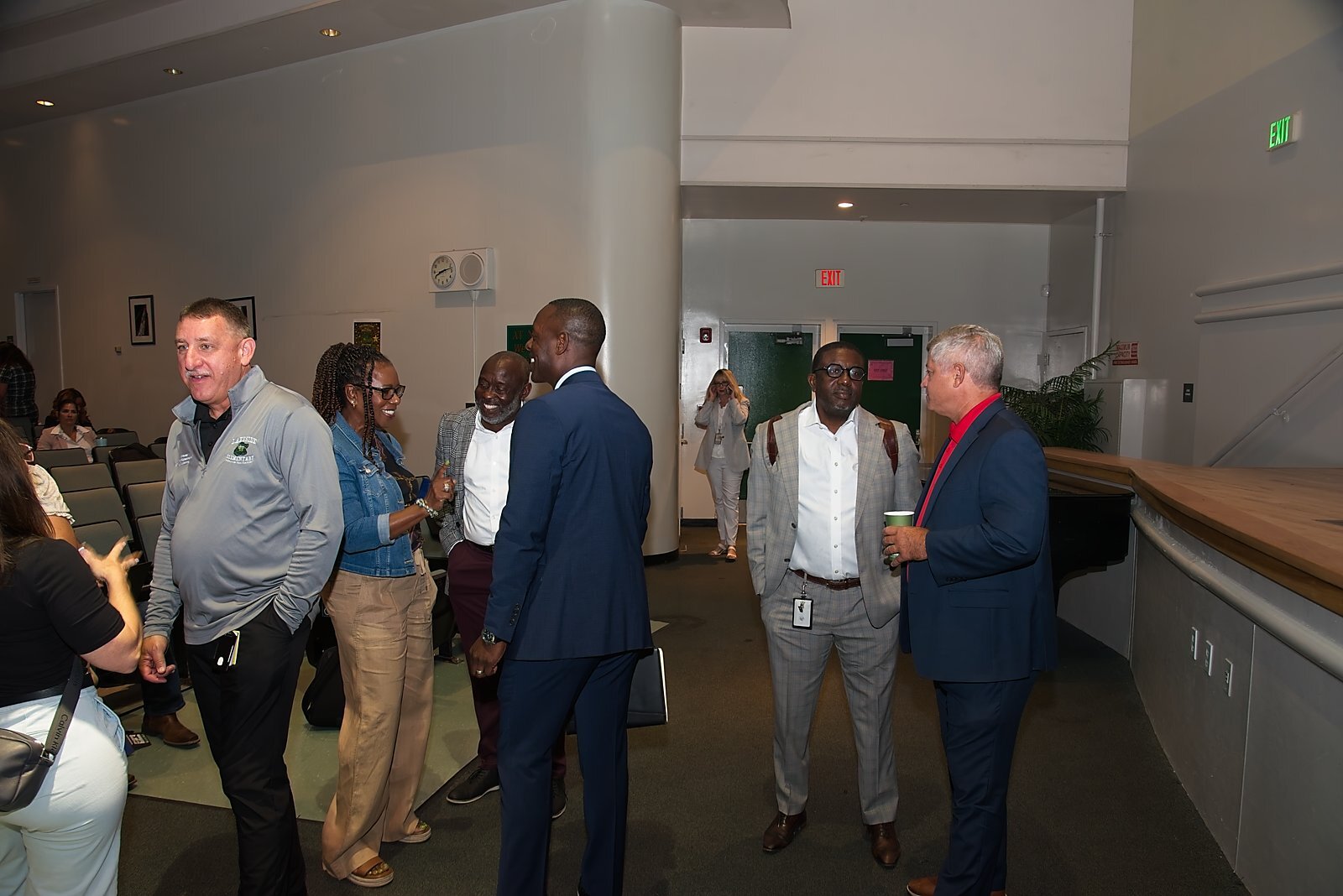
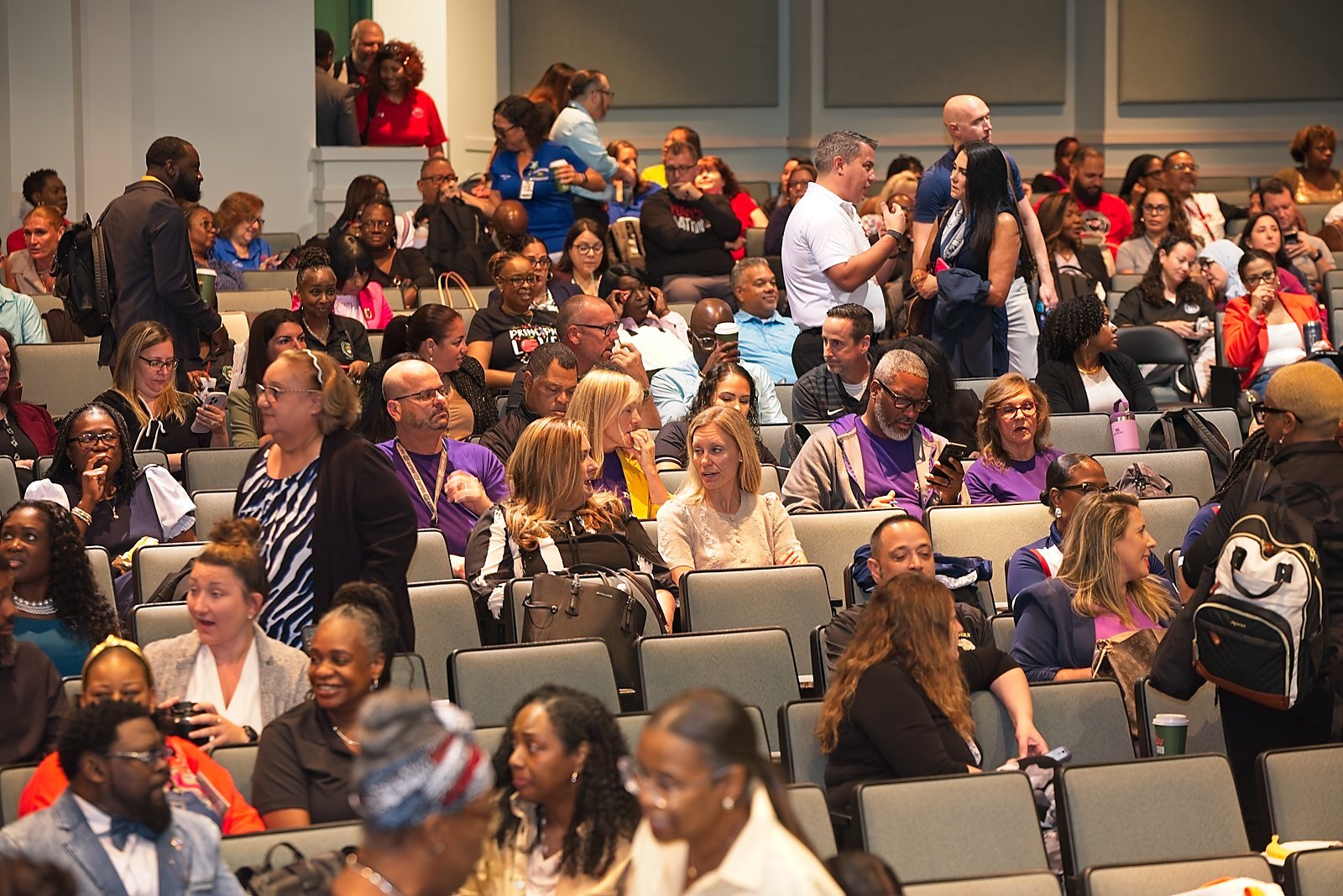
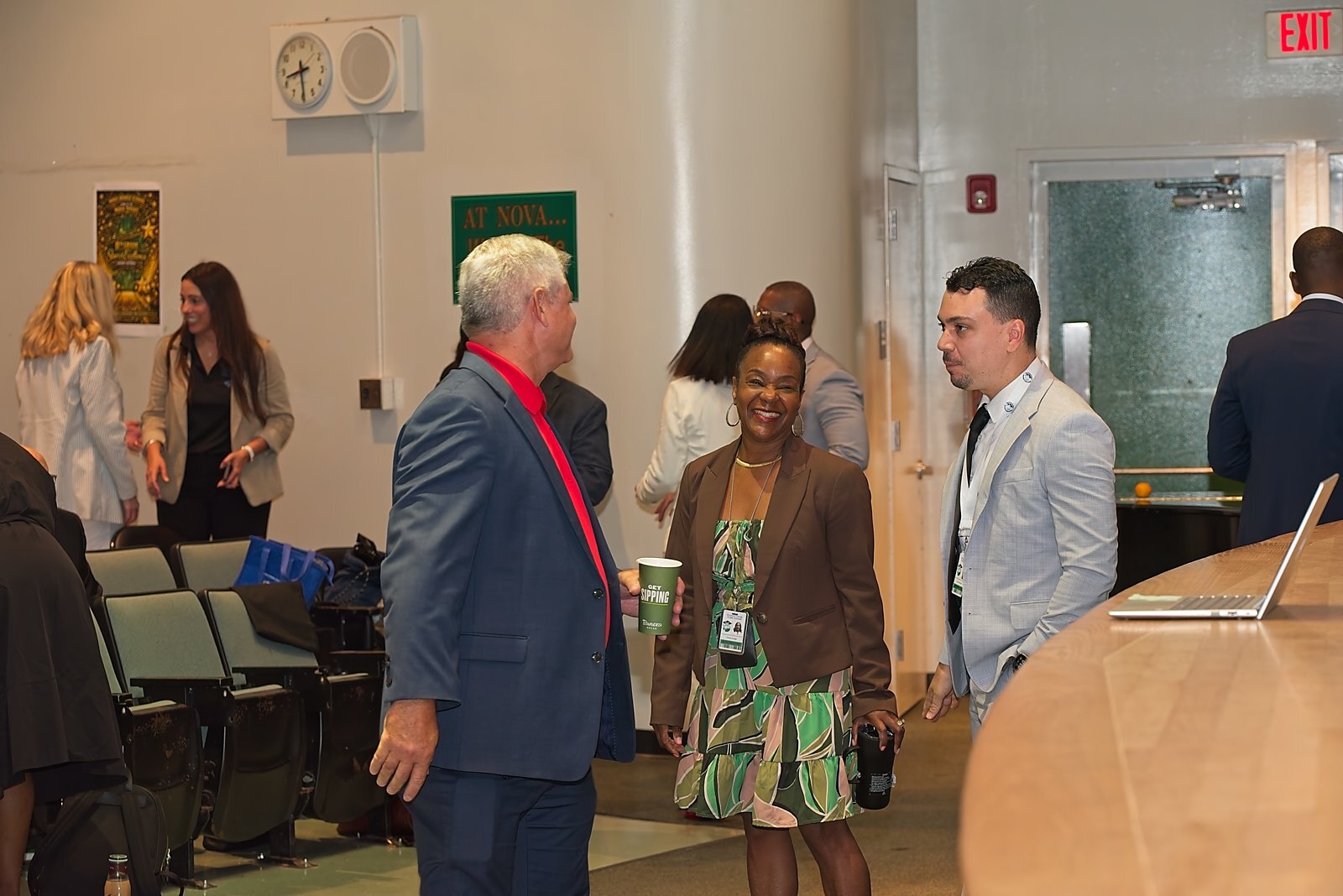
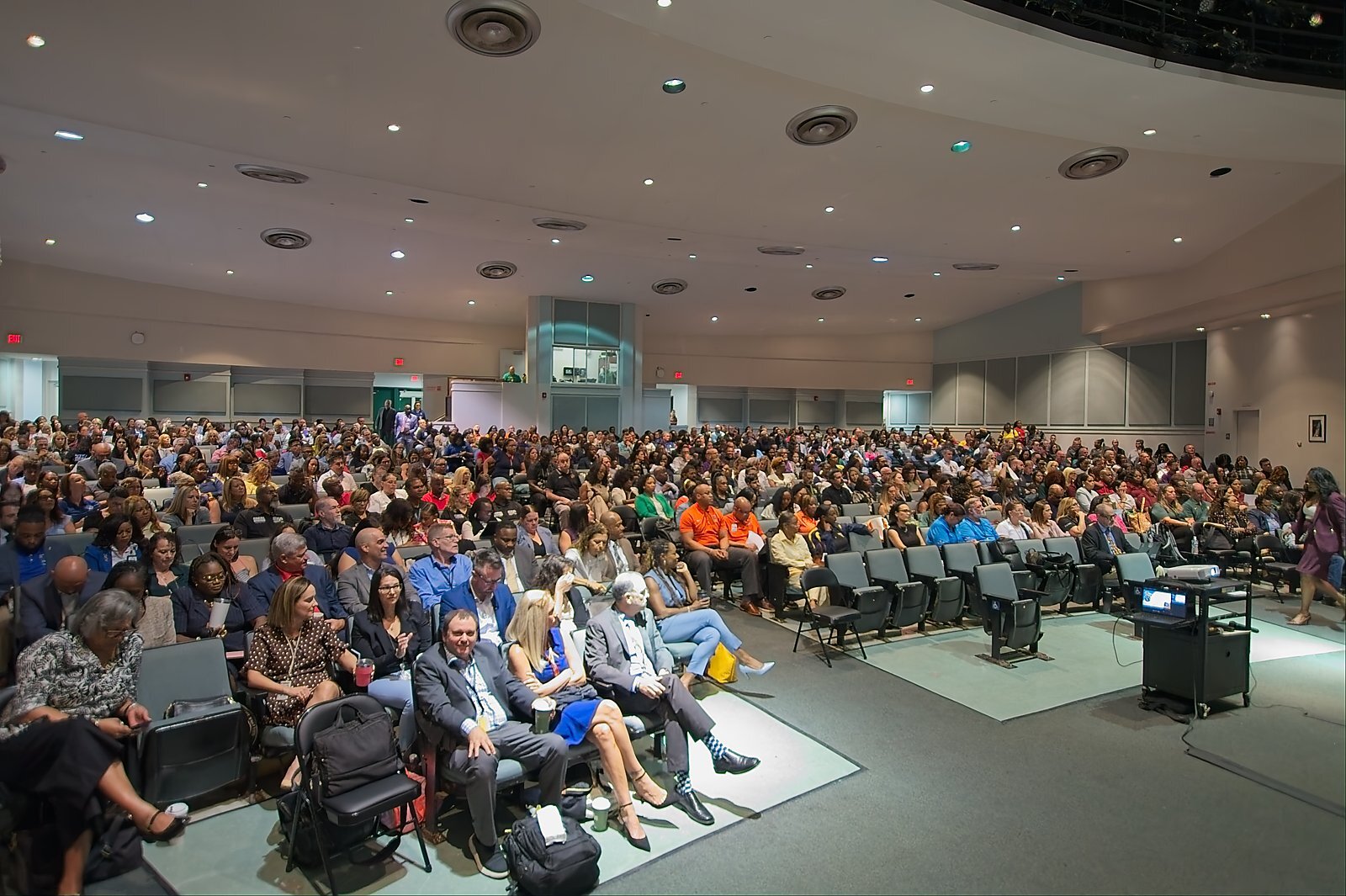
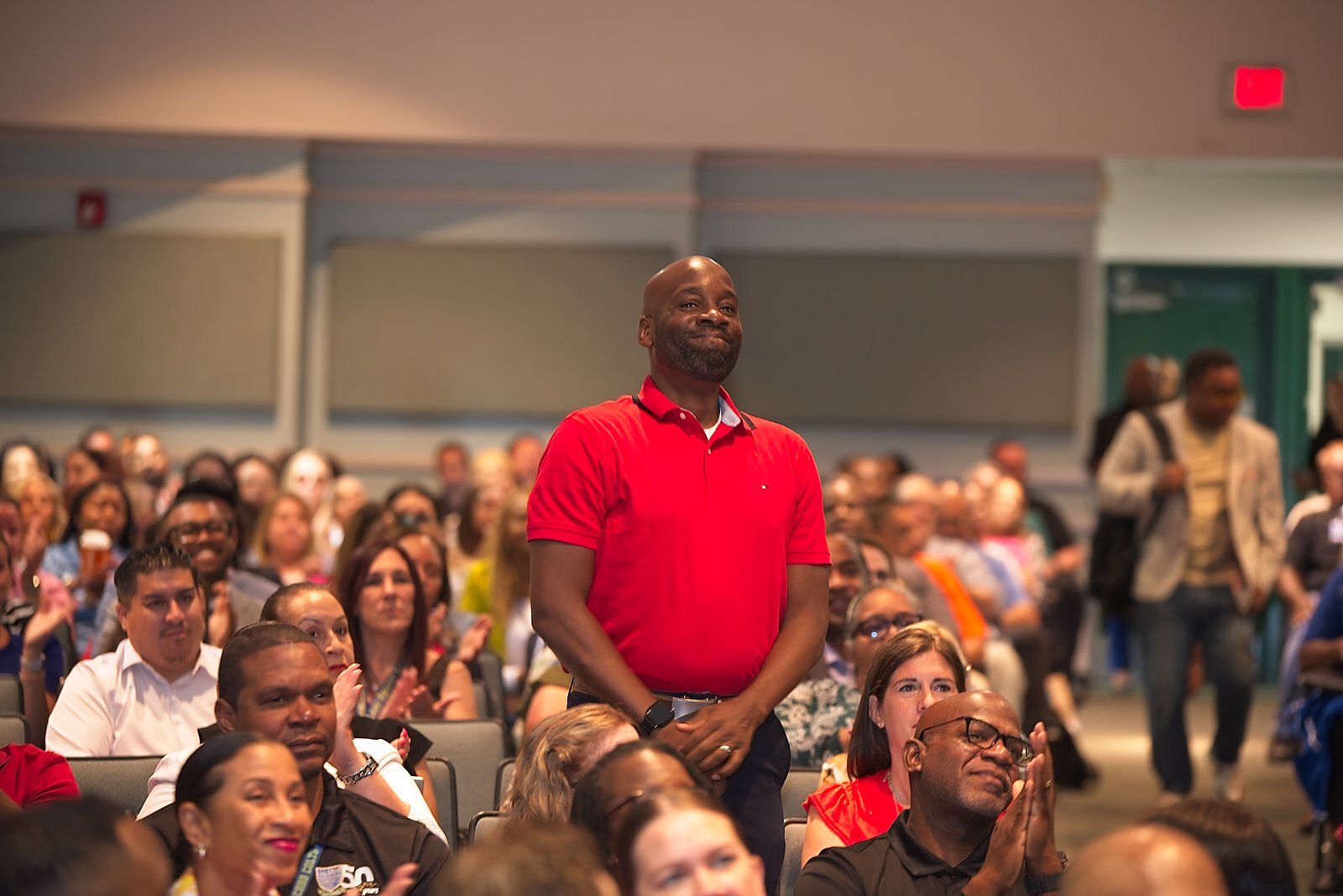
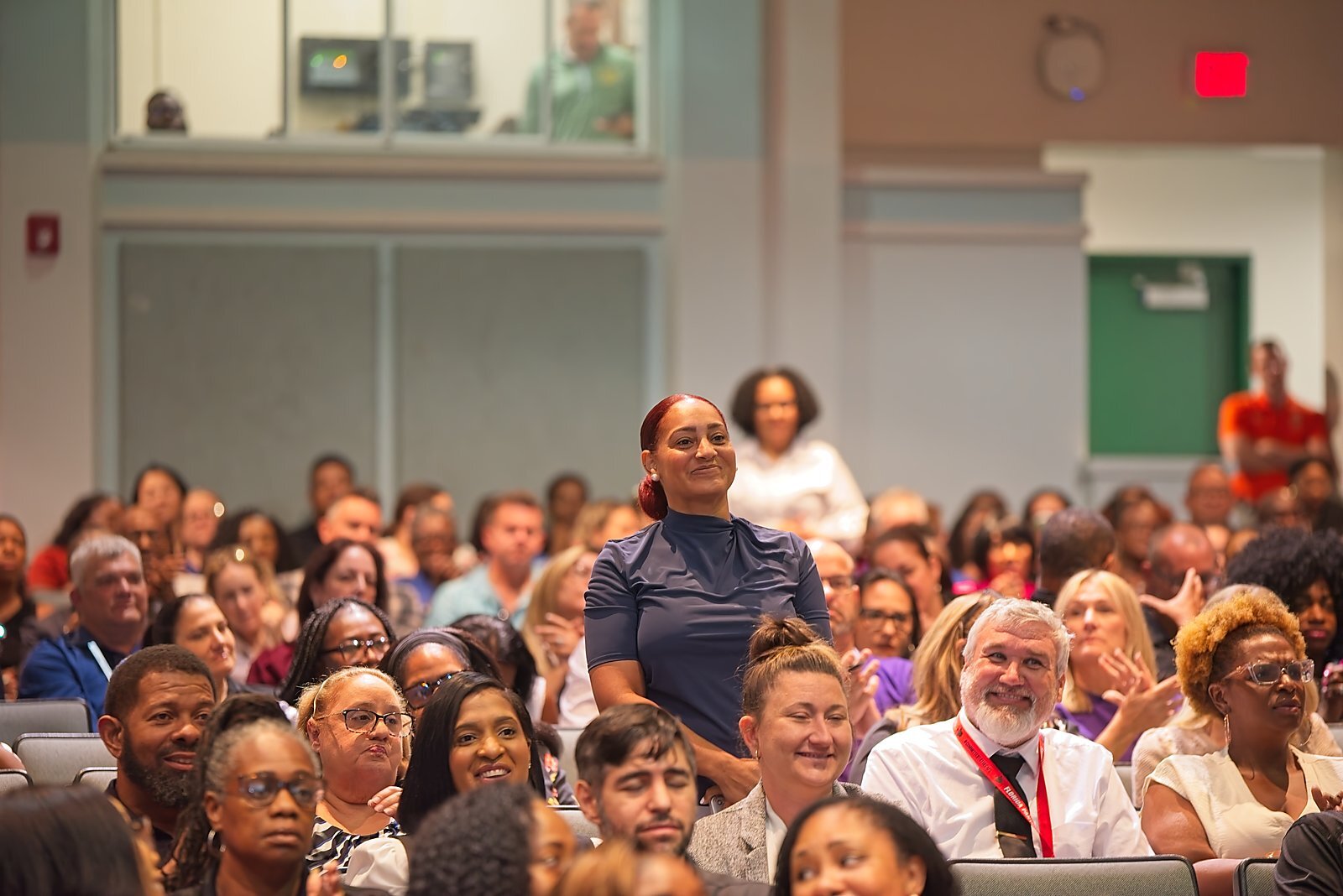


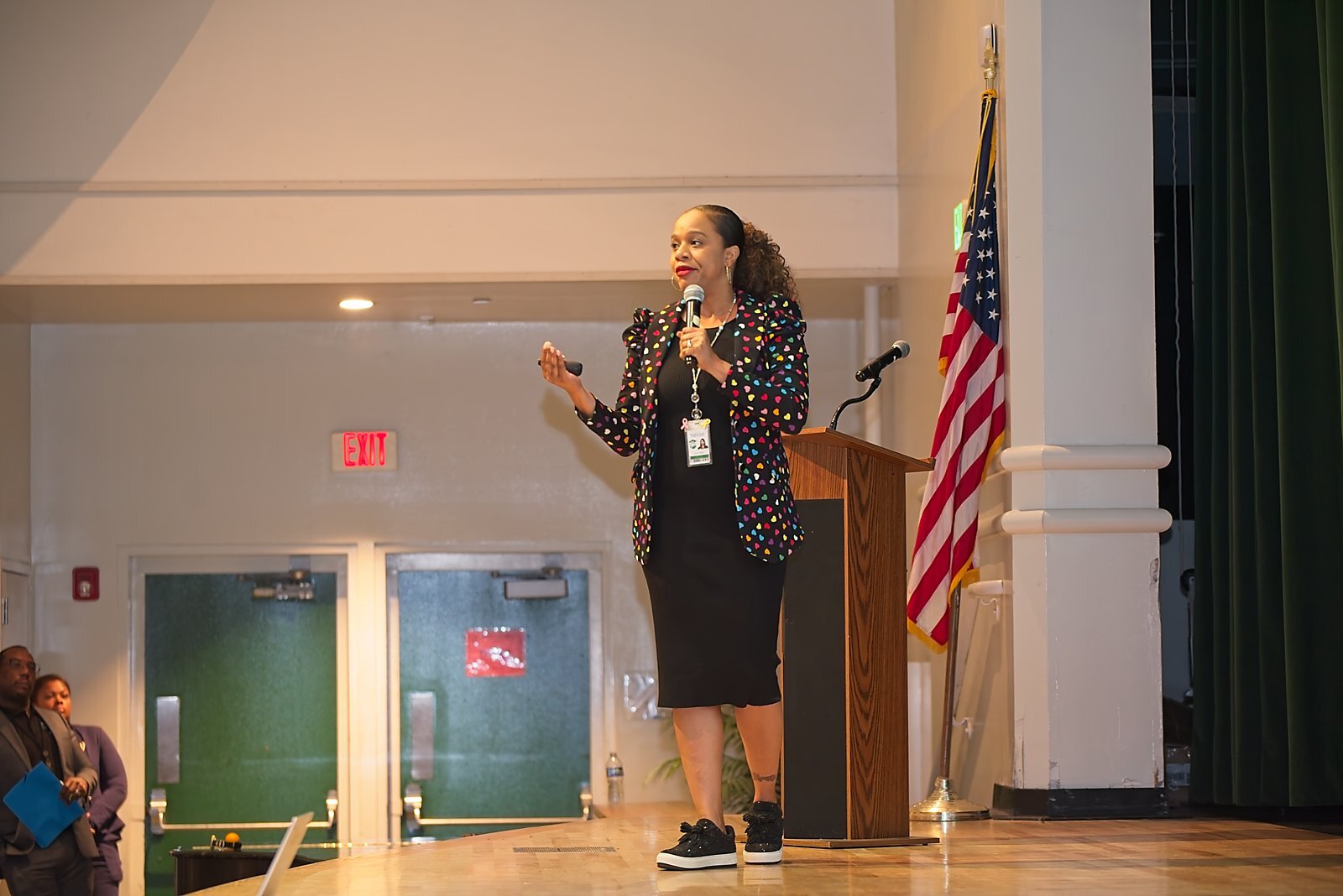
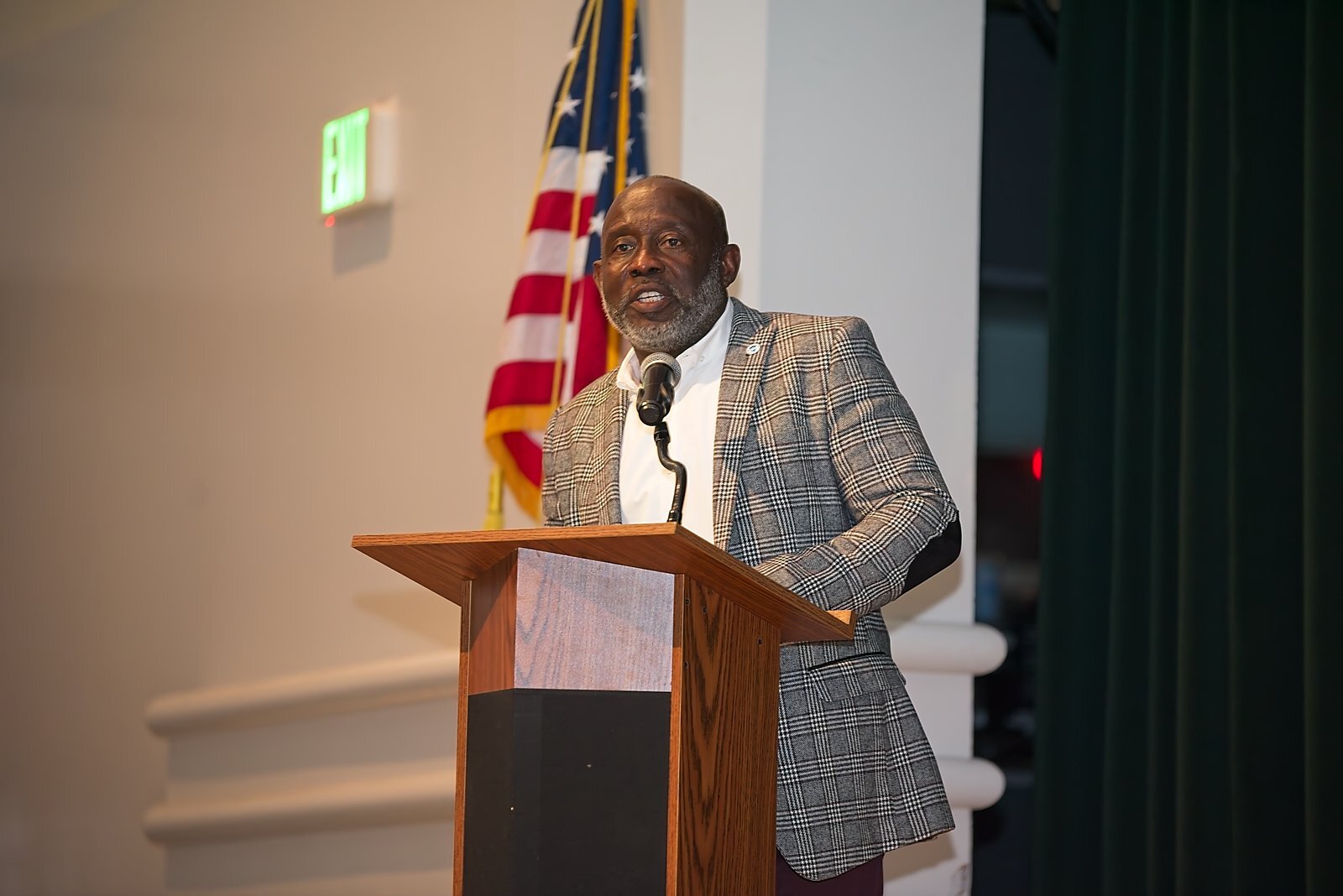
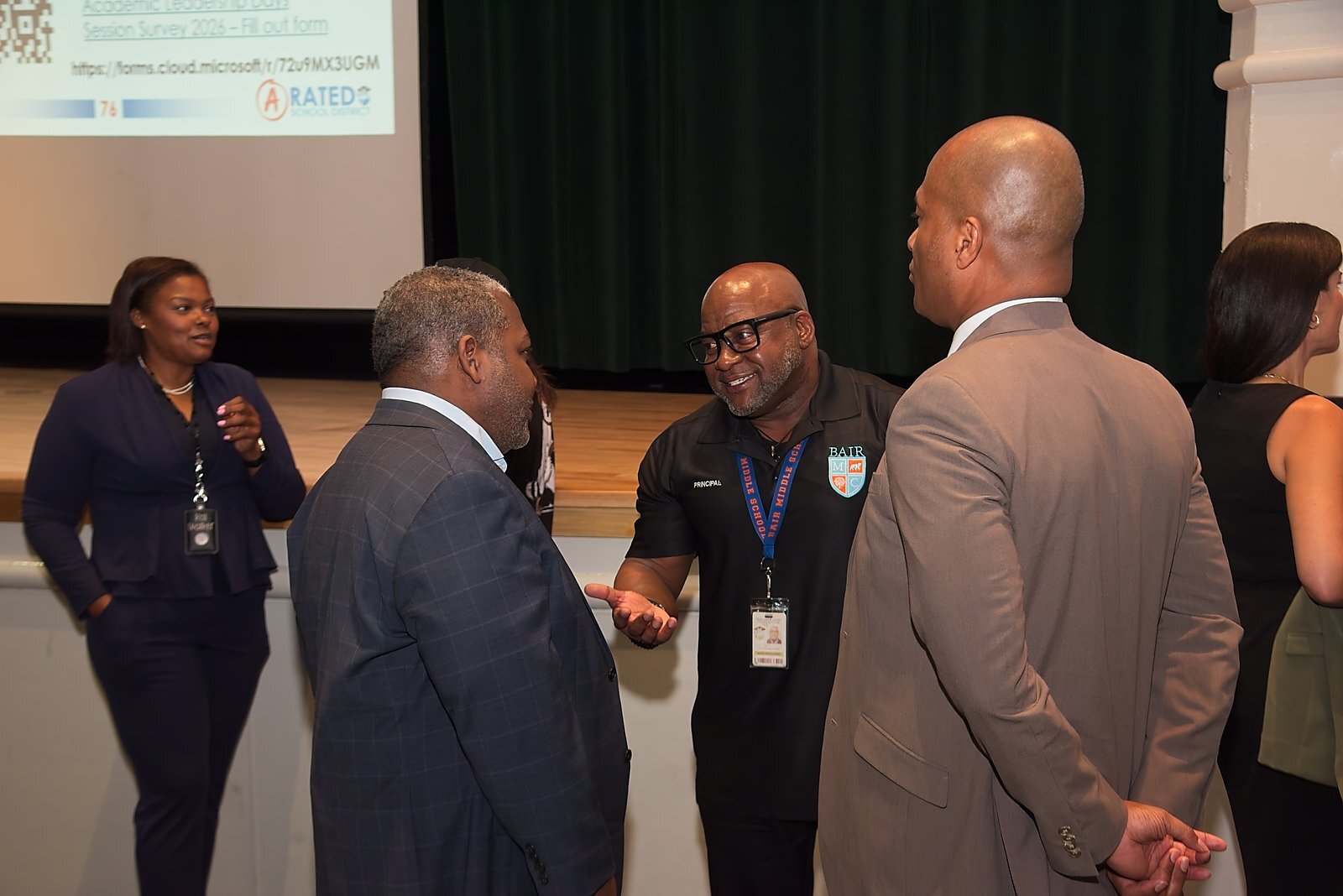
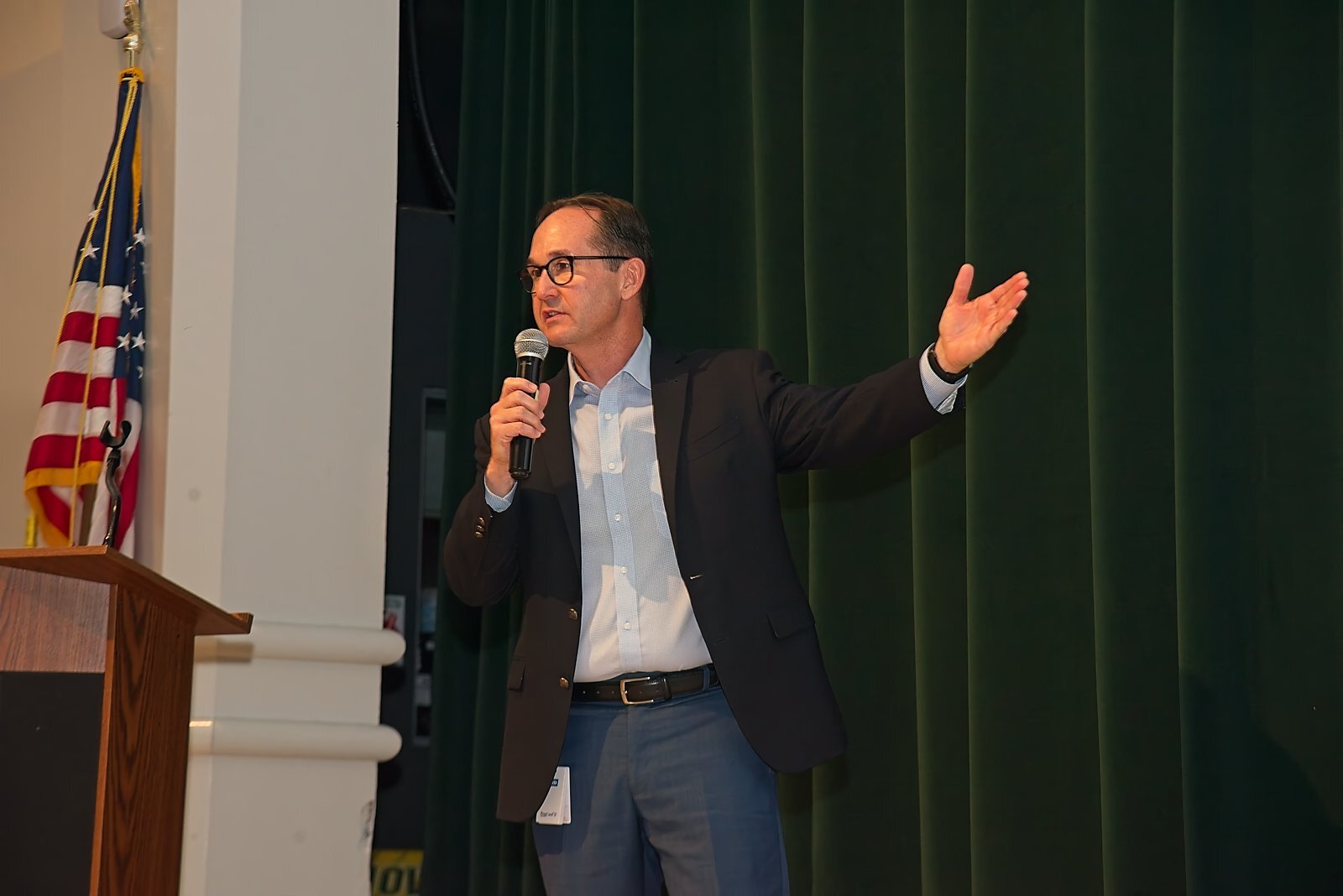
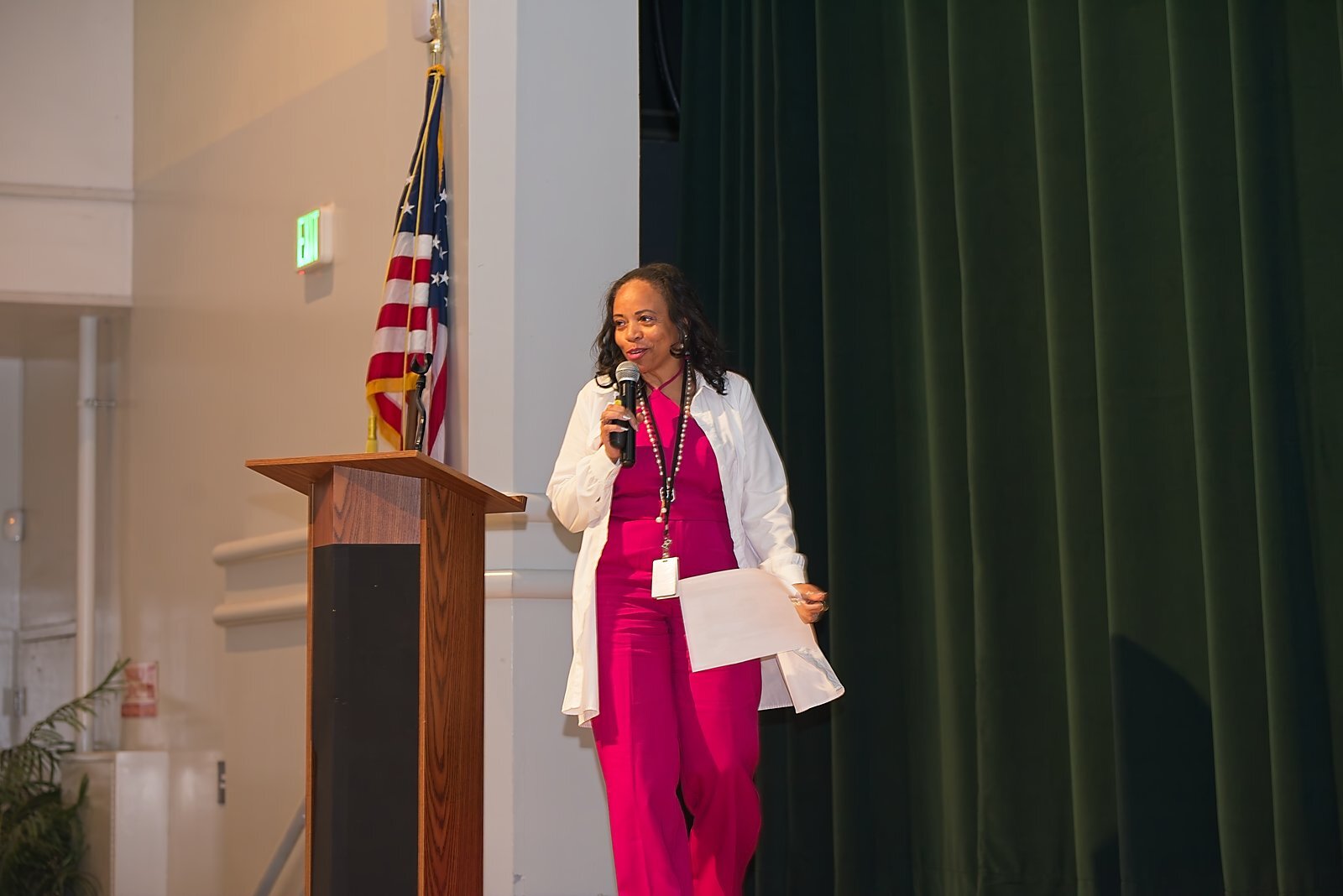
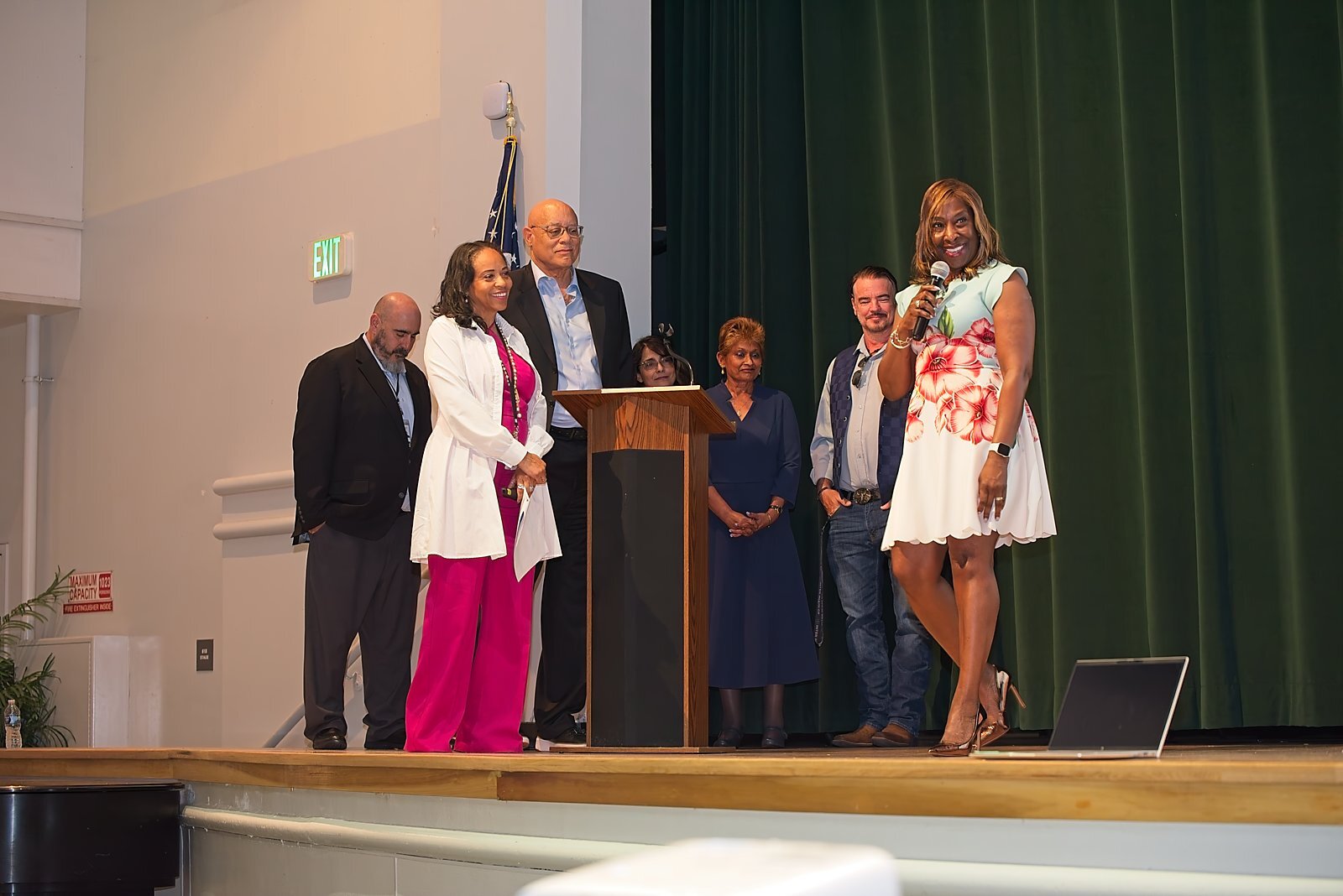
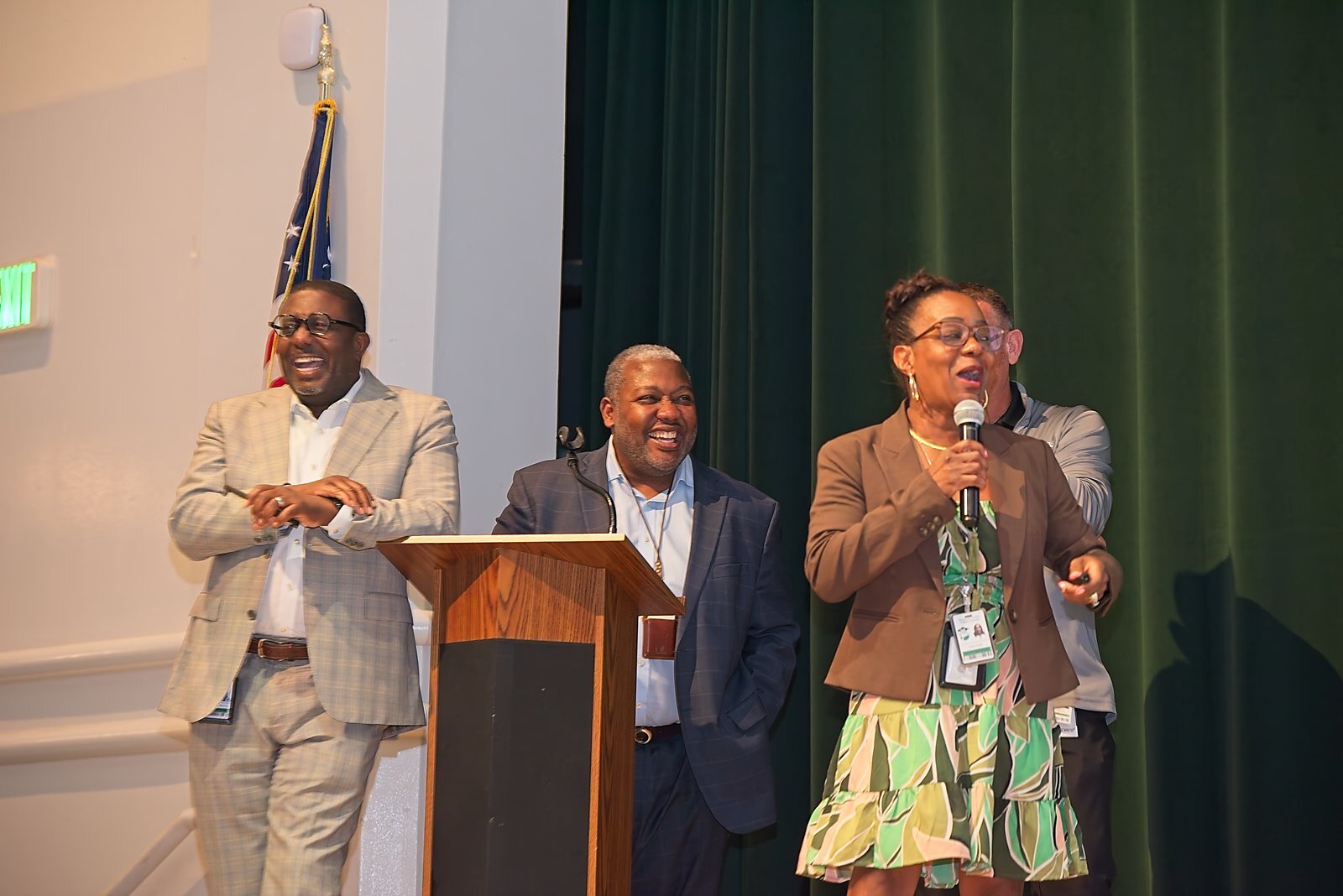
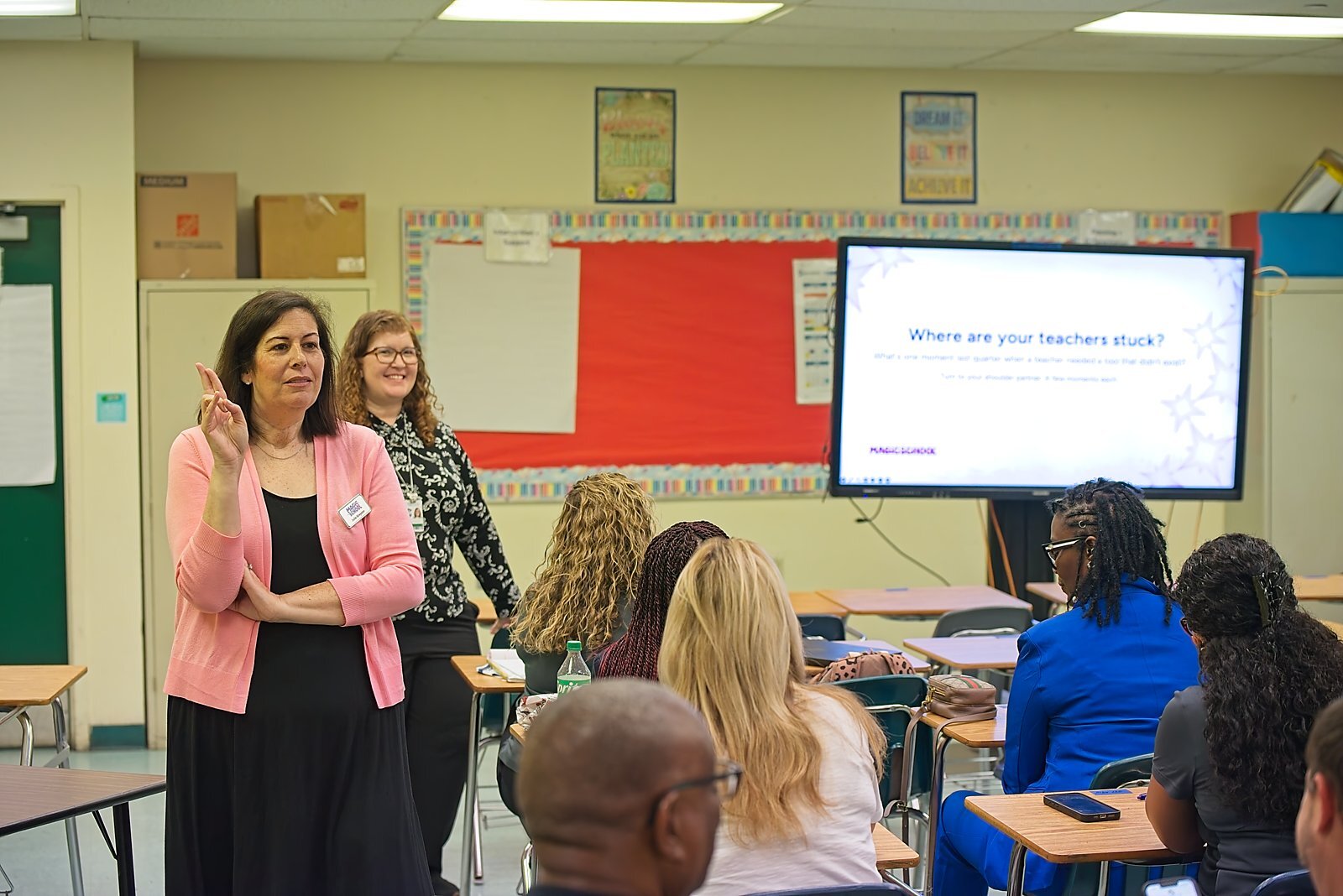
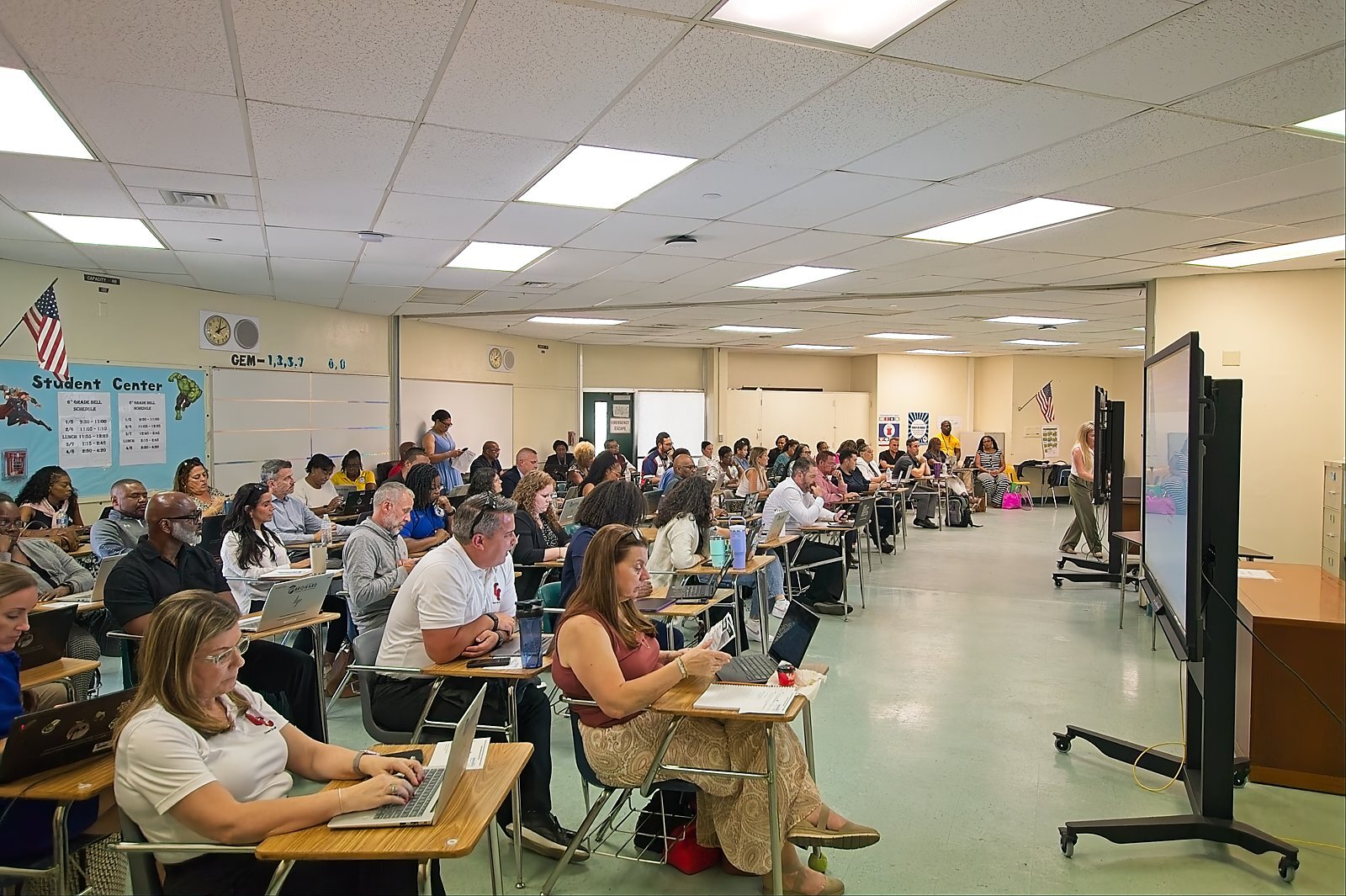

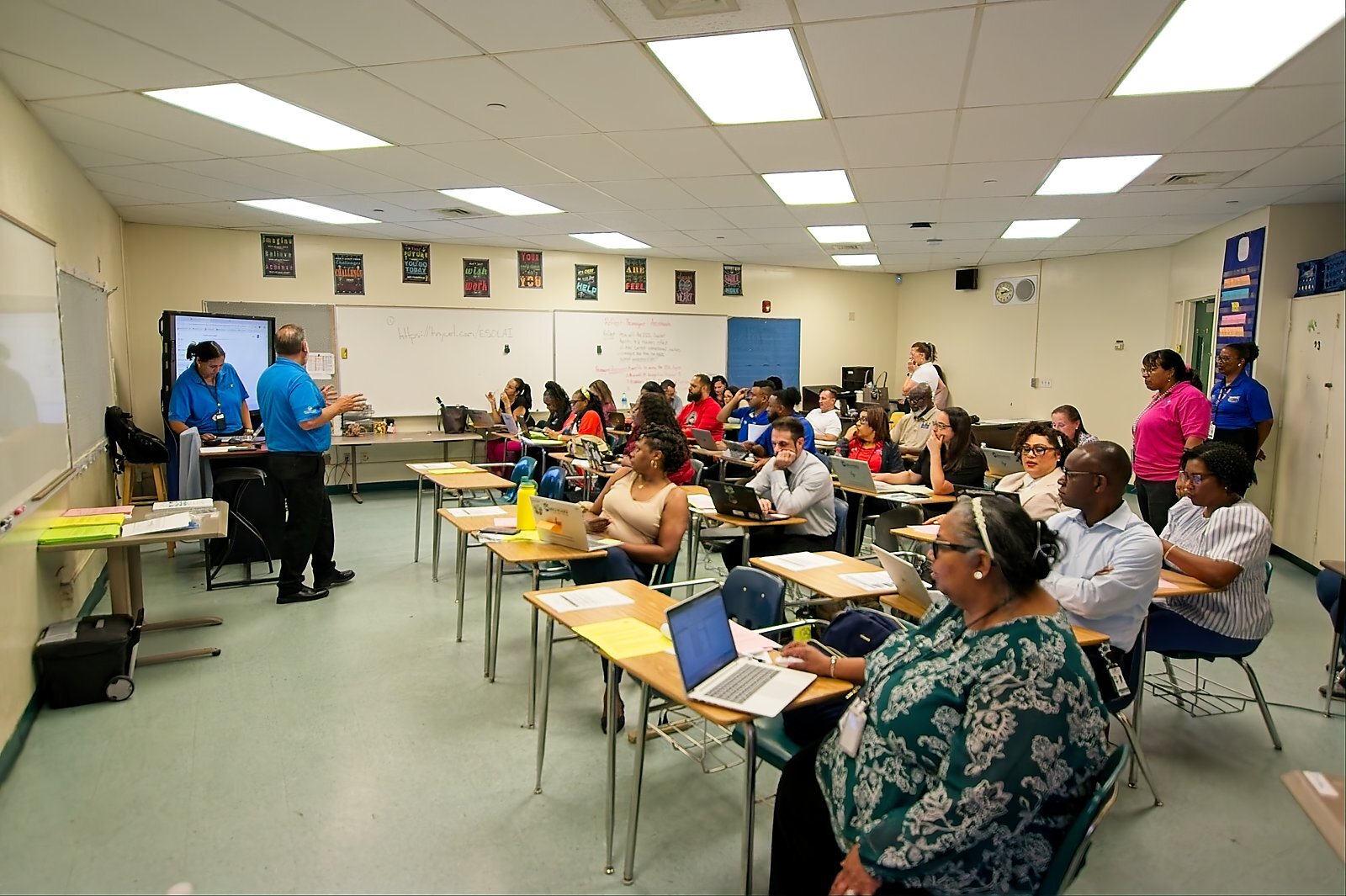
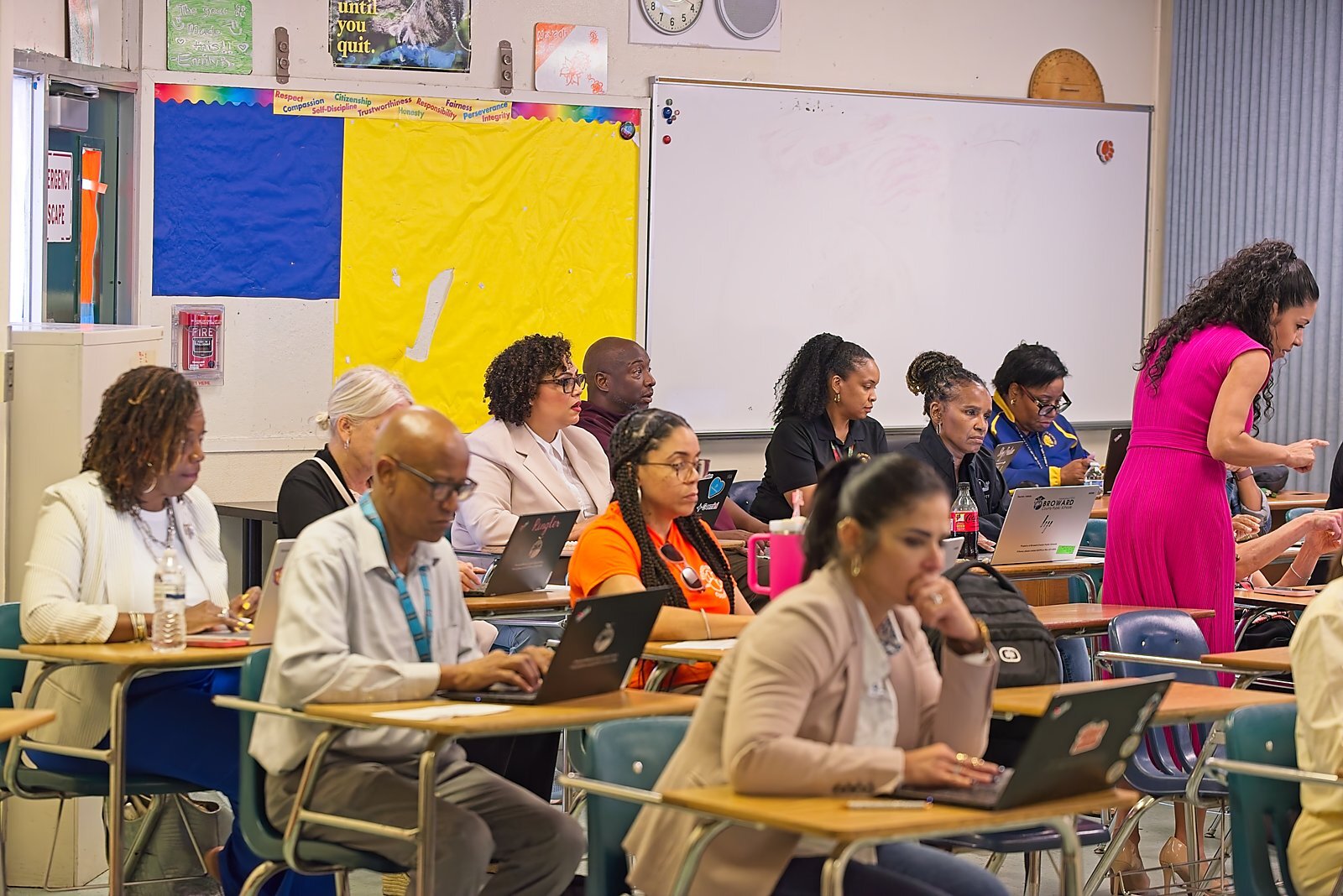
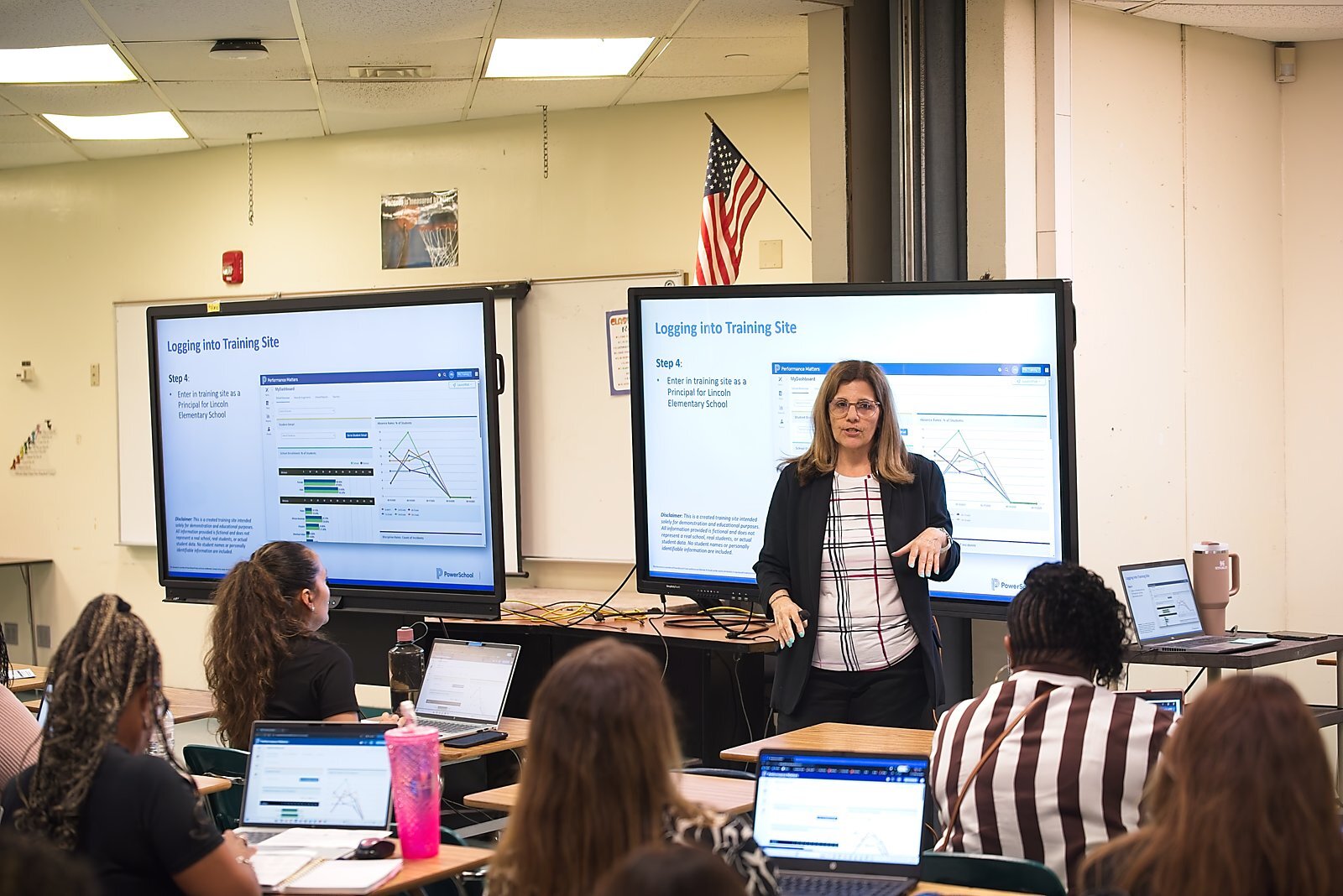
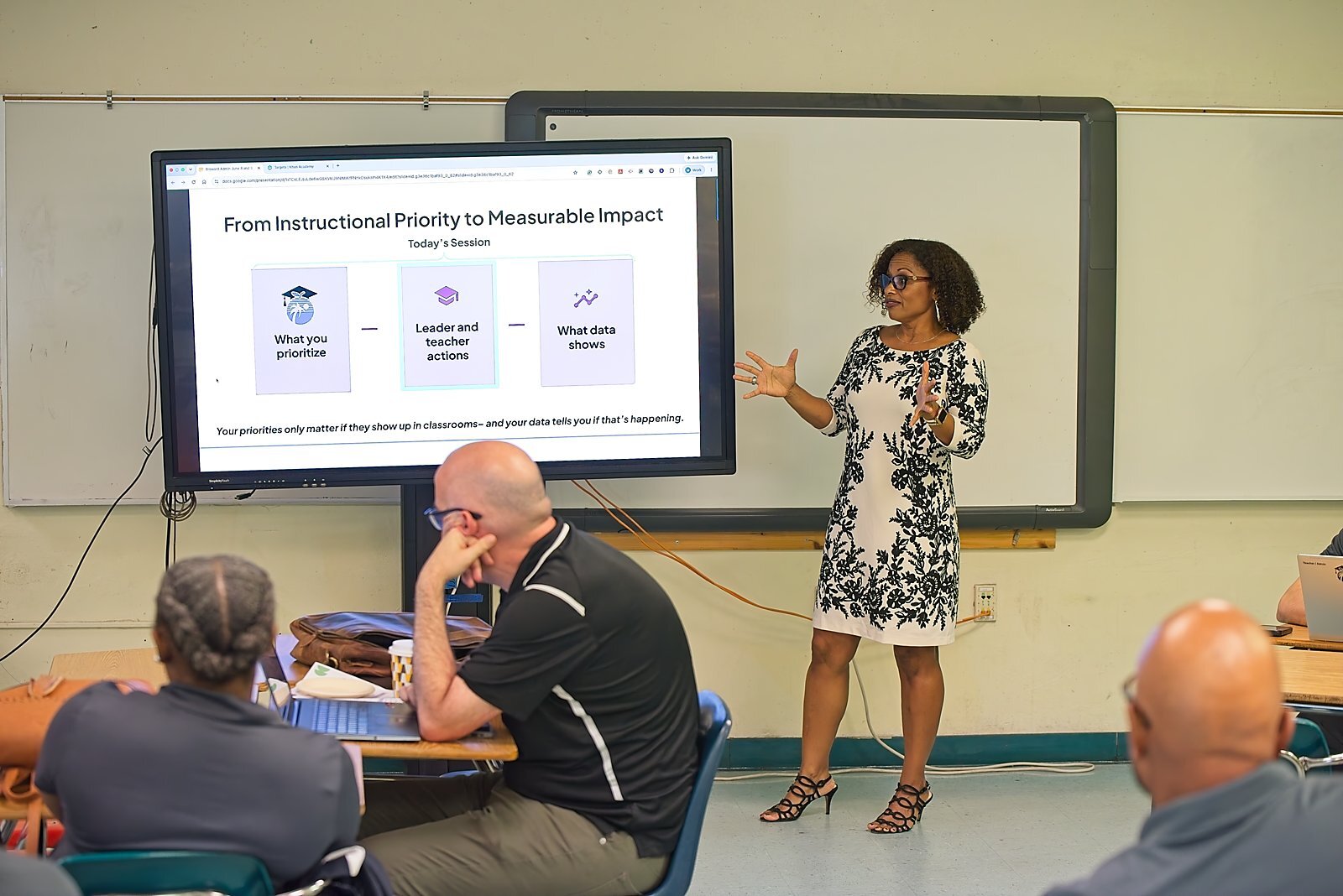
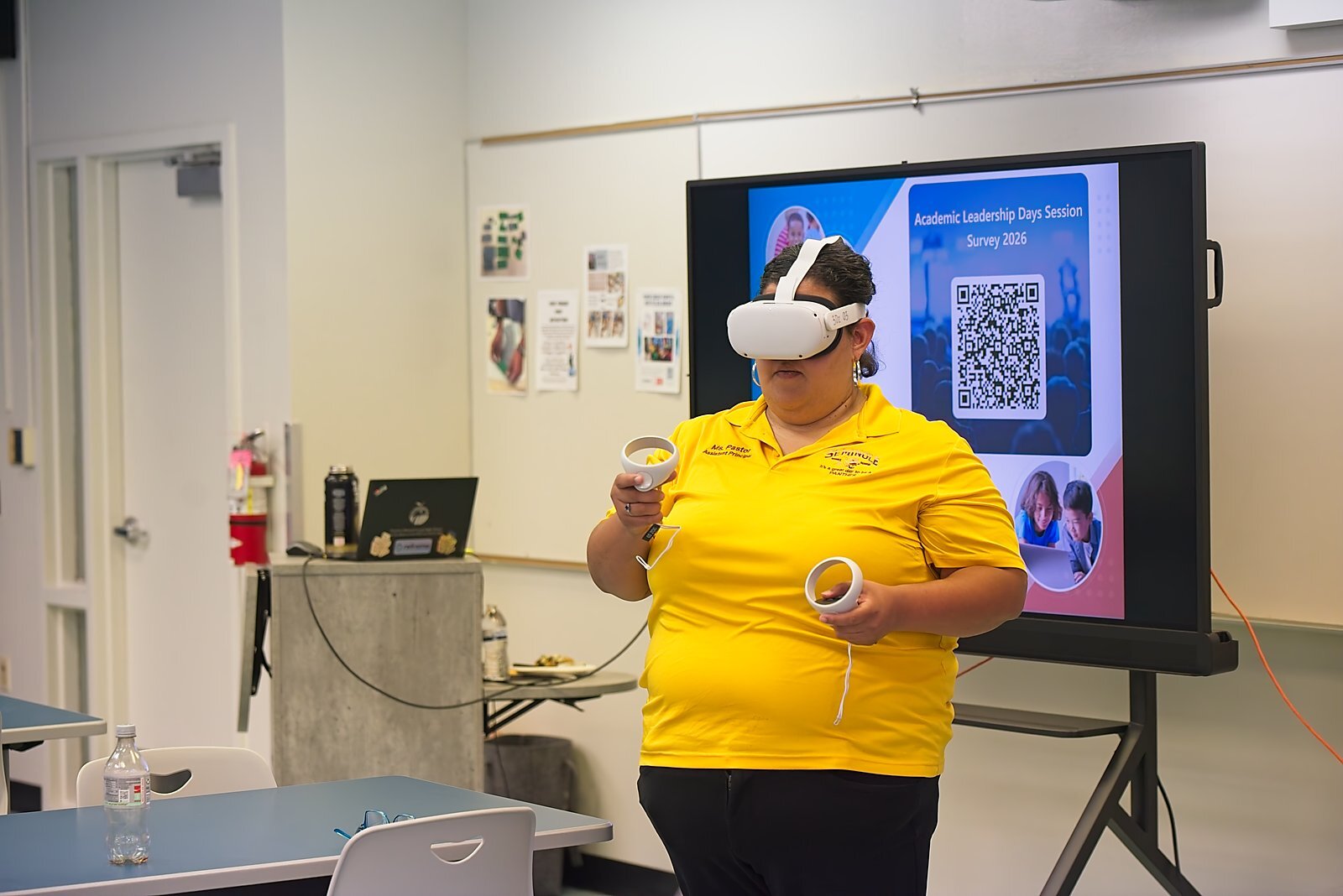
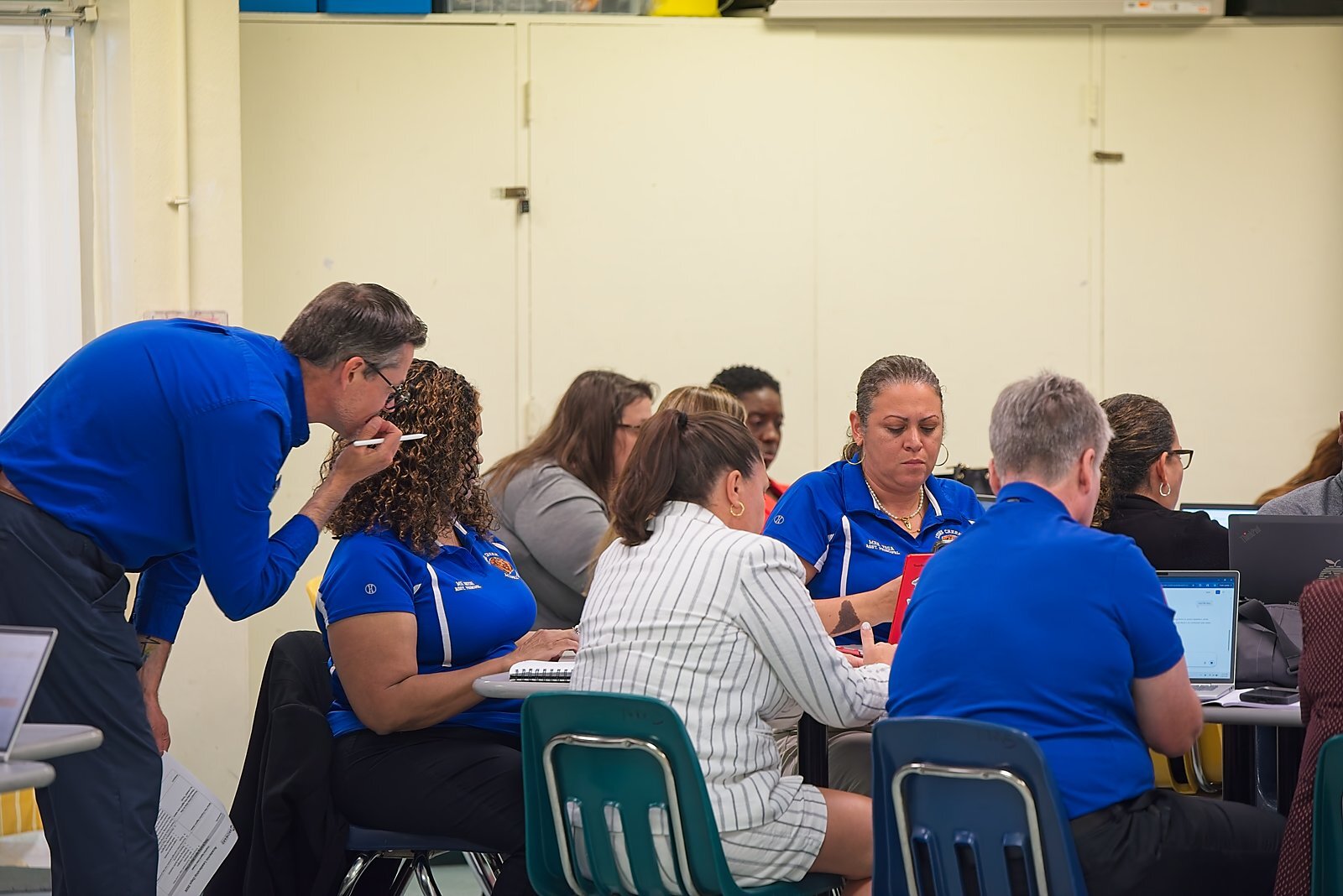
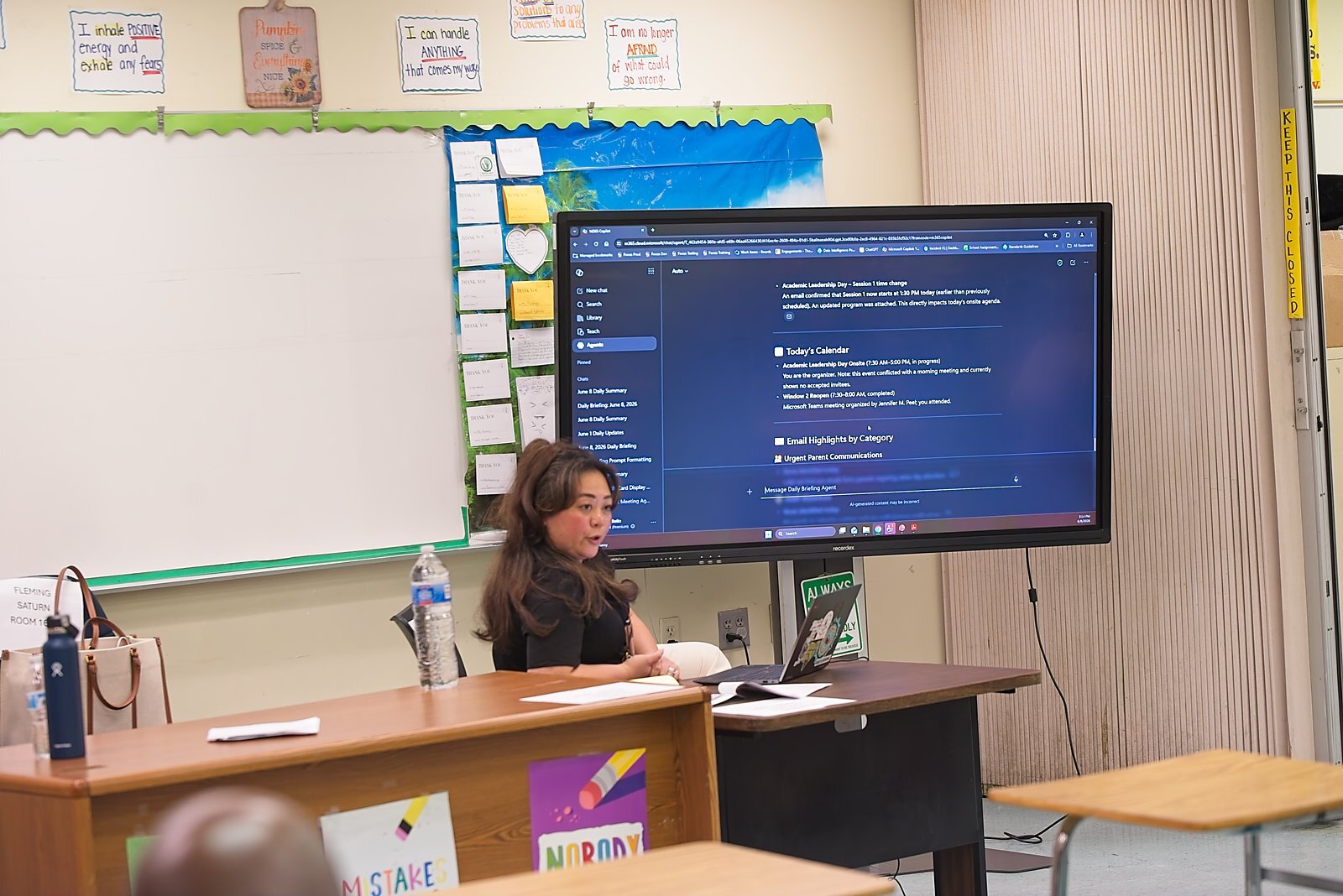
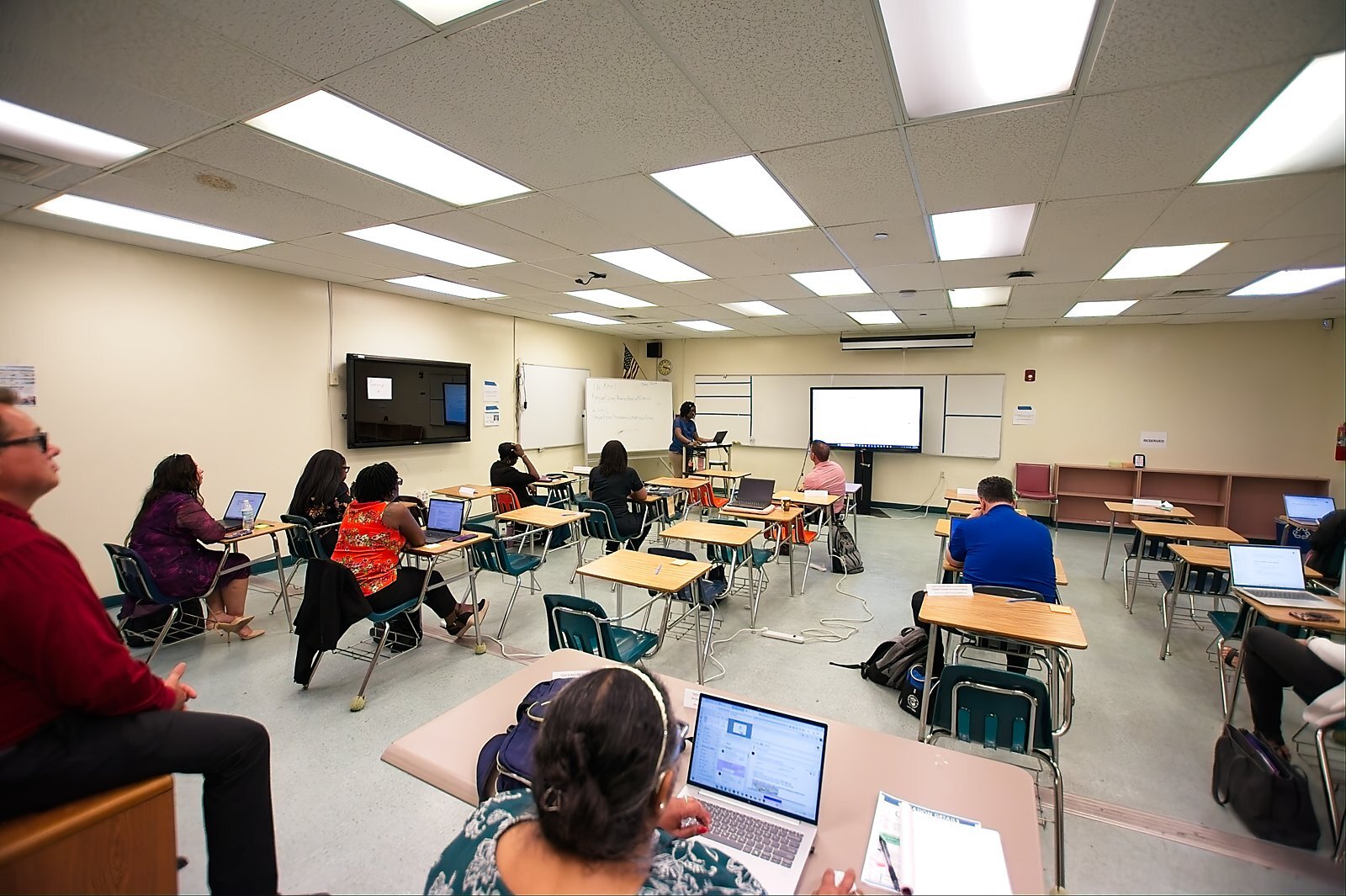
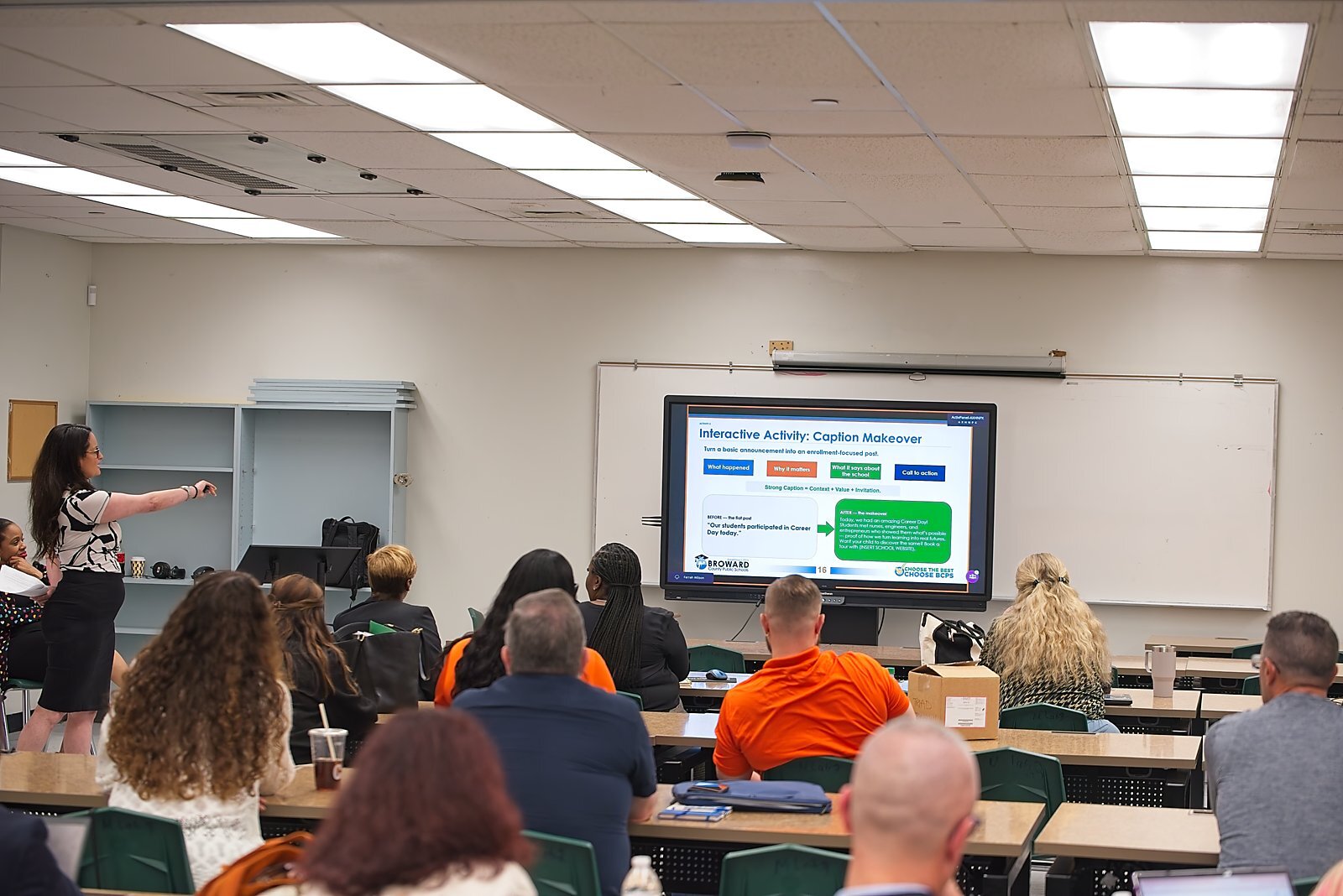
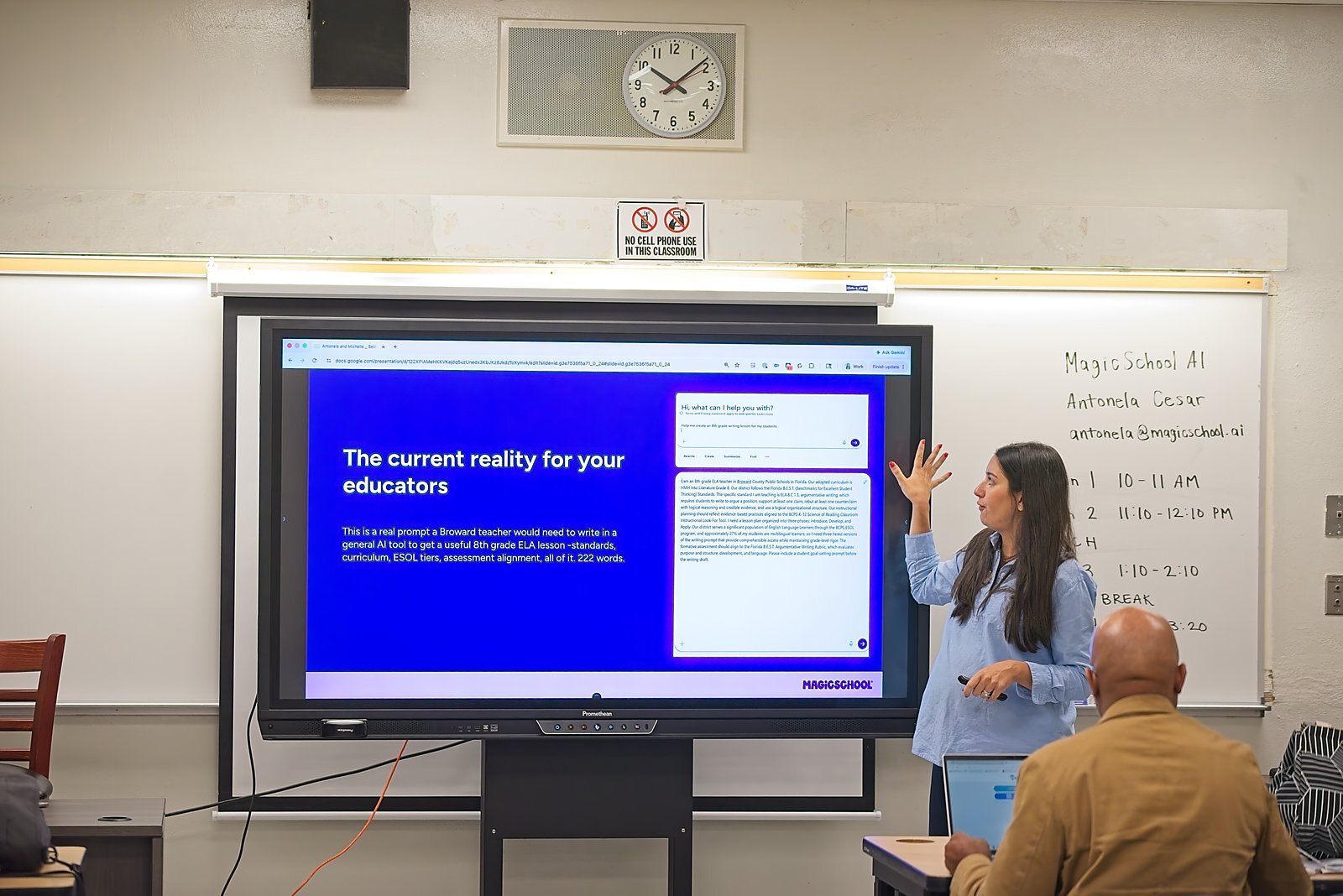
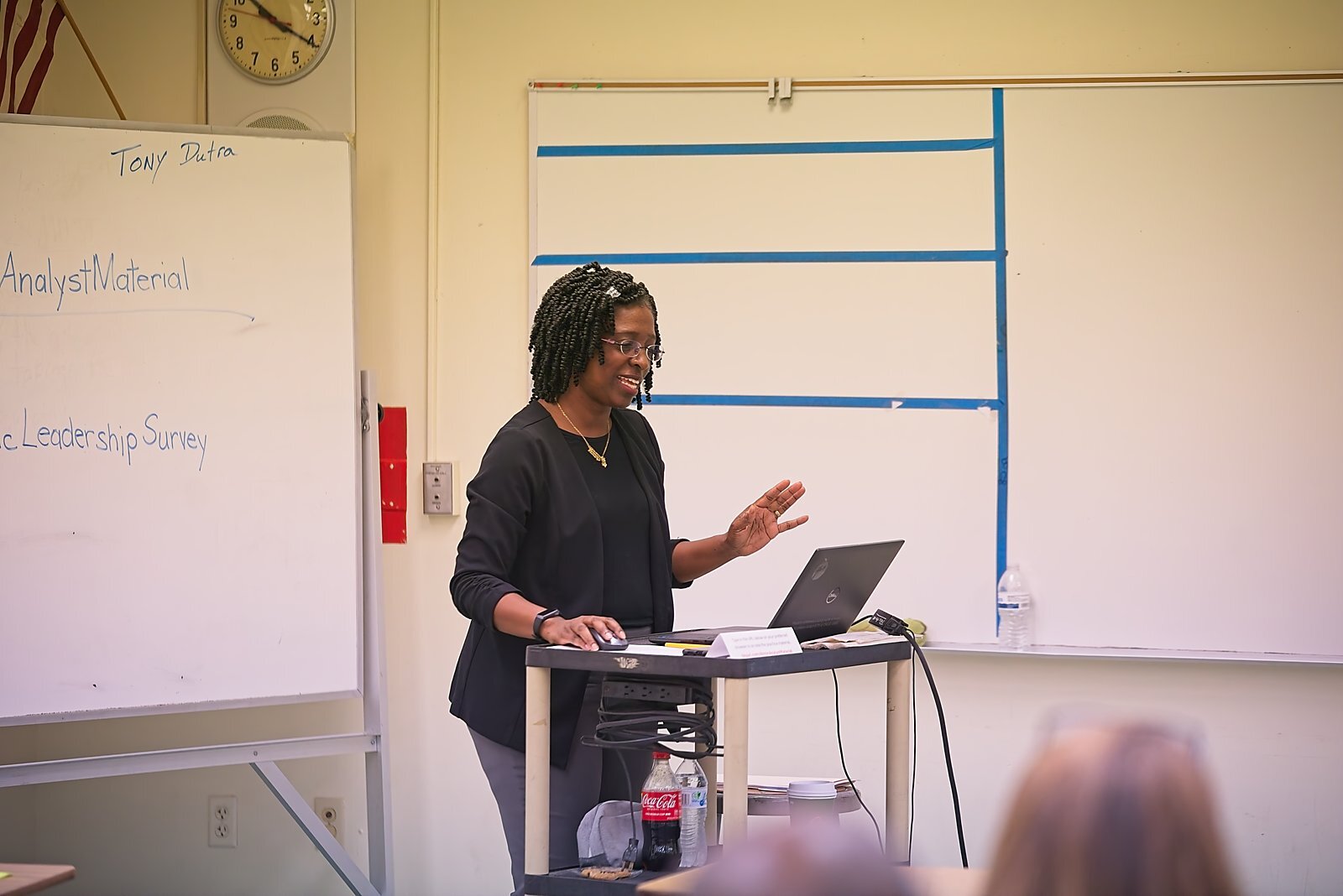
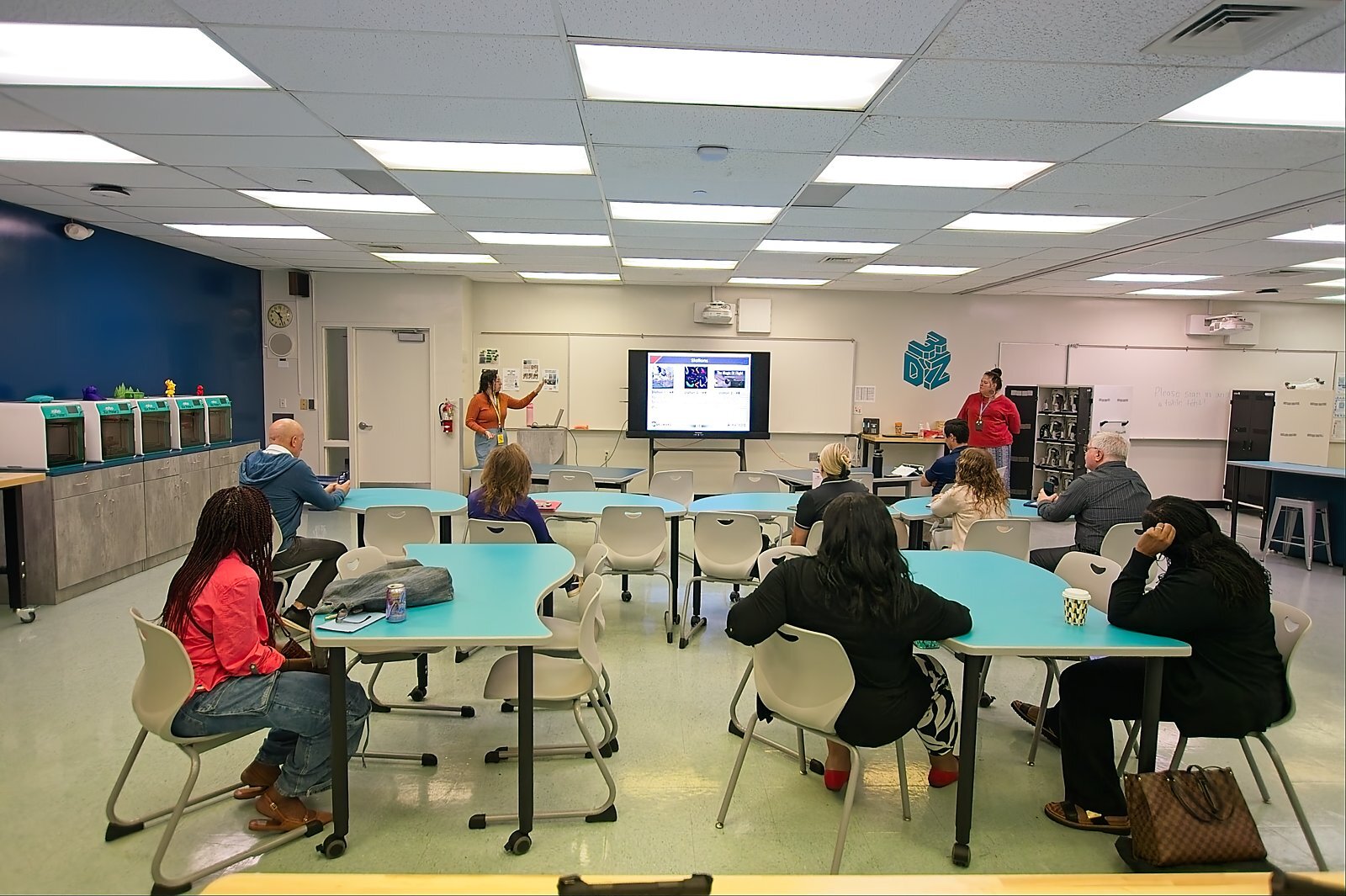
Breakout session tracks
Academic Leadership Days, June 8 & 9, 2026, ran four repeating breakout sessions across administrator regions.
ESE Strategic Goals & AI Integration
Better Together: Unlocking the Power of Microsoft and MagicSchool & Microsoft Copilot: Supporting Learning
Microsoft Education Tools
Copilot Teach – ITFs
Leadership Days presentations & session materials
Real session materials from Academic Leadership Days, provided by BCPS.
Resources and policies
BCPS Policy 8500
School and District Technology Usage.
BCPS Code of Student Conduct
Digital citizenship and academic integrity.
Source: Broward AI Support: District and School Leadership One-sheet, Approved Documents / 1 Landing Page, BCPS SharePoint. Used as written, per Sean Russell's placement decision on July 16, 2026 to give this content its own section rather than folding it into Parent Resources. Academic Leadership Days photos, tracks, and materials: BCPS Academic Leadership Days Program 2026, Approved Documents / 6 Community, BCPS SharePoint.